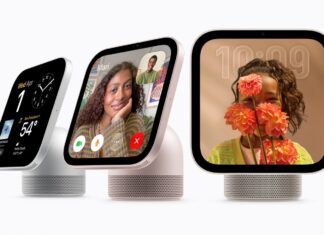
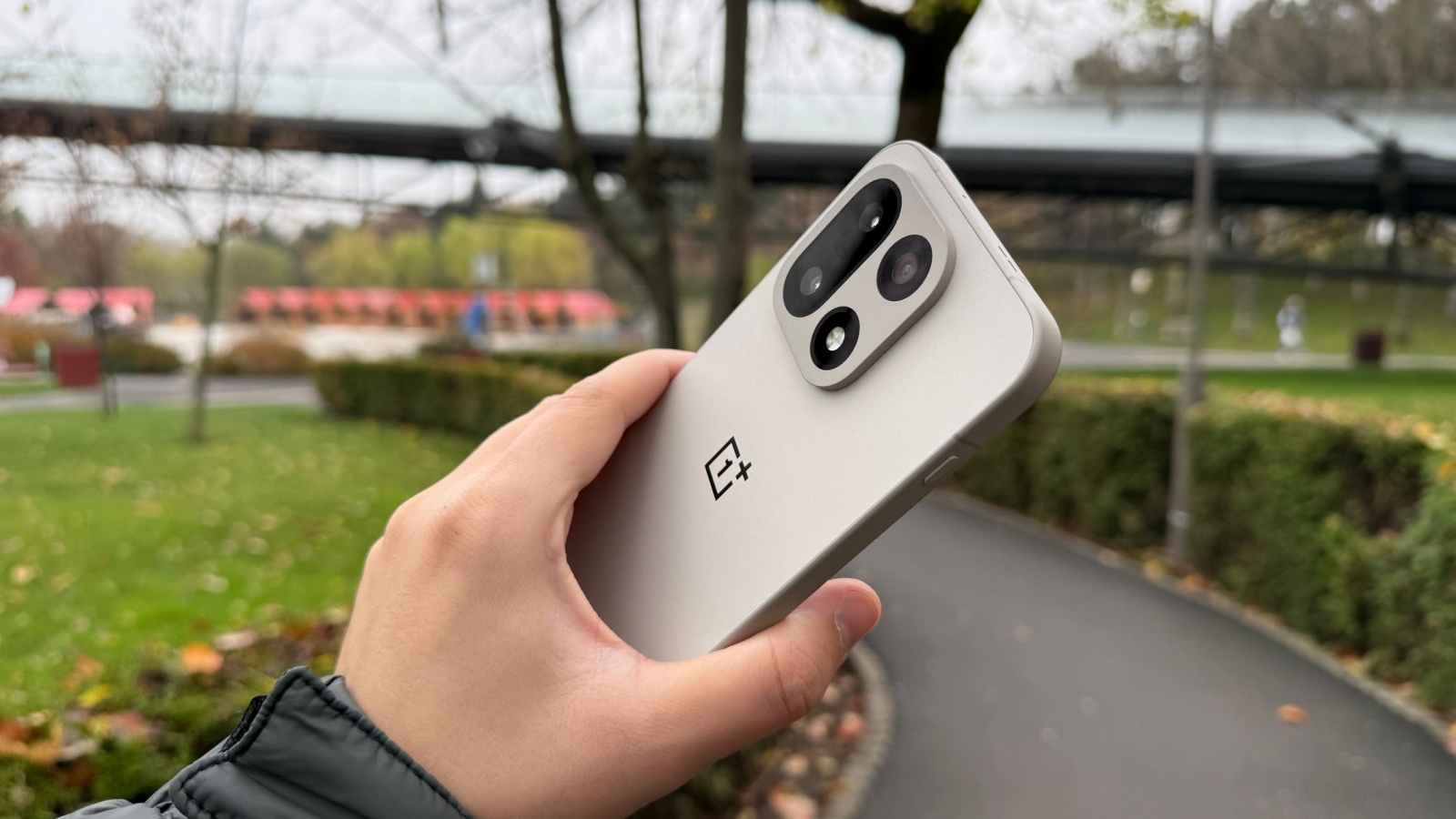
OnePlus is adding an option that can automatically unlock a PC when an eligible phone or tablet starts a configured remote connection through Device Connect. The feature, called “Automatically unlock when connected,” saves the PC password so users do not need to enter it manually at every remote-session login.
The setting is designed for remote access sessions rather than proximity-based unlocking. In other words, the PC is unlocked as part of an already configured Device Connect connection; it will not unlock simply because a OnePlus device is nearby.
To enable it, users first begin a remote connection to the PC. From the session’s floating menu, they can select More, then Unlock PC, and turn on Automatically unlock when connected.
OnePlus identifies the rollout as version C20P01(BRB1EX01) for phones and C20P01(BRB3EX01) for tablets. Distribution is staged, with the company expecting eligible models to receive it around November 19, 2026.
Eligible OnePlus devices
The feature requires OxygenOS 16 or newer and is planned for the following devices:
- OnePlus Open
- OnePlus 15 series
- OnePlus 13 series
- OnePlus 12 series
- OnePlus 11 series
- OnePlus 10 Pro
- OnePlus Nord 6
- OnePlus Nord 5
- OnePlus Nord 4
- OnePlus Nord 3
- OnePlus Nord CE5
- OnePlus Nord CE6 series
- OnePlus Nord CE4 series
- OnePlus N6x
- OnePlus Pad 4
- OnePlus Pad 3
- OnePlus Pad 2
- OnePlus Pad
- OnePlus Pad Go 2
The same update also includes stability refinements and translation improvements, although the translation changes are listed for devices running ColorOS 17 or later. Automatic PC unlocking is separately specified for OxygenOS 16 and newer, making the staged rollout and final device eligibility the remaining details to watch.