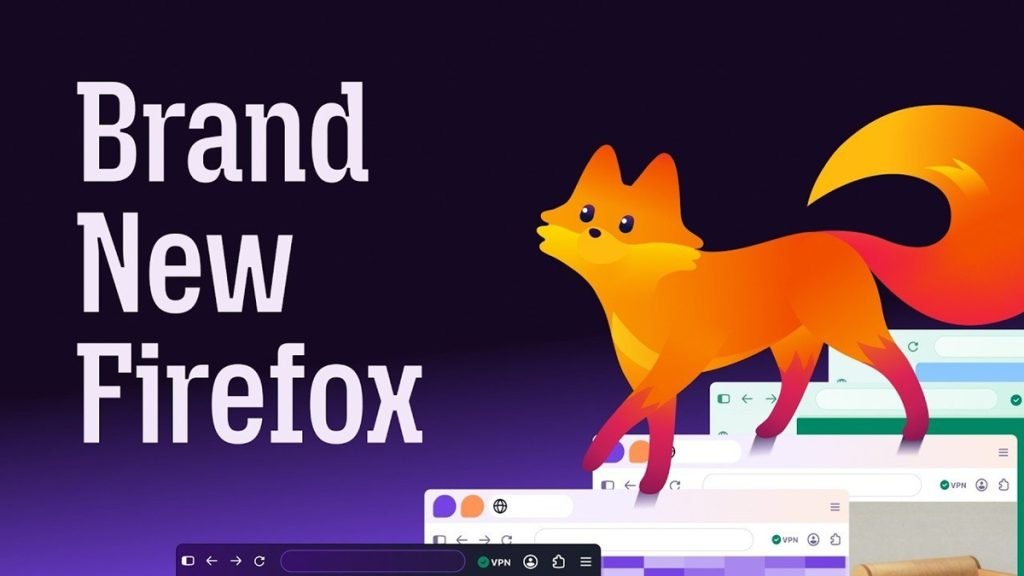
Mozilla has begun rolling out Firefox 157, updating the browser’s visual design across desktop and mobile while adding more interface customization and controls for AI-powered features. The release refreshes Firefox’s colors, icons and themes, with changes extending to tabs, toolbars, the New Tab page and Private Browsing.
Mozilla says the redesign is intended to create a more modern, consistent experience between platforms without affecting browser performance. Firefox continues to position itself as an independent browser with built-in privacy protections.
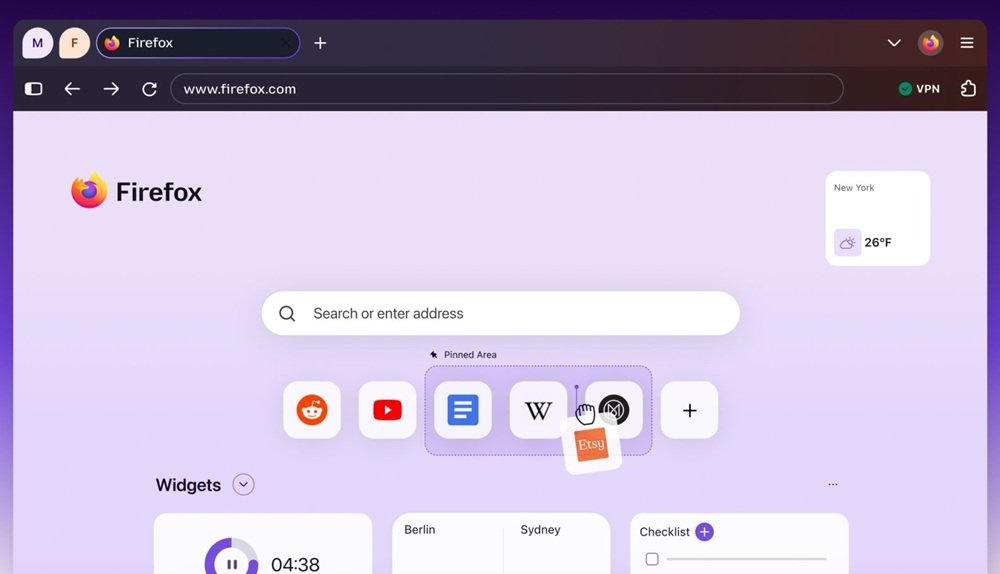
- Compact Mode returns, reducing the size of tabs and toolbars to leave more room for web content. An automatic option can enable the denser layout on smaller displays.
- A new theme picker adds more backgrounds and theme choices.
- The New Tab page gains additional controls over displayed information, plus a dedicated area for organizing and pinning shortcuts to frequently visited sites.
Firefox 157 also expands user control over AI-based tools. Users can choose which AI tools are available in the browser, select a preferred model and decide what contextual information those tools may access.
Mozilla describes the new visual direction as a foundation for future Firefox experiences. The update is being distributed gradually, so timing may vary across desktop and mobile installations.