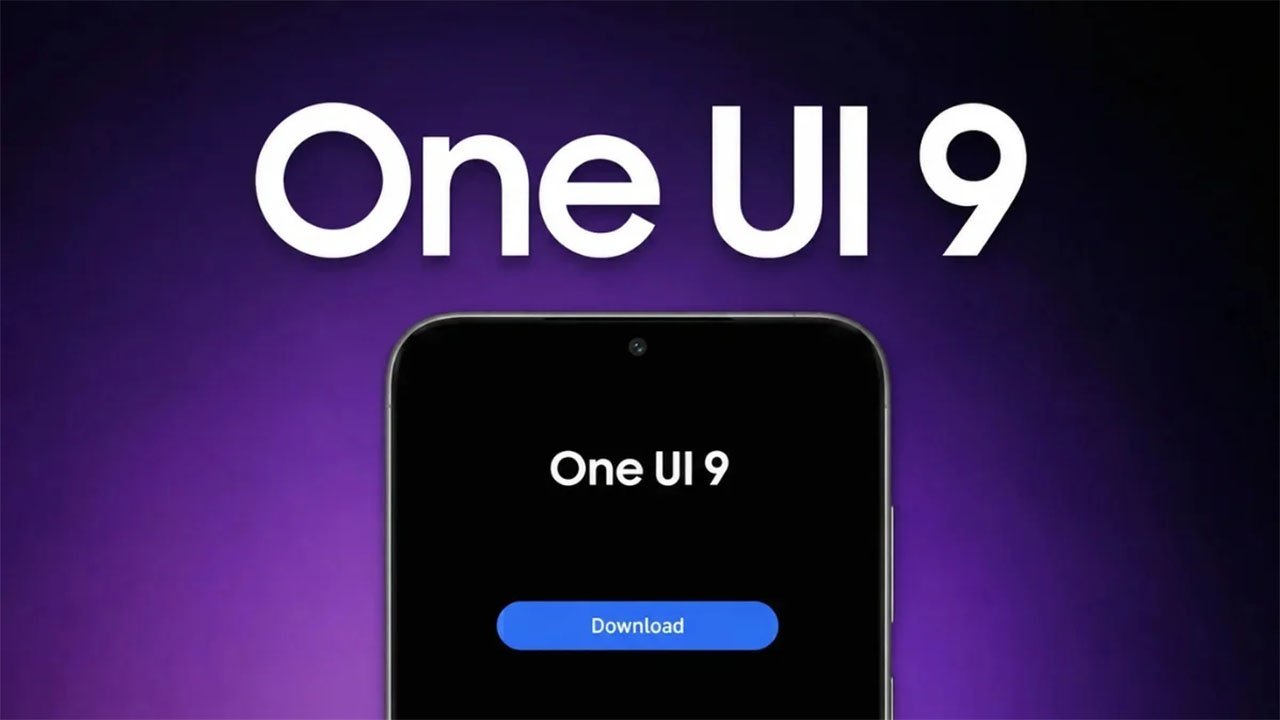
Some Samsung Galaxy owners report that their phones can become stuck on an error screen immediately after installing the One UI 9 update, which is based on Android 17. The issue reportedly appears when the device attempts to show the software changelog, and a standard restart does not appear to clear it.
A workaround shared by a Reddit user has reportedly allowed affected phones to get past the screen without a factory reset. It involves starting the handset in Safe Mode, switching on Airplane Mode to disable Wi-Fi and mobile-data connections, then restarting normally.
- Force-restart the phone by holding Volume Down and the Power button together.
- When the Samsung logo appears, hold Volume Down to boot into Safe Mode.
- In Safe Mode, enable Airplane Mode, disabling Wi-Fi and mobile data.
- Restart the phone normally.
The cause has not been confirmed by Samsung. One unverified theory posted on X links the failure to a change on Samsung's servers, potentially made to prevent firmware leaks. Users may also try enabling Airplane Mode after downloading the update package and before starting installation, though that preventive measure is similarly unconfirmed.
The reports arrive as Samsung expands the One UI 9 rollout across its recent Galaxy lineup. Devices that have received the update include:
- Galaxy S26 series
- Galaxy S25 series, including FE models
- Galaxy S24 series
- Galaxy Z Fold7
- Galaxy Z Fold6
- Galaxy Z Flip7
- Galaxy Z Flip6
Until Samsung identifies the underlying cause or issues a fix, affected users should treat the Safe Mode procedure as a community workaround rather than an official resolution.