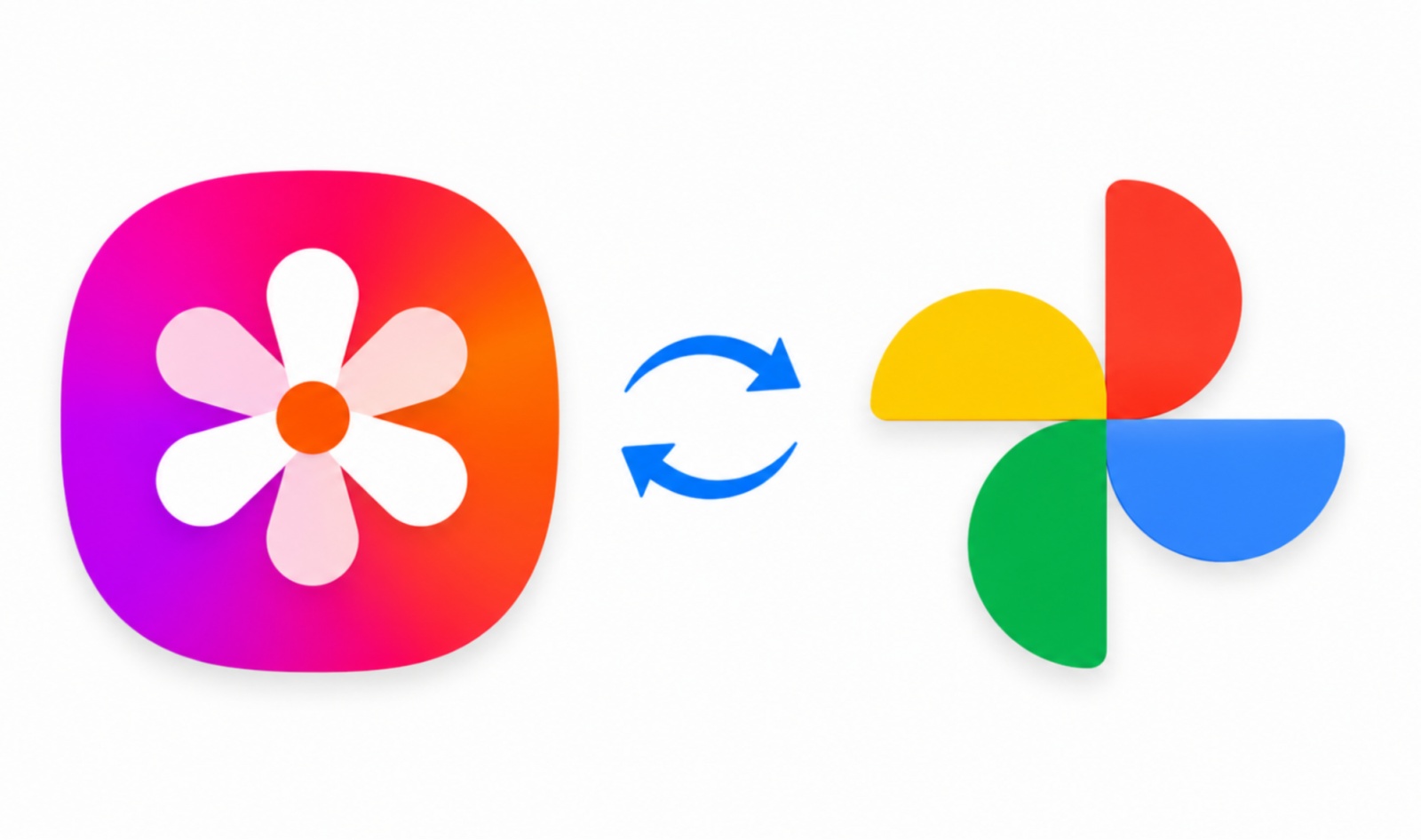
Samsung Gallery can now synchronize photos and videos with Google Photos, letting Galaxy users keep Samsung’s gallery app for browsing and organizing media while storing synchronized files in their Google account. The integration does not require the Google Photos app to be installed.
The service starts on devices running One UI 9.0, with Samsung planning a gradual expansion to earlier software versions. Availability may vary by device model, country, carrier and software version. Users need to sign in with a Samsung account and a personal Google account; Google Workspace accounts and parent-supervised accounts are not supported.
Setup is handled from Samsung Gallery and initially uploads the Camera album. Additional albums can be selected after setup, including screenshots and downloaded images.
- Open Samsung Gallery, then go to Menu and Settings.
- Select Photo and video sync and enable the Sync with Google option.
- Grant the requested permissions and sign in to a Samsung account.
- Choose additional albums if needed after the Camera album has been selected by default.
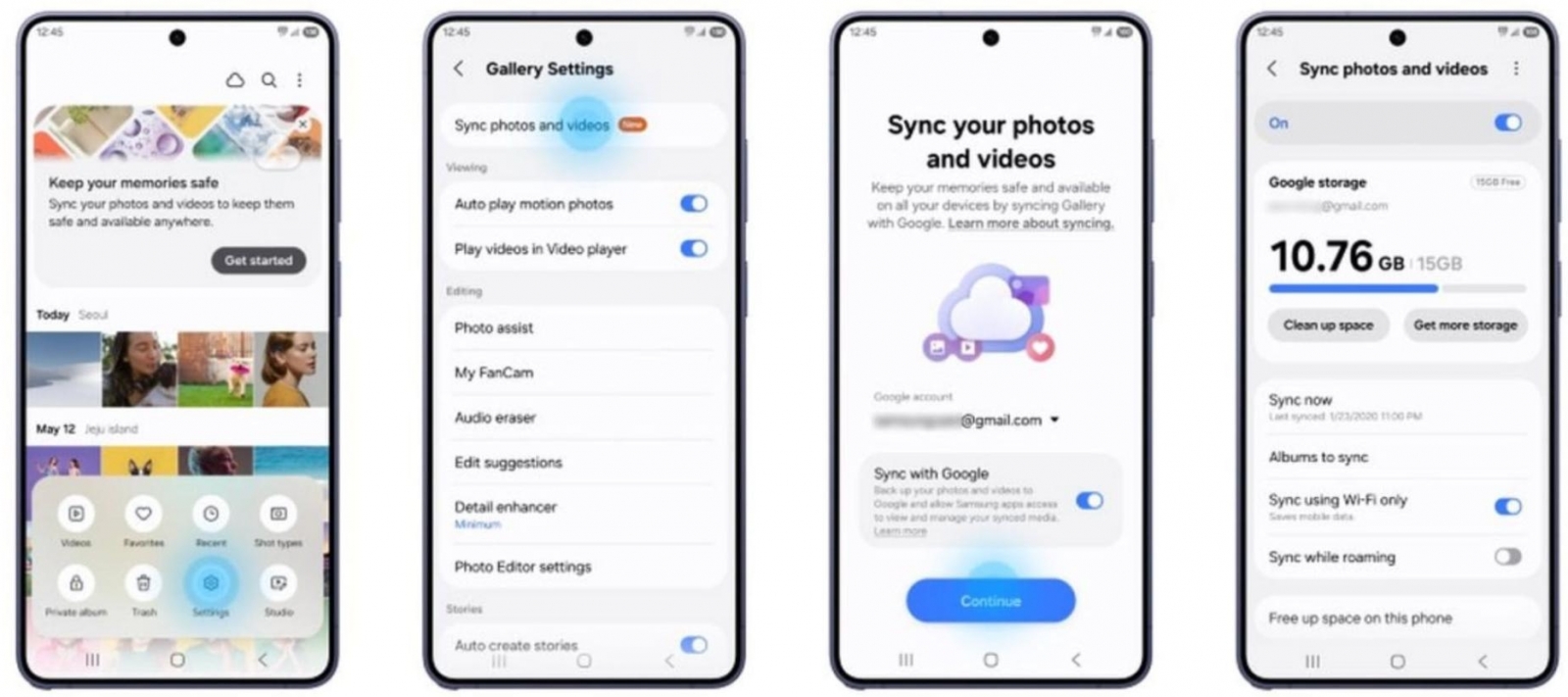
The synchronization is two-way, which makes deletion behavior particularly important: deleting a synced photo in Google Photos also removes it from Samsung Gallery and the device. Files upload at their original quality and count against the storage available in the Google account.
Samsung Gallery can access media uploaded through this connection, but it does not automatically gain access to an entire Google Photos library that was already stored in the cloud. Photos synced only through Samsung Gallery can be viewed and shared, but they are not automatically included in Google Photos features such as Memories, live albums and search. Google directs users to its own app’s backup feature for that level of integration.