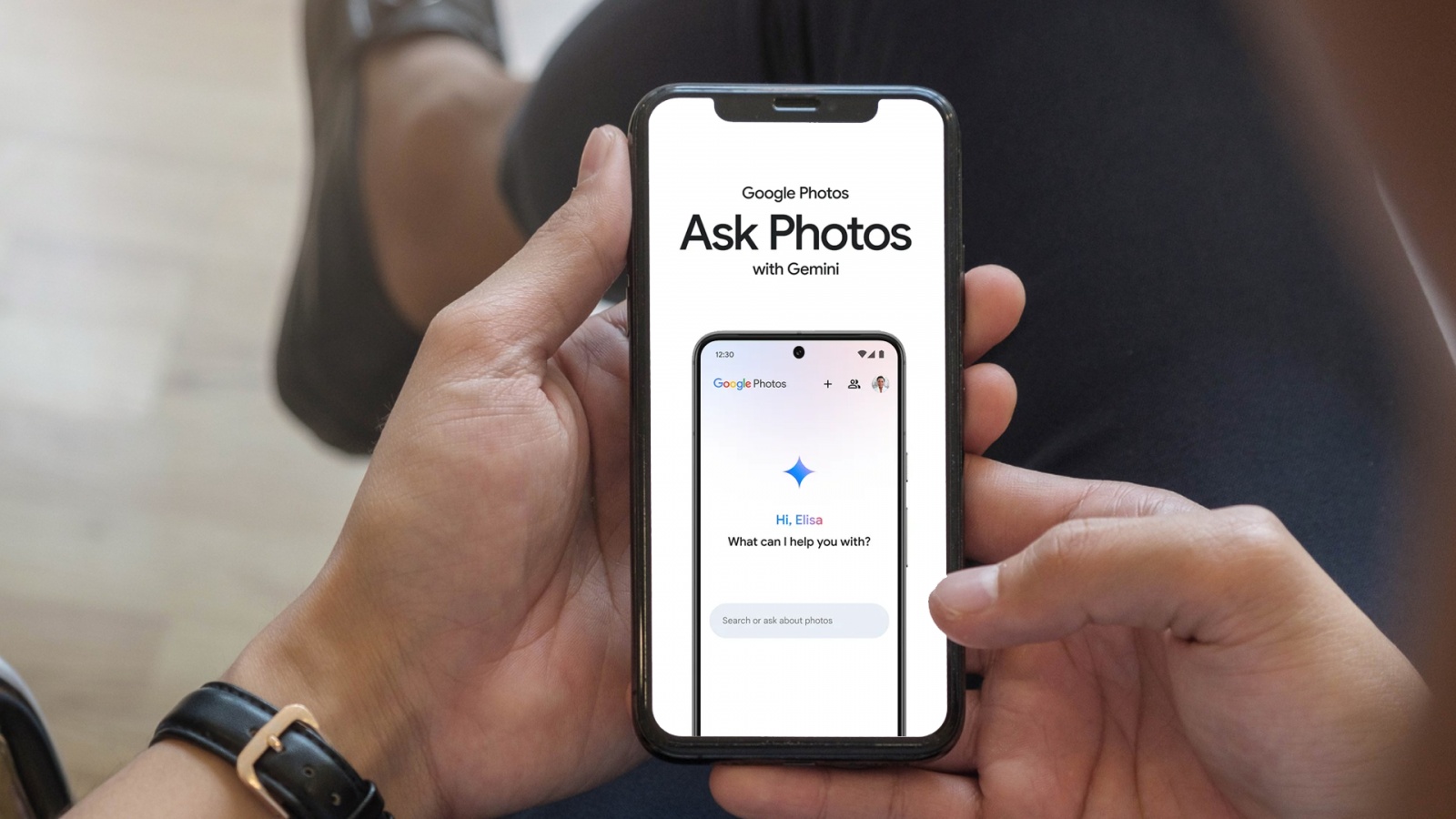
Google Photos may soon give Ask Photos users a one-tap way to clear the personal details they have explicitly asked the Gemini-powered feature to remember. Code in version 7.95 of the app includes a “Delete all” control for the Remember List, according to an APK teardown by Android Authority and AssembleDebug.
The Remember List stores information users provide for future Ask Photos conversations. Google introduced the ability alongside Ask Photos at Google I/O 2024, allowing the feature to retain relevant details and use them in later responses. At present, entries must be removed individually.
In the unreleased interface, the Delete all button appears in the upper-right corner of the Remember List and is followed by a confirmation screen. If released, it would offer a faster reset for users who have accumulated many saved entries and want to start over.
The setting is available through Google Photos settings under Preferences, Gemini features in Photos, and Remember List. Its scope is important: clearing this list would remove explicitly saved memories, not erase every piece of information Gemini features can use in Google Photos.

Google says its AI features in Photos can draw on photos and videos in a library, face-group labels, account information, and inferences derived from content. It is also not yet clear whether the new control would immediately delete Remember List information from all of Google’s systems or simply remove it from the visible list.
The button has not been announced or made publicly available. As with any feature found through an APK teardown, Google could change it before release—or choose not to ship it at all.