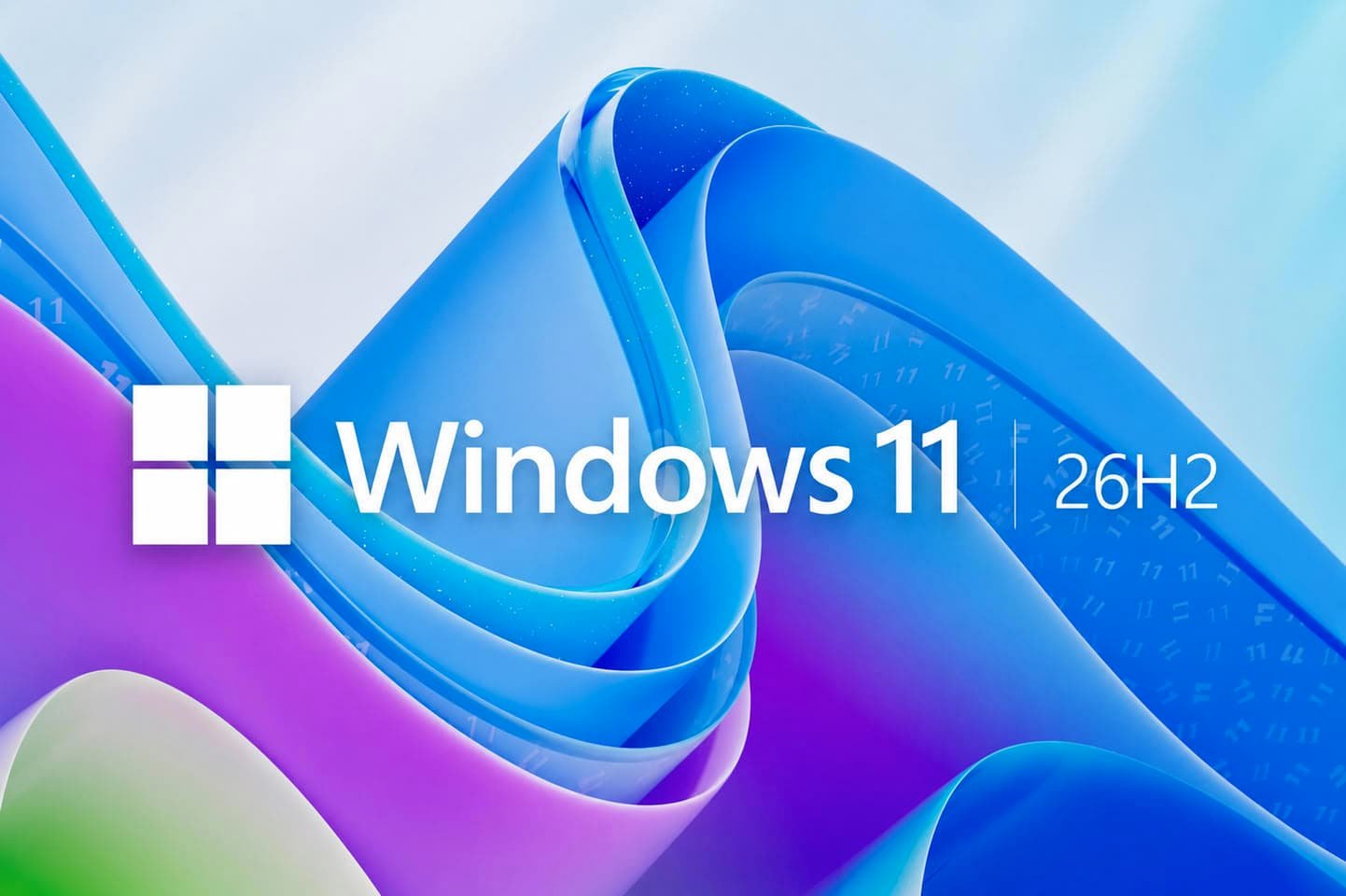
Microsoft has begun a gradual rollout of Windows 11 version 26H2 for compatible PCs already running Windows 11 24H2 or 25H2. Because all three releases share the same code base, 26H2 is delivered through a small enablement package and will generally require only one restart.
The update adds Administrator Protection, which grants administrative privileges only temporarily when they are needed. The feature is off by default, while IT administrators can configure it through Intune or Group Policy. Microsoft is also integrating Sysmon into the operating system, adding post-quantum cryptography algorithm support, and making Smart App Control switchable without reinstalling Windows.
A new Point-in-time Restore option can return a PC to a recent state, including its apps, settings and personal files. The recovery addition arrives alongside Bluetooth LE Audio, USB4 and Task Manager improvements, with Task Manager gaining additional NPU usage information.
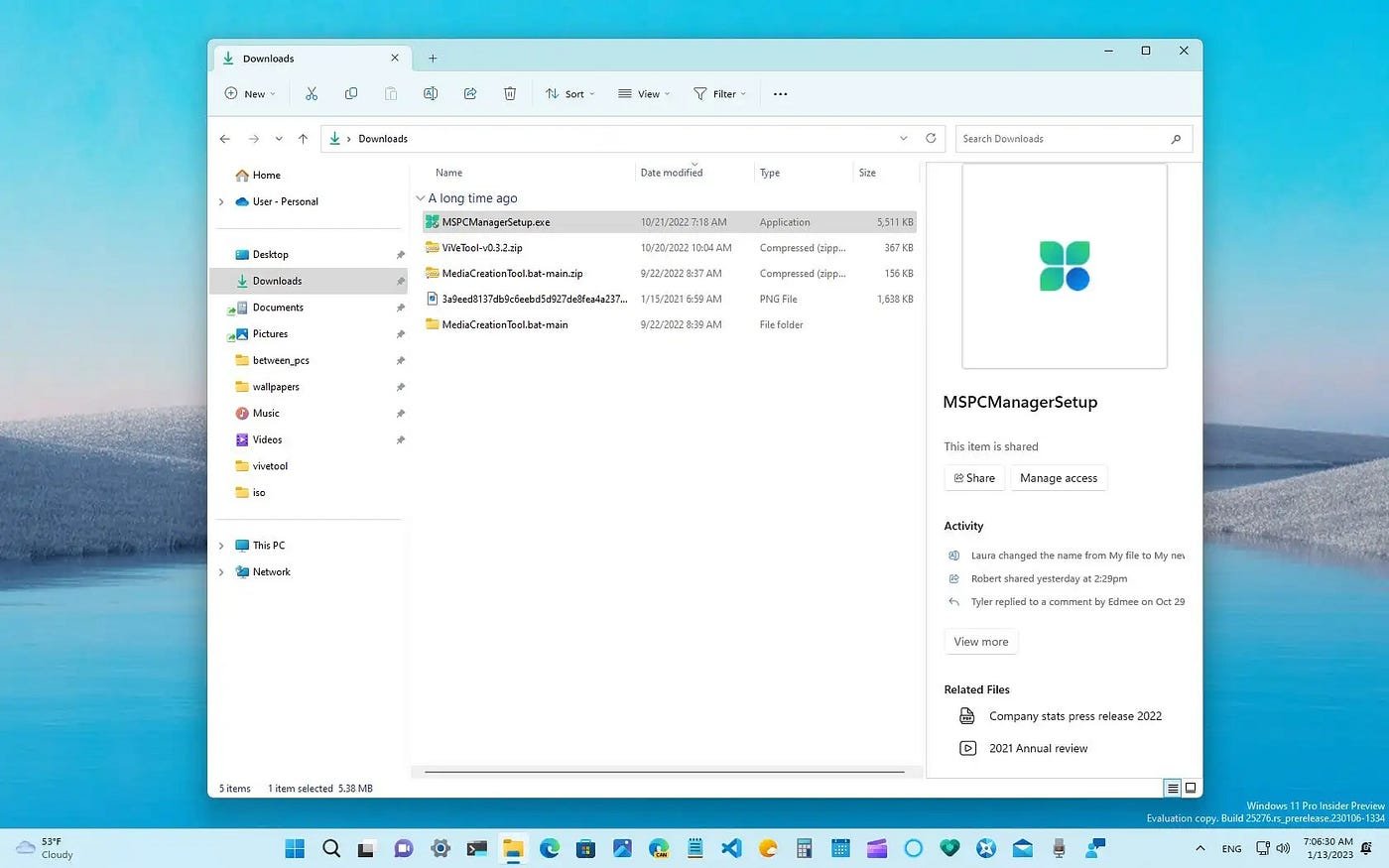
File Explorer and interface changes
File Explorer gains AI-powered actions for image editing and document summaries. Copilot can summarize OneDrive and SharePoint files without opening them, although the feature requires the appropriate Microsoft 365 subscription and Copilot licensing.
- File Explorer adds support for uu, cpio, xar and nupkg archive formats.
- Files can be renamed through voice dictation, while File Explorer Home receives performance improvements.
- The Start menu gets a scrollable All section with category and grid layouts.
- The taskbar can be placed at the top, bottom or either side of the display, with a compact-size option.
- Multi-App Camera enables simultaneous camera use across multiple apps, while Basic Camera is intended for troubleshooting.

Accessibility updates include precise Magnifier zoom percentages and color filters, plus a Braille Viewer in Narrator. On compatible Copilot+ PCs, Voice Access can interpret more natural commands and adds support for French, German, Spanish and Korean.
The release is being staged, so some devices may receive it later because of compatibility checks. It carries 24 months of support for Home and Pro editions and 36 months for Enterprise and Education. Eligible users can check for the update in Settings > Windows Update after enabling “Get the latest updates as soon as they’re available.”