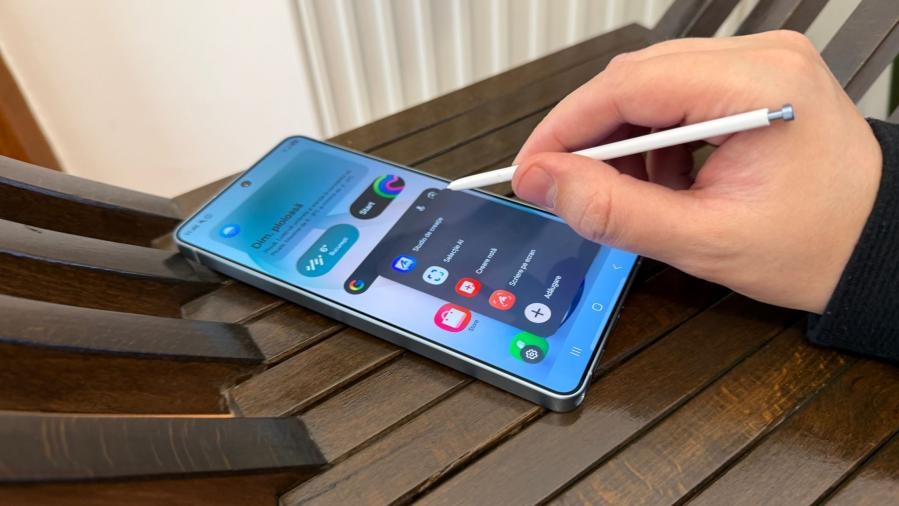
Samsung is expanding One UI 9 with a set of smaller Galaxy features centered on visibility and post-capture editing. The update adds a centralized record of actions performed by AI assistants, while also bringing video reframing, expanded Interpreter history, configurable Now Brief cards and device-care information into more accessible menus.
- My FanCam can track a selected person in an existing video and create a newly reframed version, including one in a different aspect ratio.
- Thread View in Interpreter lets users scroll through an ongoing translated conversation without ending the current translation session.
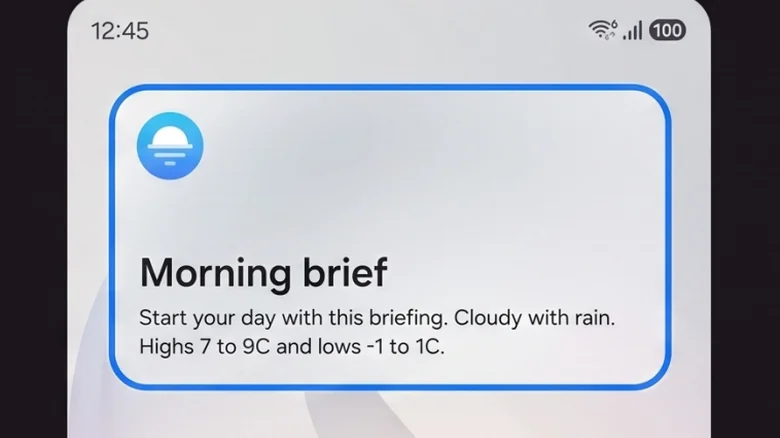
- Custom Cards for Now Brief can be configured around selected information and time periods.
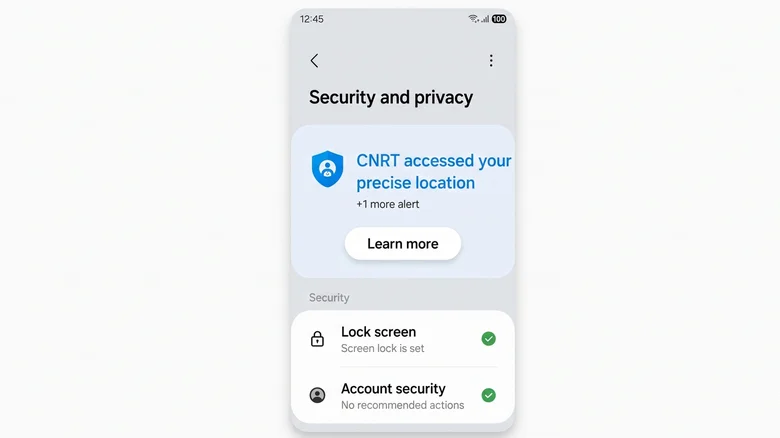
- AI Assistant Activity records the apps accessed, operations completed and timing of AI assistant actions.
- Warranty and Care consolidates coverage, diagnostics and repair-related details in Settings.
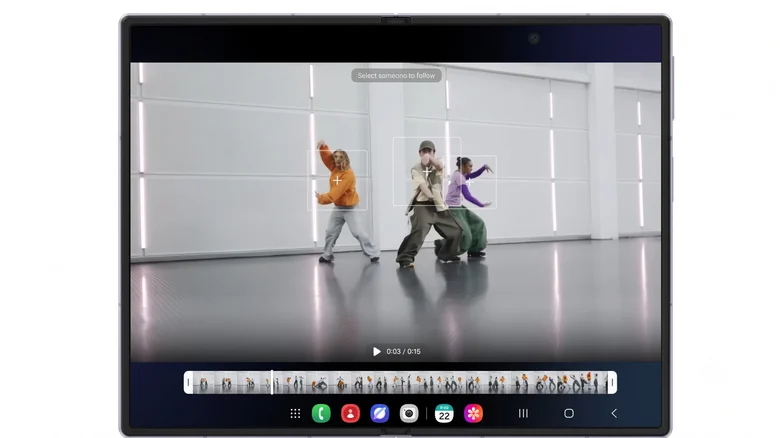
My FanCam is designed for footage that was shot too wide or poorly framed. From Gallery, users can open Galaxy AI, select My FanCam and choose the person they want kept in the frame. The phone then follows that subject and generates a reframed copy; the original video remains unchanged. Samsung cautions that the tool can struggle when subjects are very small or look highly similar.
Interpreter’s new Thread View addresses a more practical limitation of live translation. Rather than showing only the latest exchange, it preserves the translated conversation in a scrollable thread while interpretation continues.

Now Brief gains user-defined cards for weather, health and video content. Samsung currently limits users to three active custom cards, with the displayed information and time windows set by the user.
A record of AI actions and device care
AI Assistant Activity provides a single history for tasks handled by AI assistants on the phone. Samsung says the log can be viewed over the previous 24 hours or the previous seven days, showing which apps were accessed, what operations were carried out and when they occurred. The feature could become more significant as cross-app AI task execution expands, although the availability of advanced Gemini automations varies by country, language and device model.
The new Warranty and Care section takes a non-AI approach, placing several support tools directly in Settings:
- Remaining warranty coverage
- Galaxy devices linked to the user’s account
- Diagnostic tests
- Repair history
- Samsung Care+ information
- Estimates for certain repairs
- Access to service appointment booking

Samsung detailed the Warranty and Care menu after its debut on the Galaxy Z Fold8 and Galaxy Z Flip8. As One UI 9 reaches more Galaxy devices, feature availability may still differ by model, region and language—particularly for AI capabilities tied to Gemini and other services.