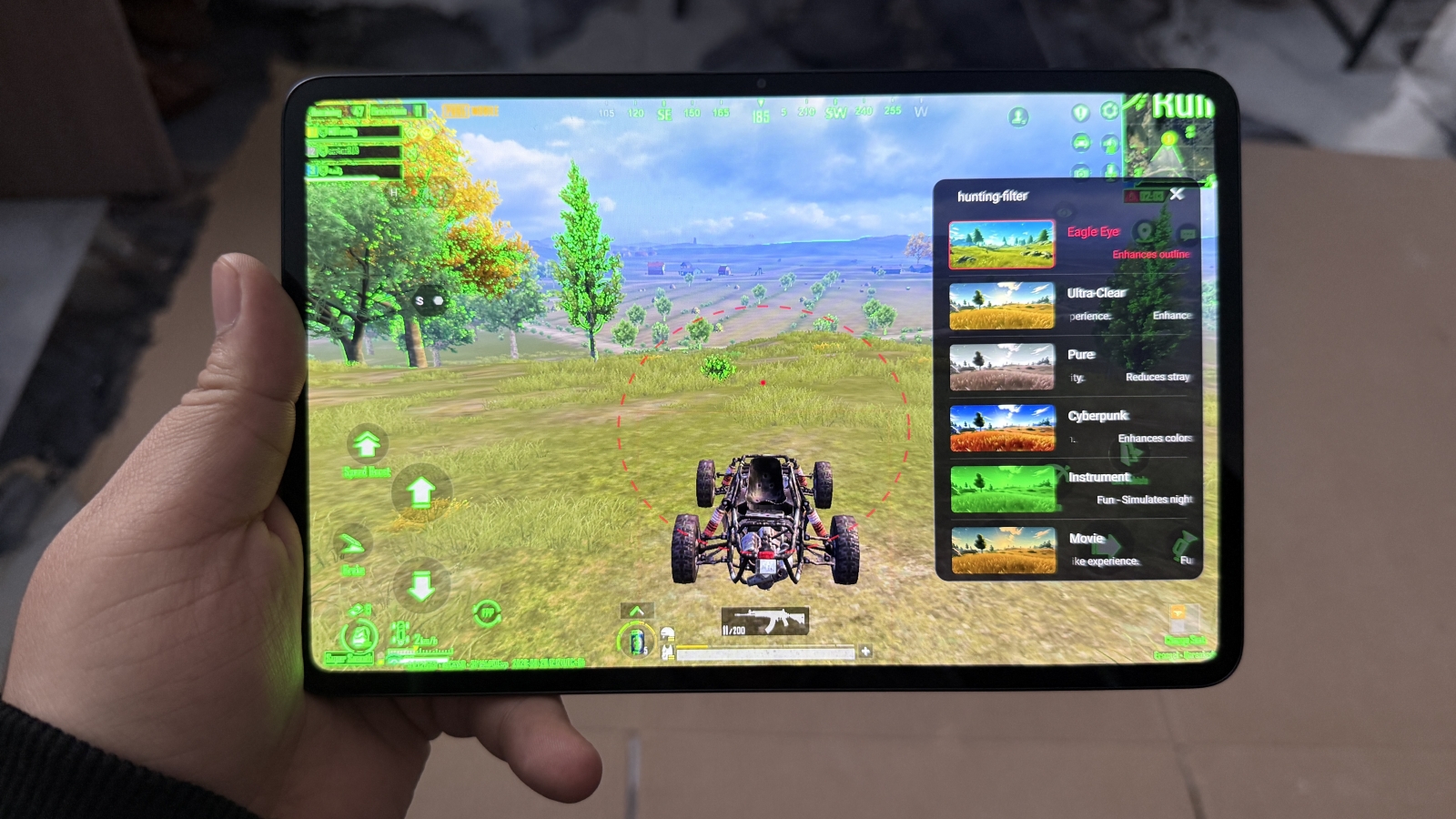
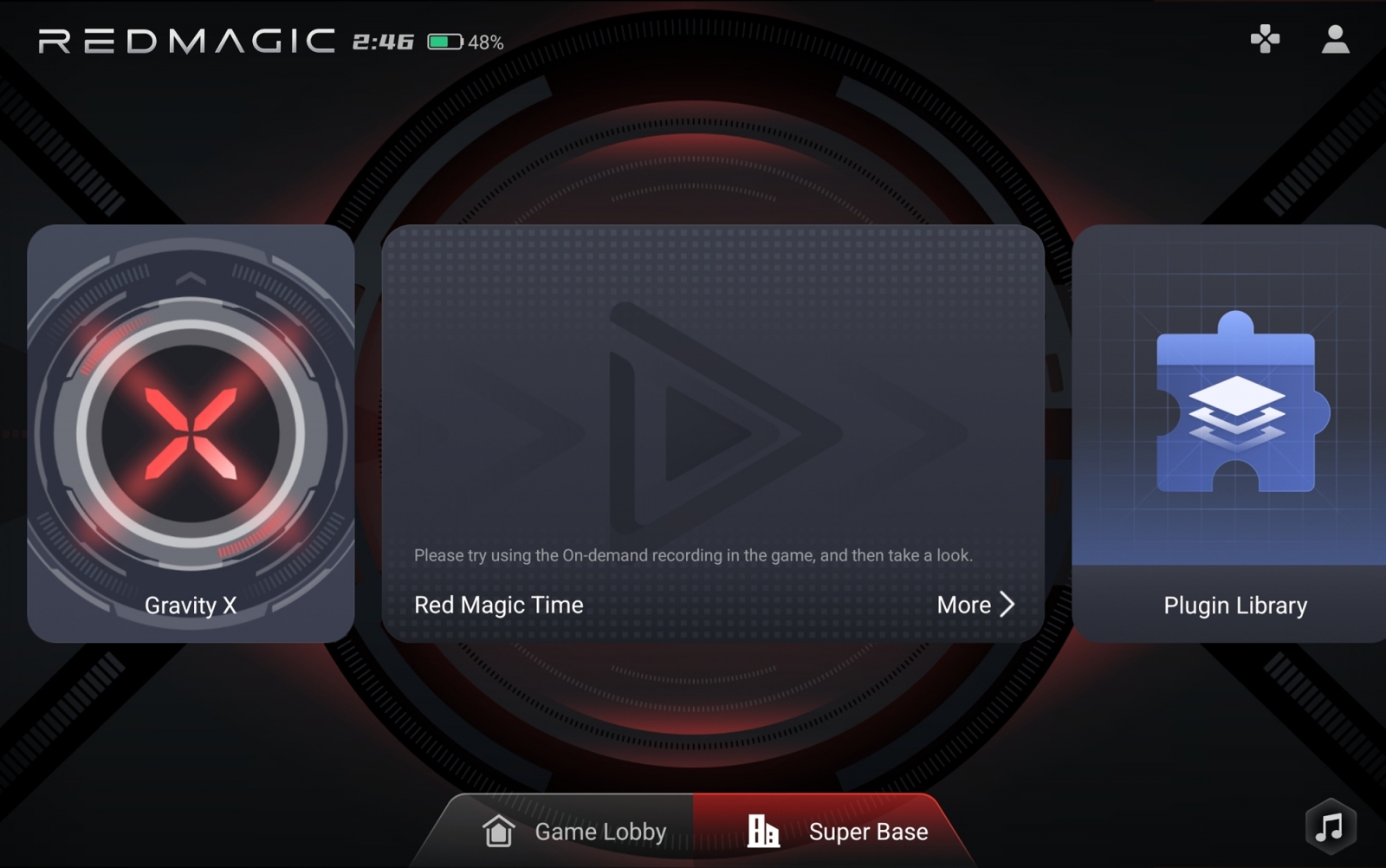
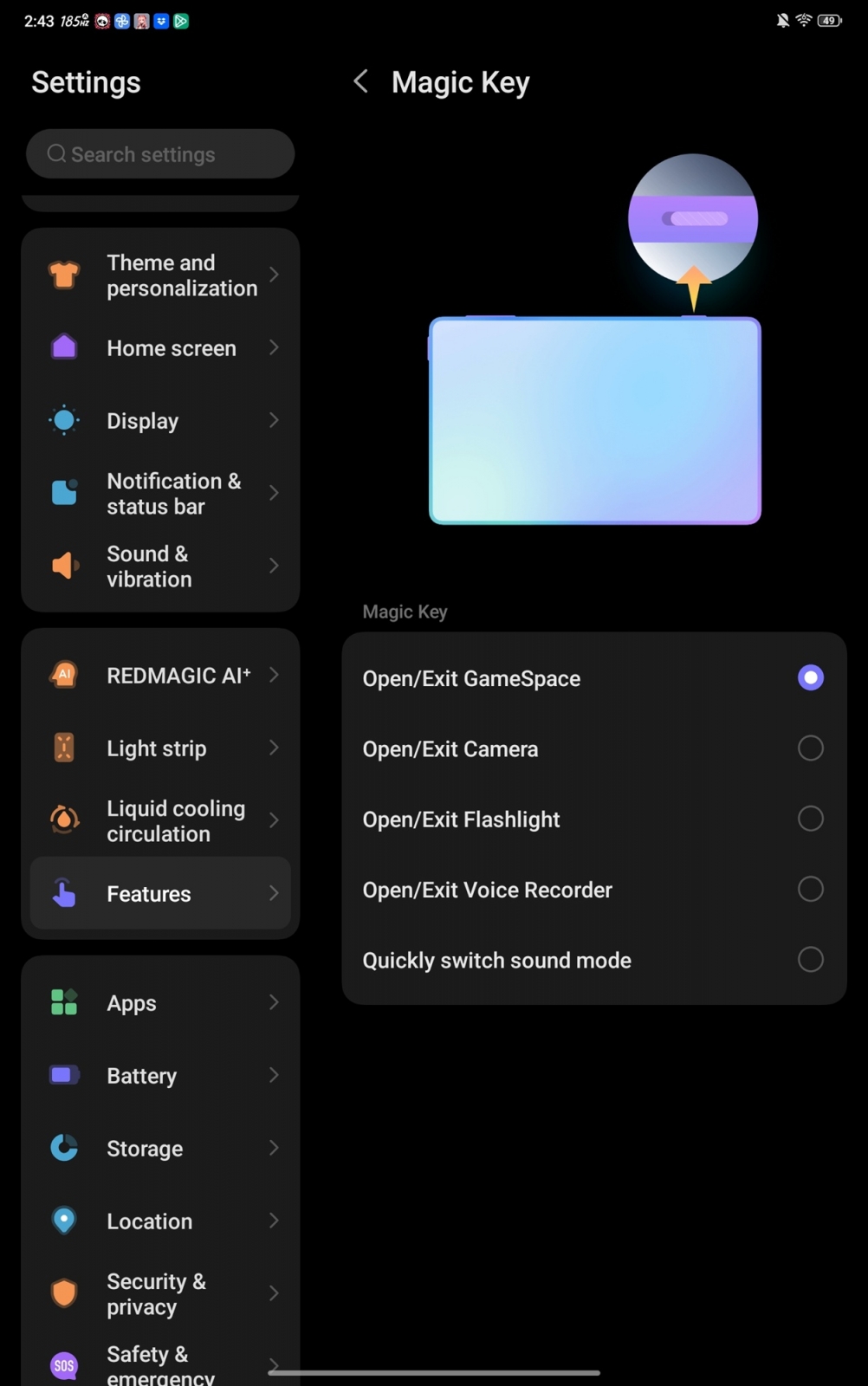
REDMAGIC Astra 2 turns its Magic Key into a gateway for an unusually deep gaming control layer. The side-mounted red switch opens Game Space by default, bringing game management, performance monitoring, display controls and a range of in-game overlays into one console-like interface. The key can also be reassigned to functions including the camera, flashlight, recorder, translation, mute or vibration modes.
Some of Game Space’s tools go well beyond standard performance tuning. A customizable crosshair, enemy-visibility filters, magnified screen extraction and visual aiming guides may be useful as accessibility or training aids, but can also provide advantages that are likely to be controversial in competitive multiplayer titles.
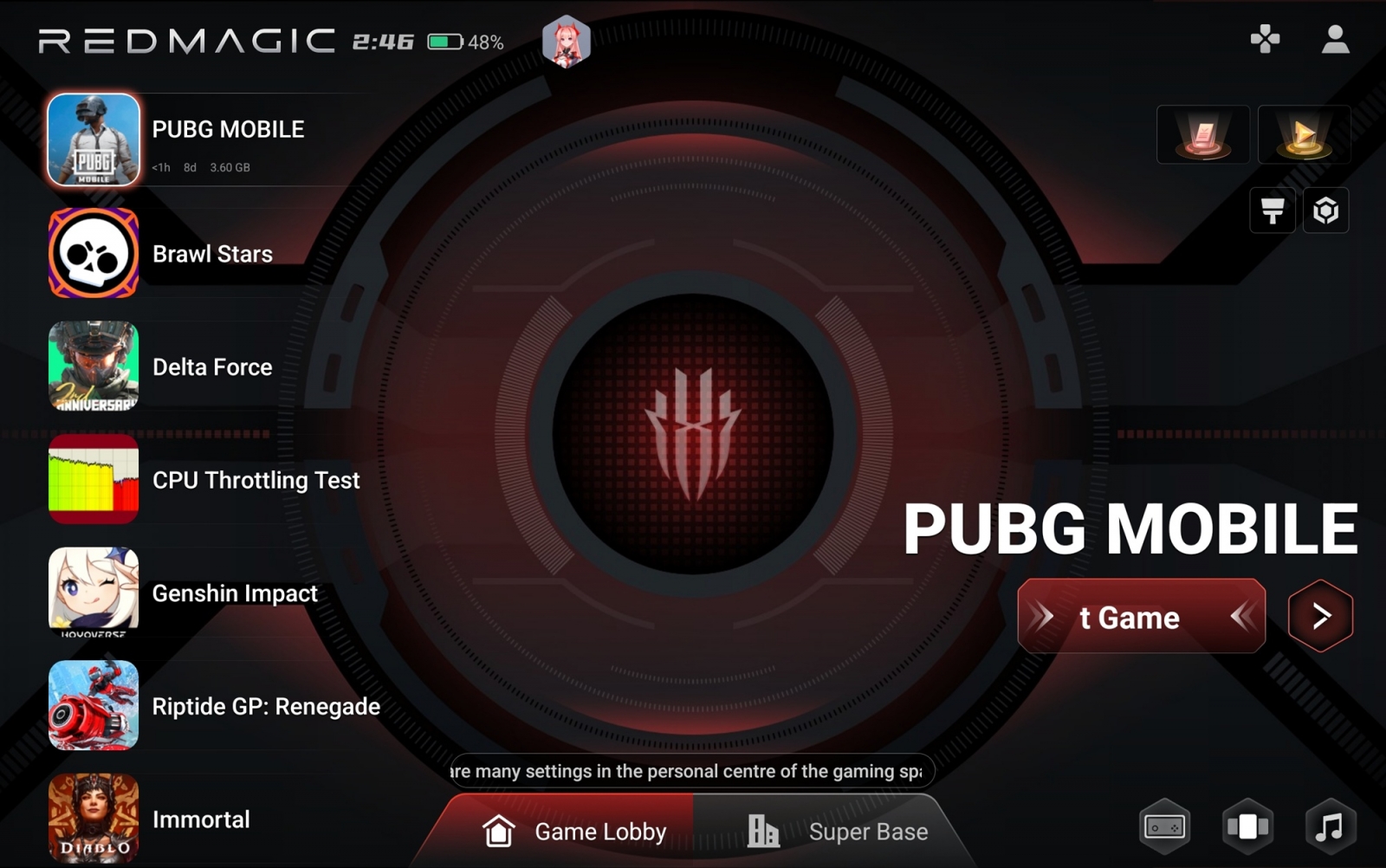


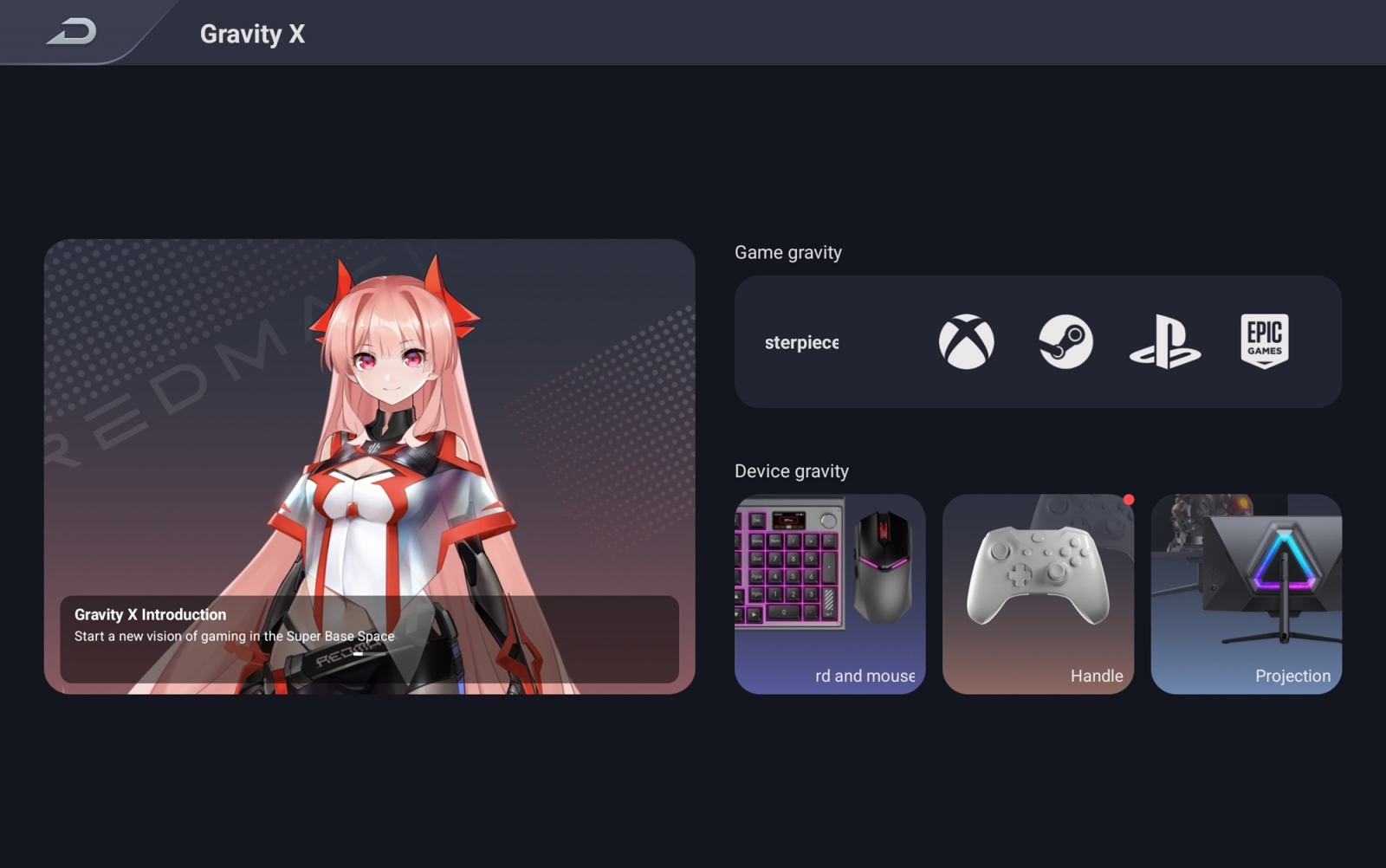
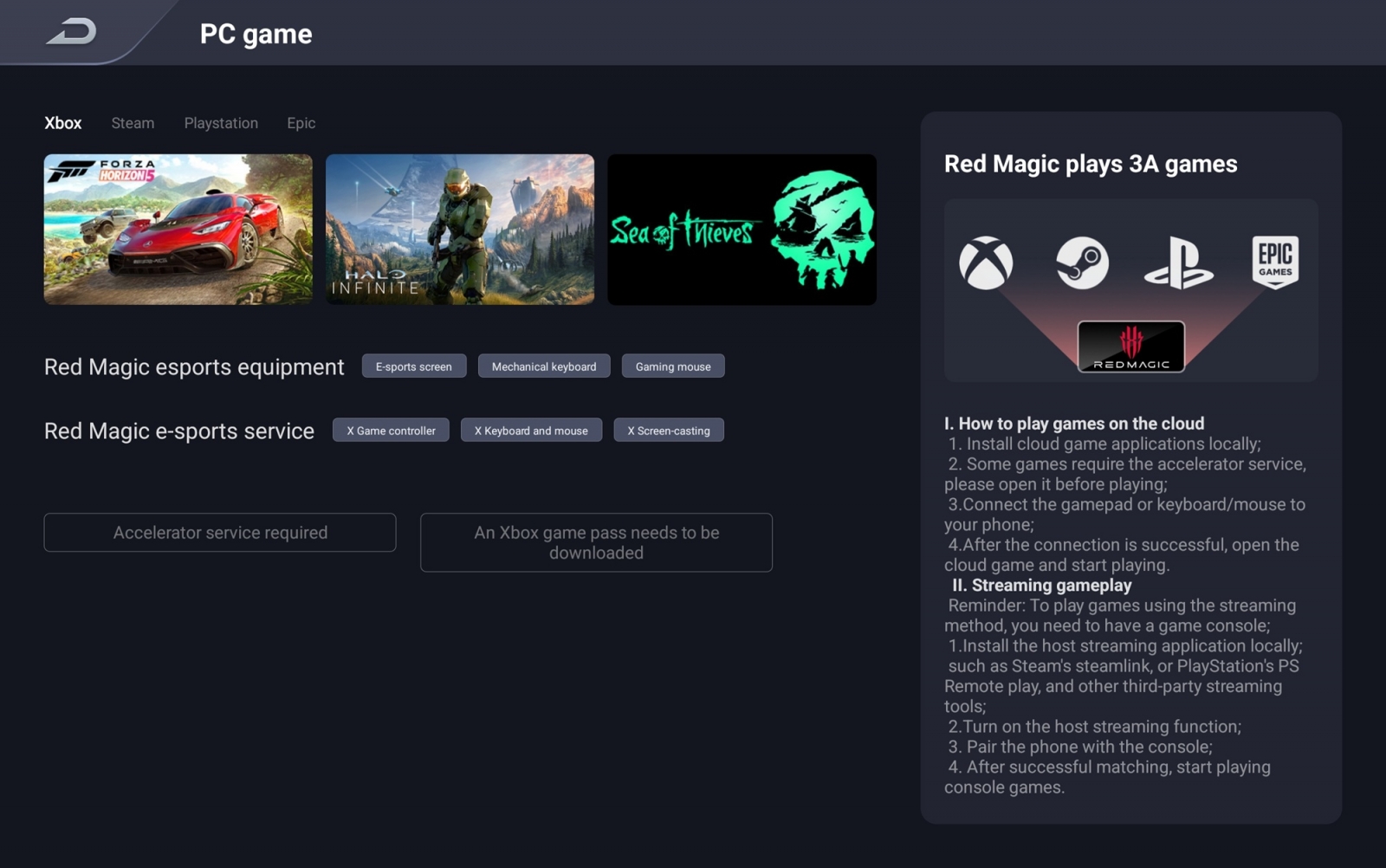


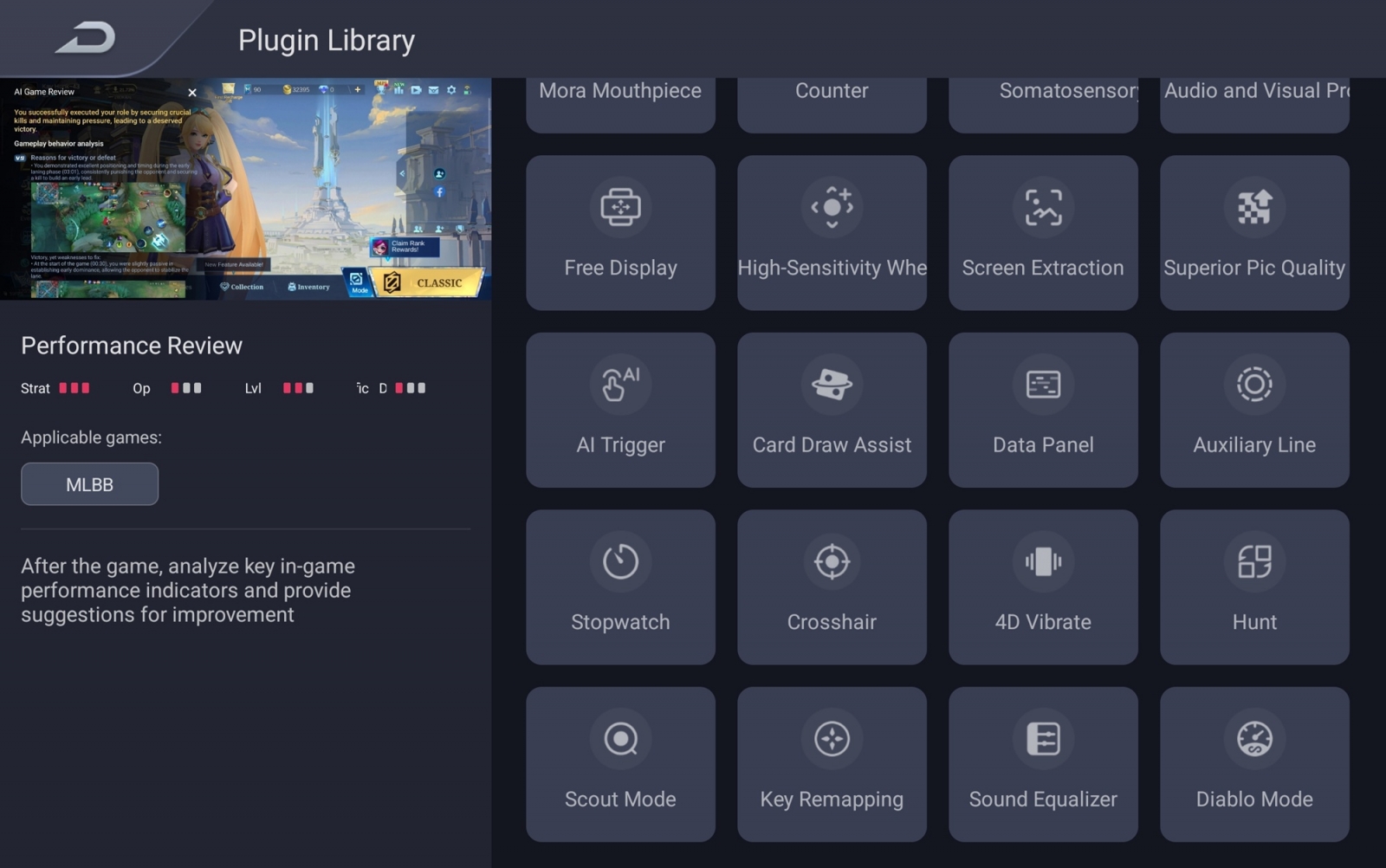






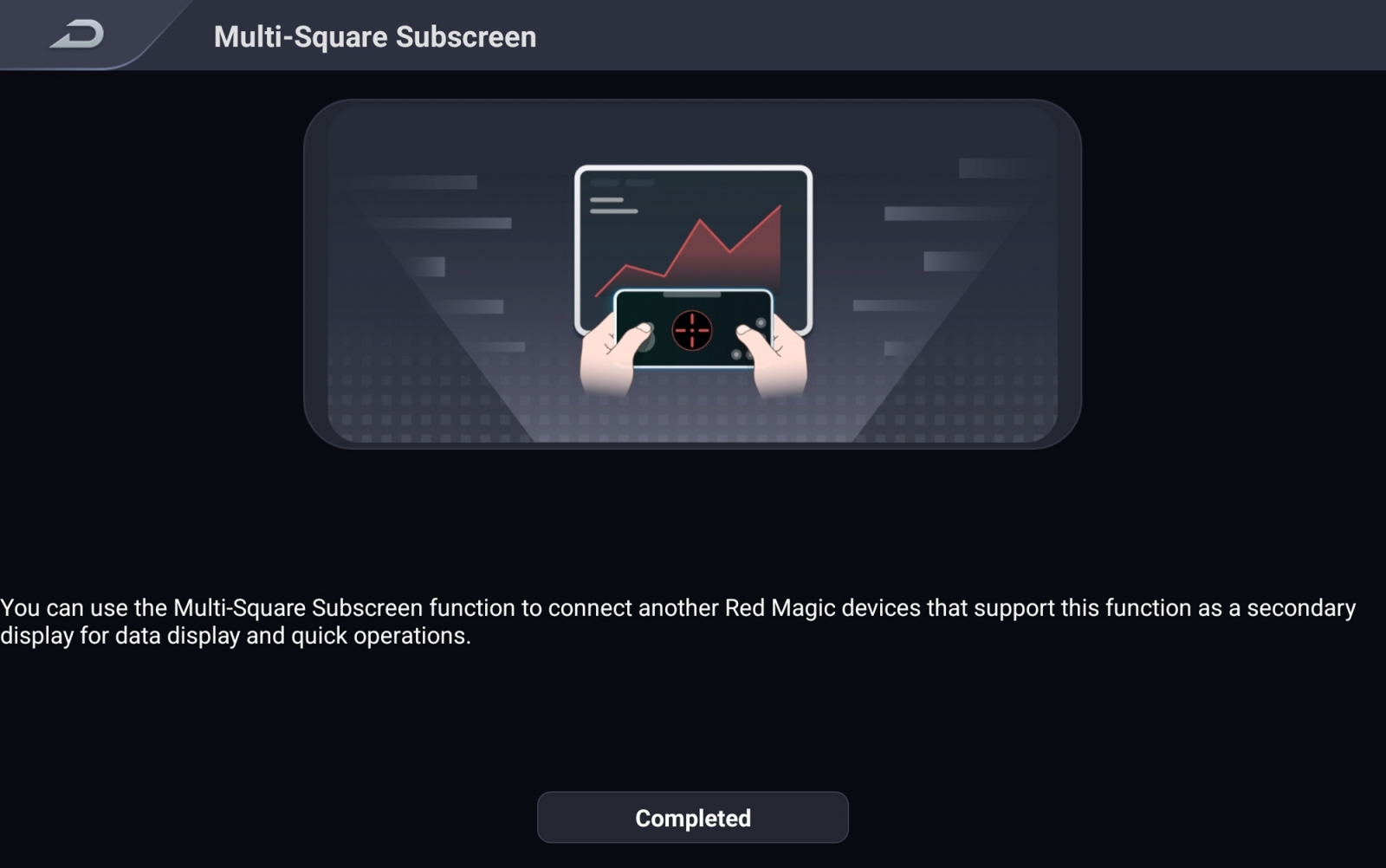
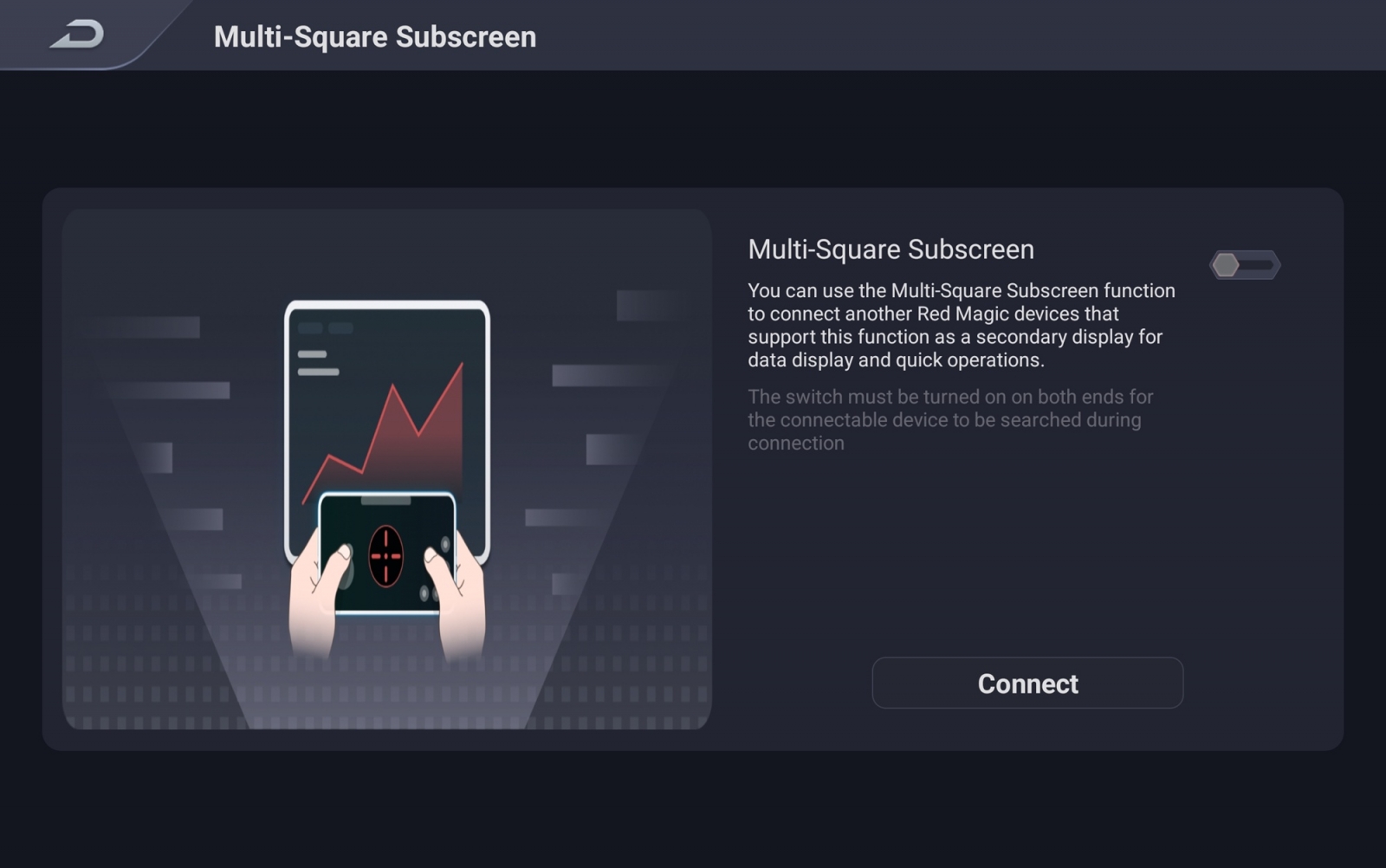

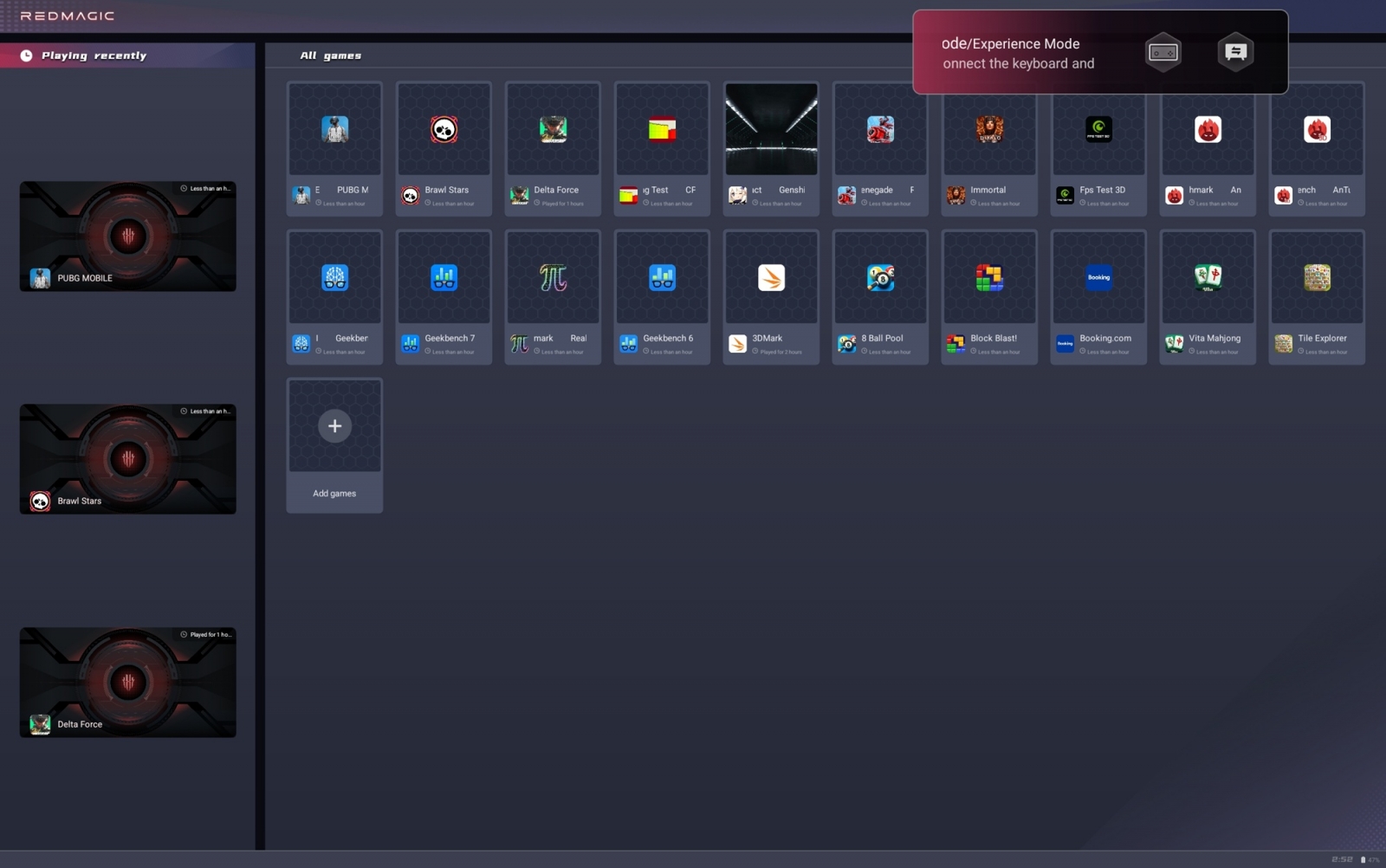

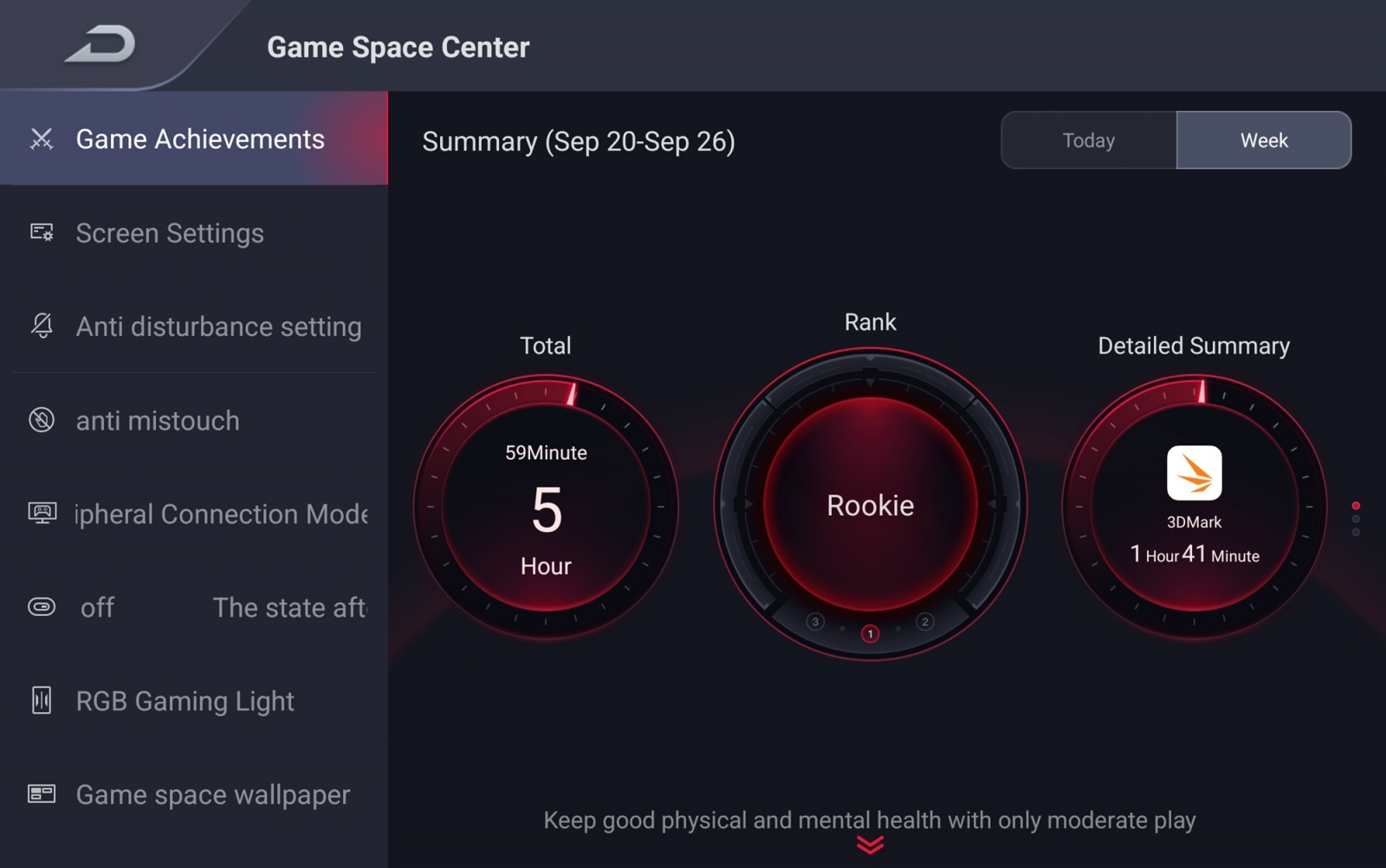

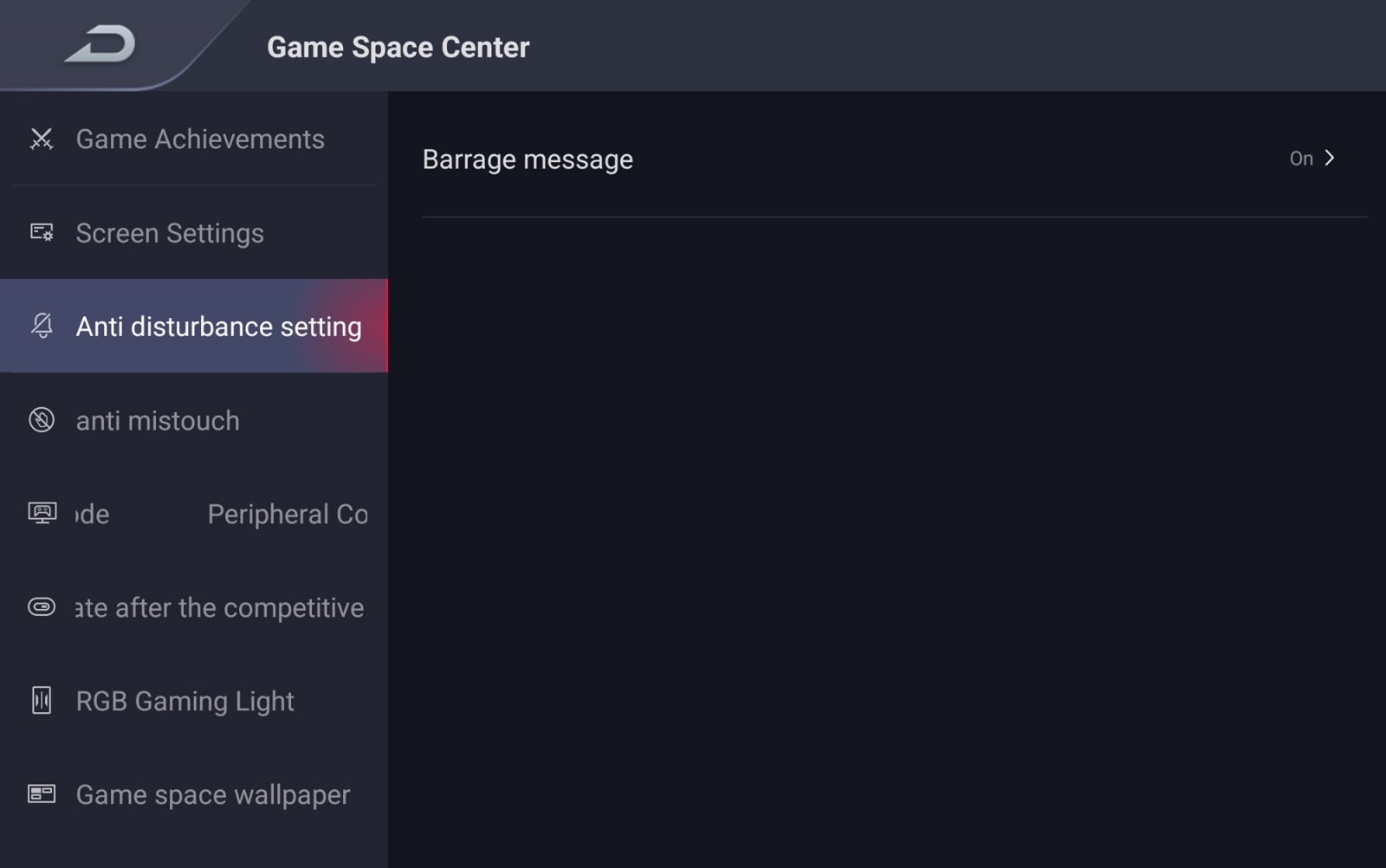
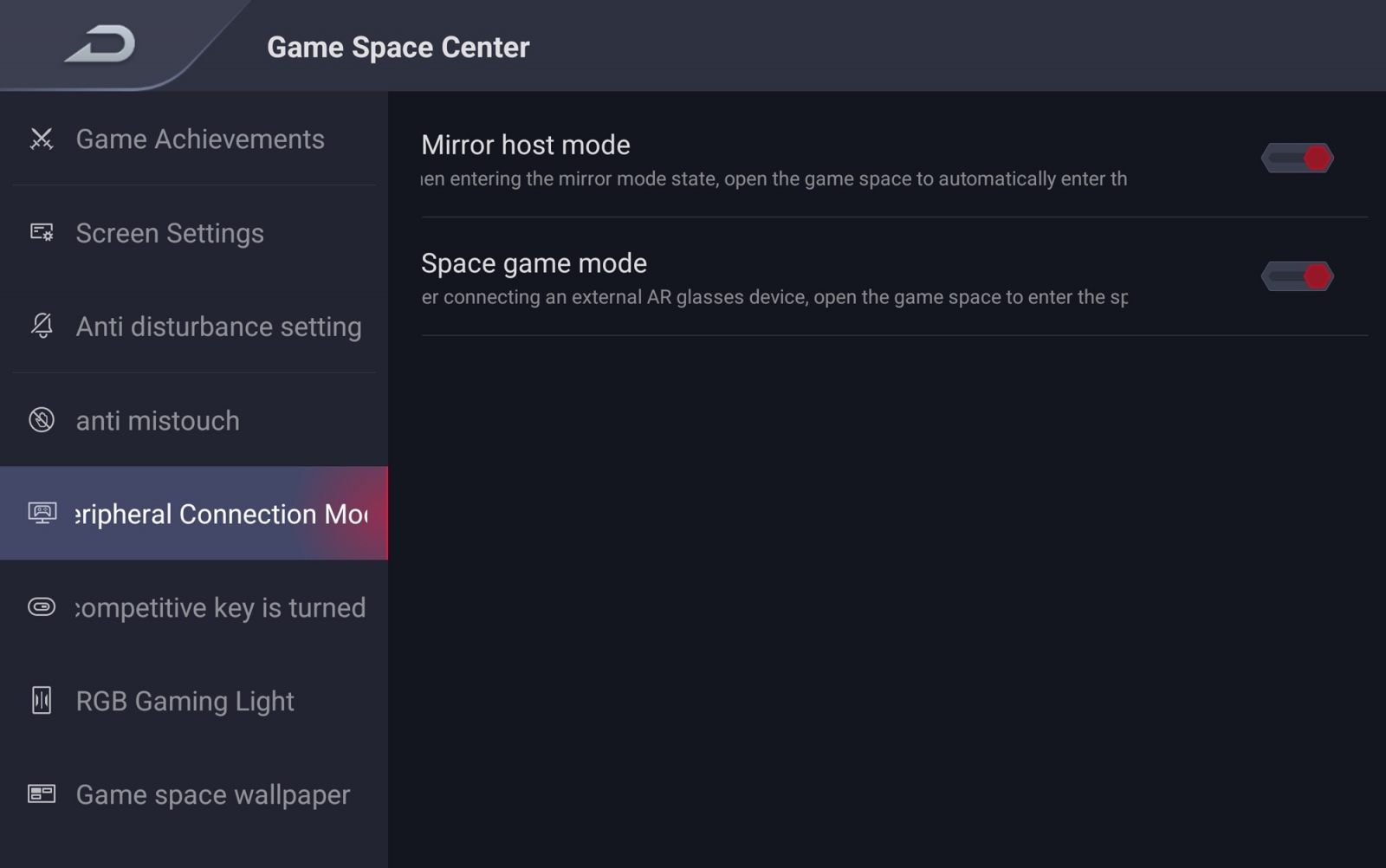
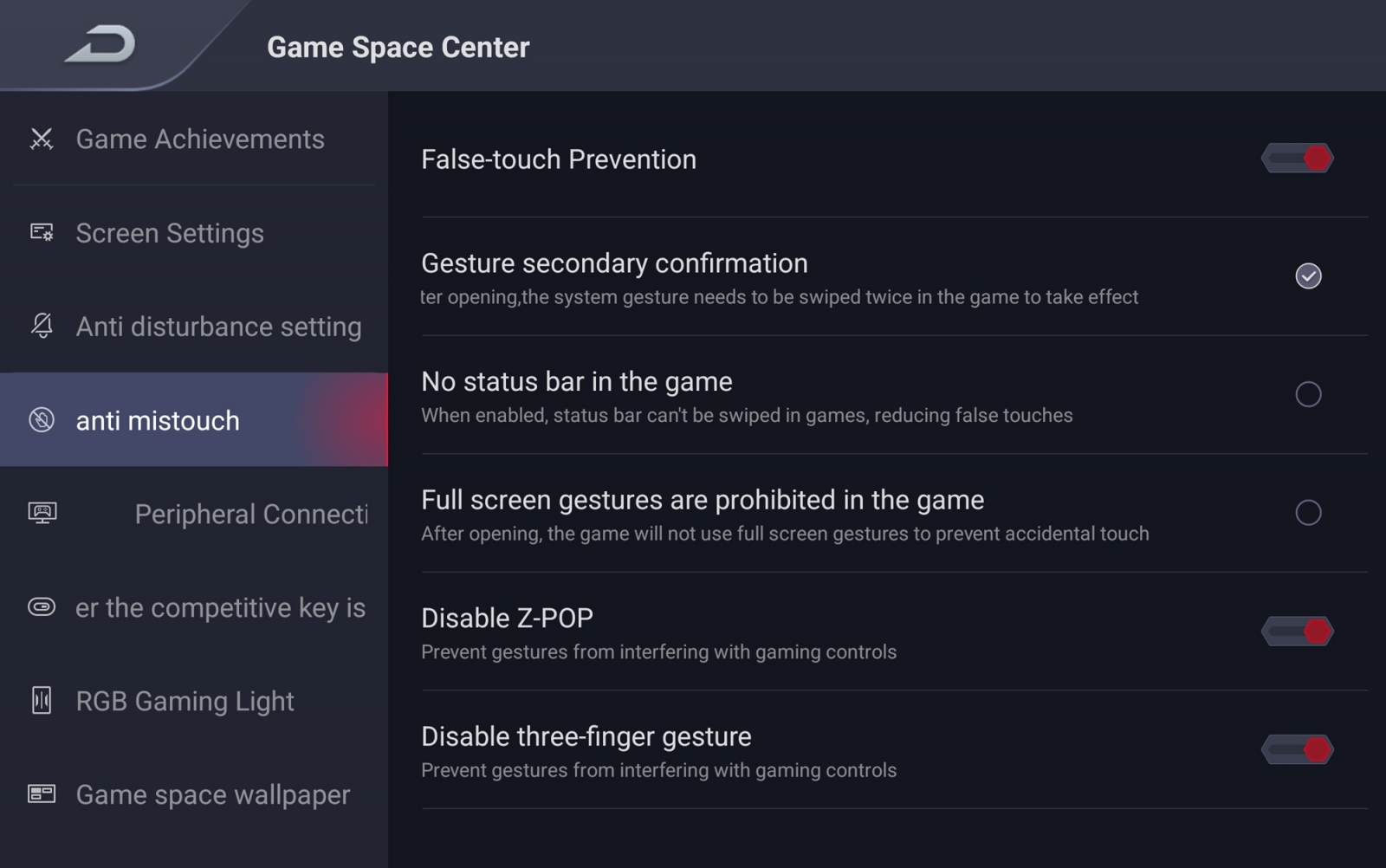
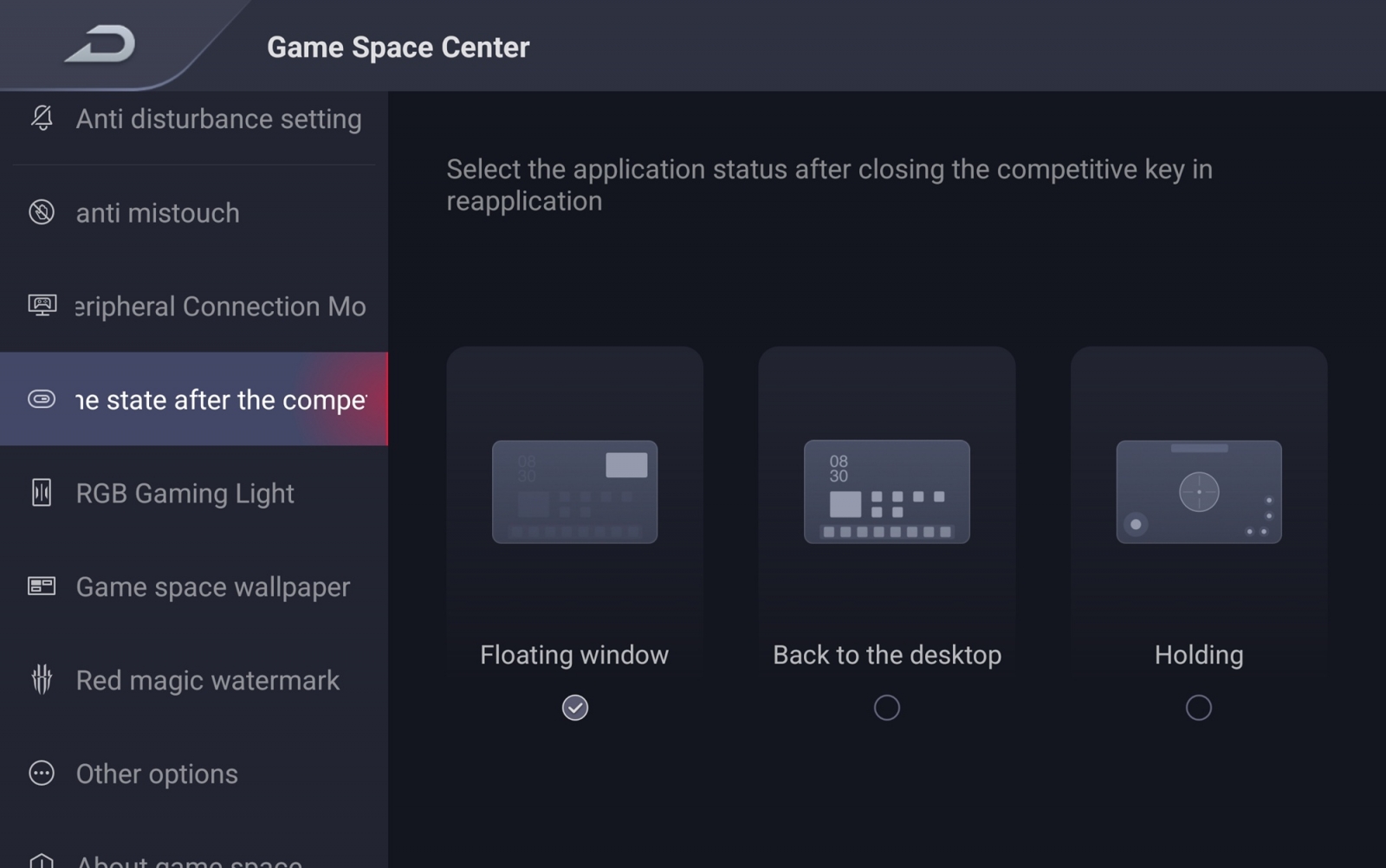
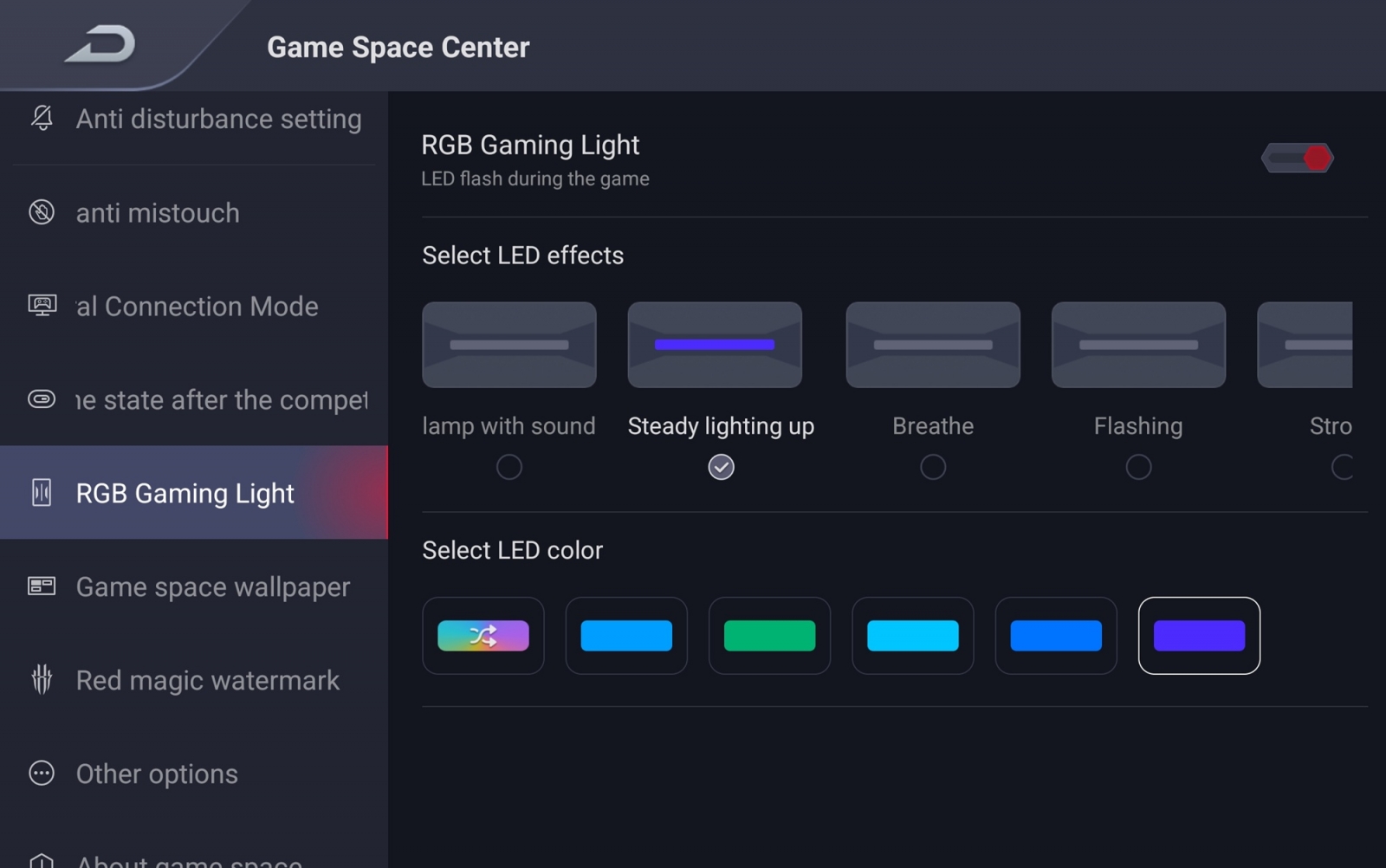

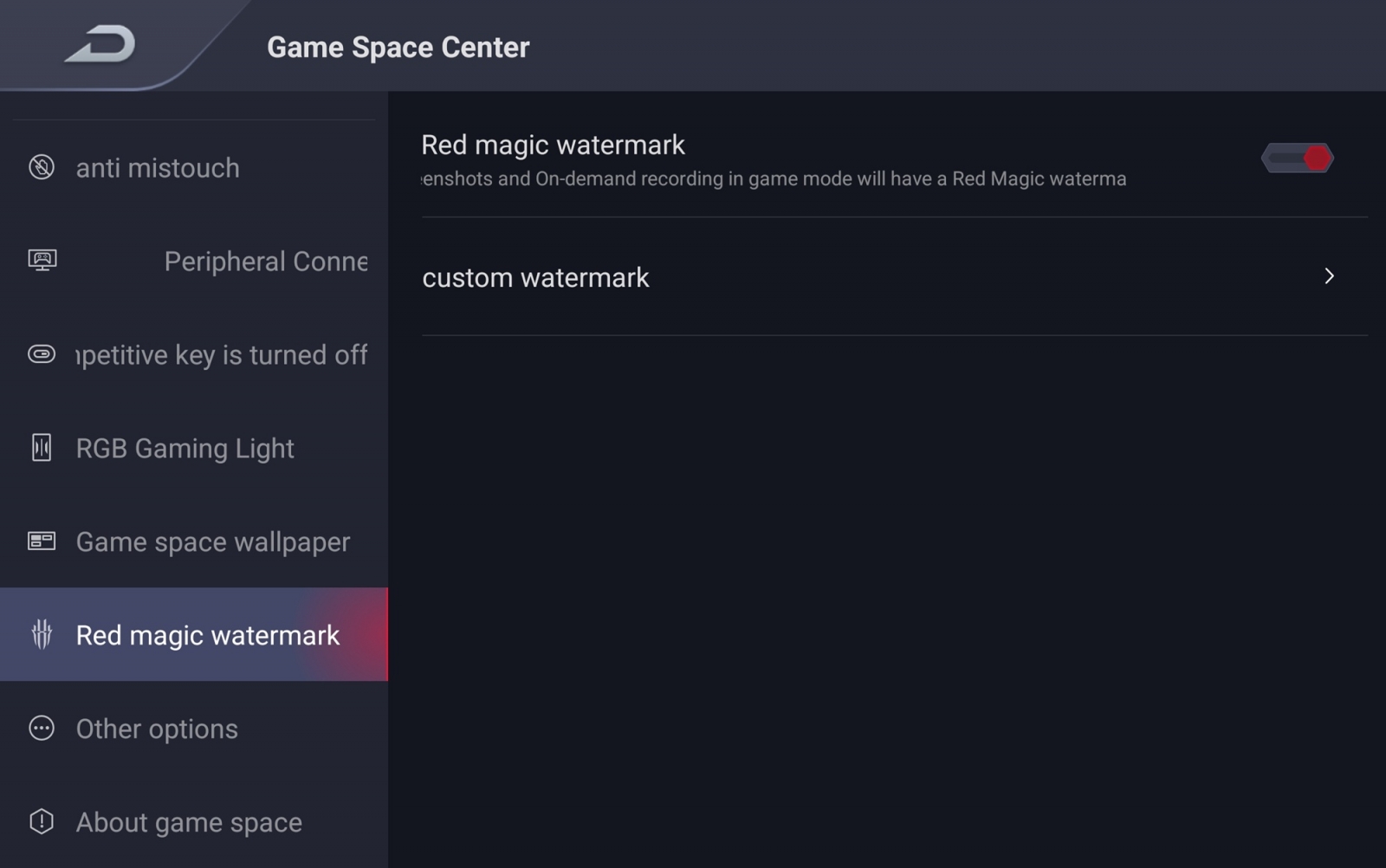
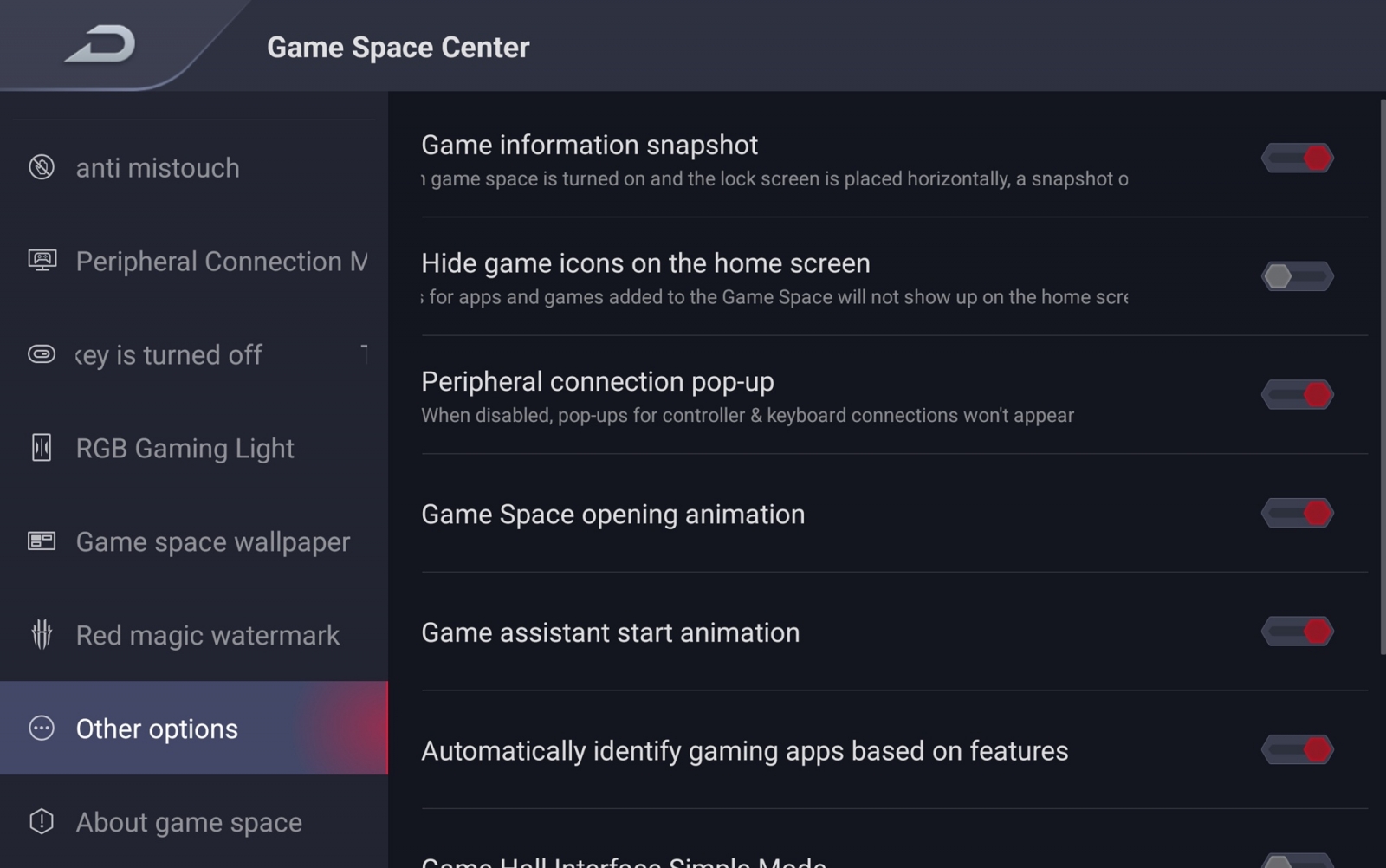


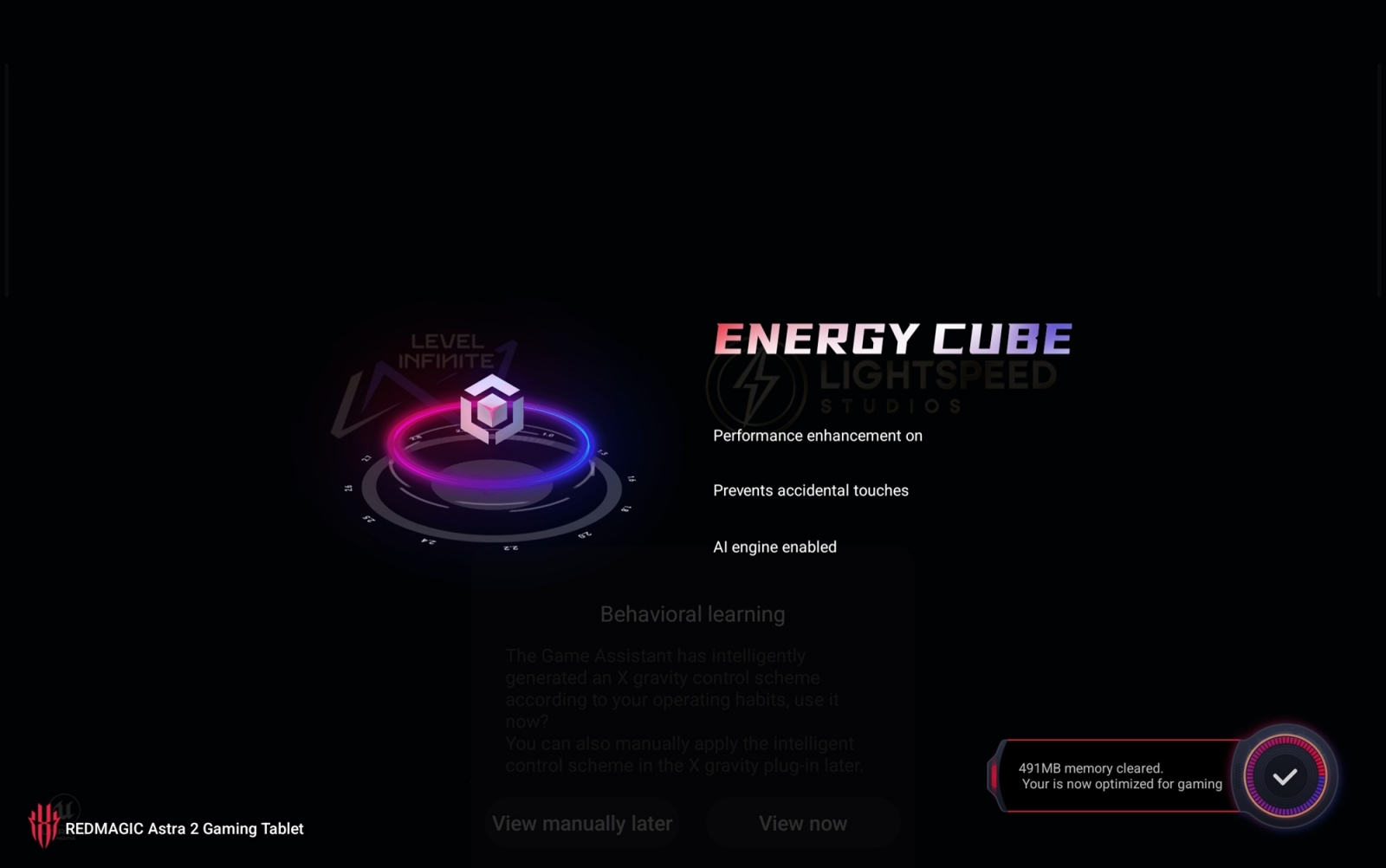

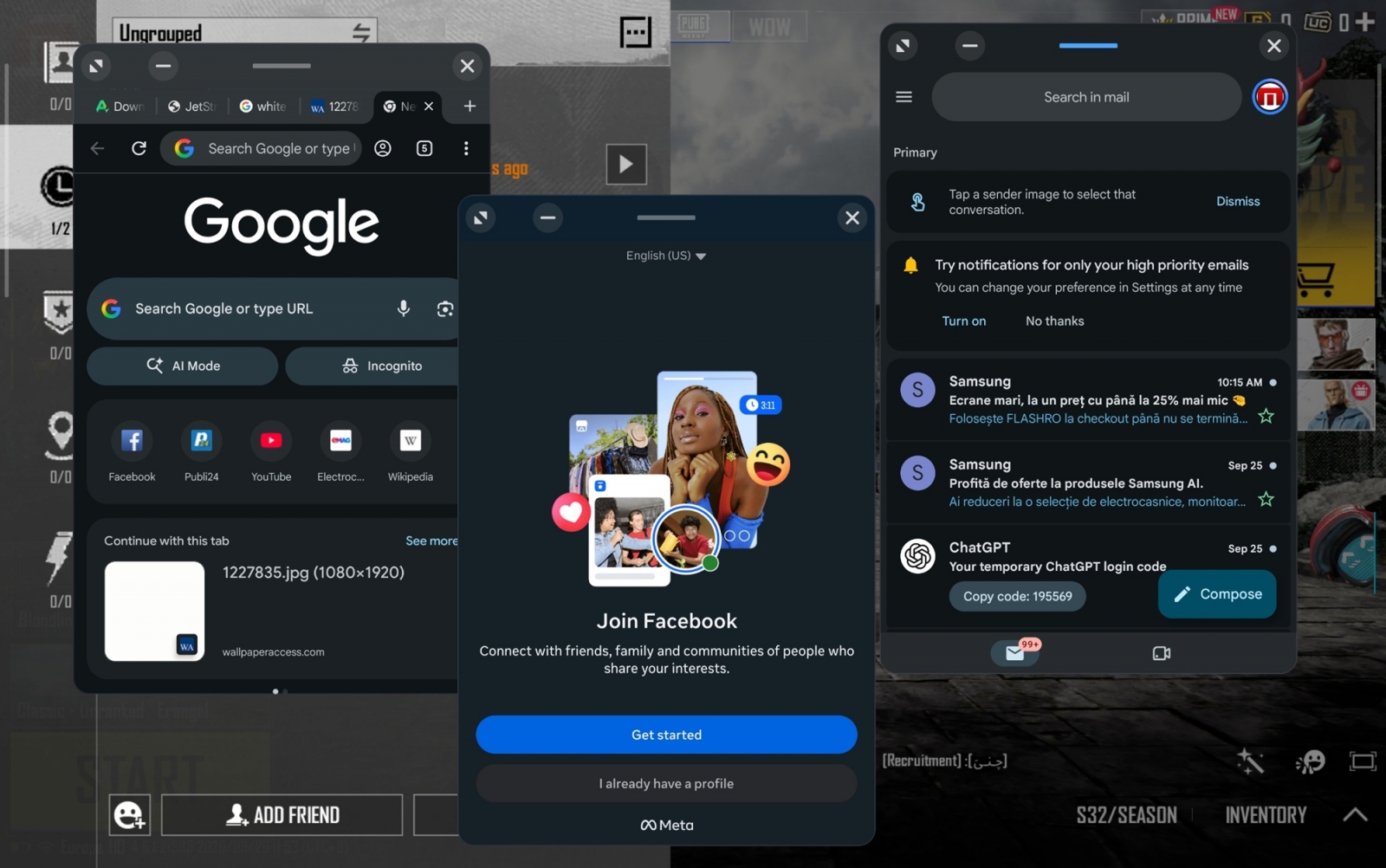
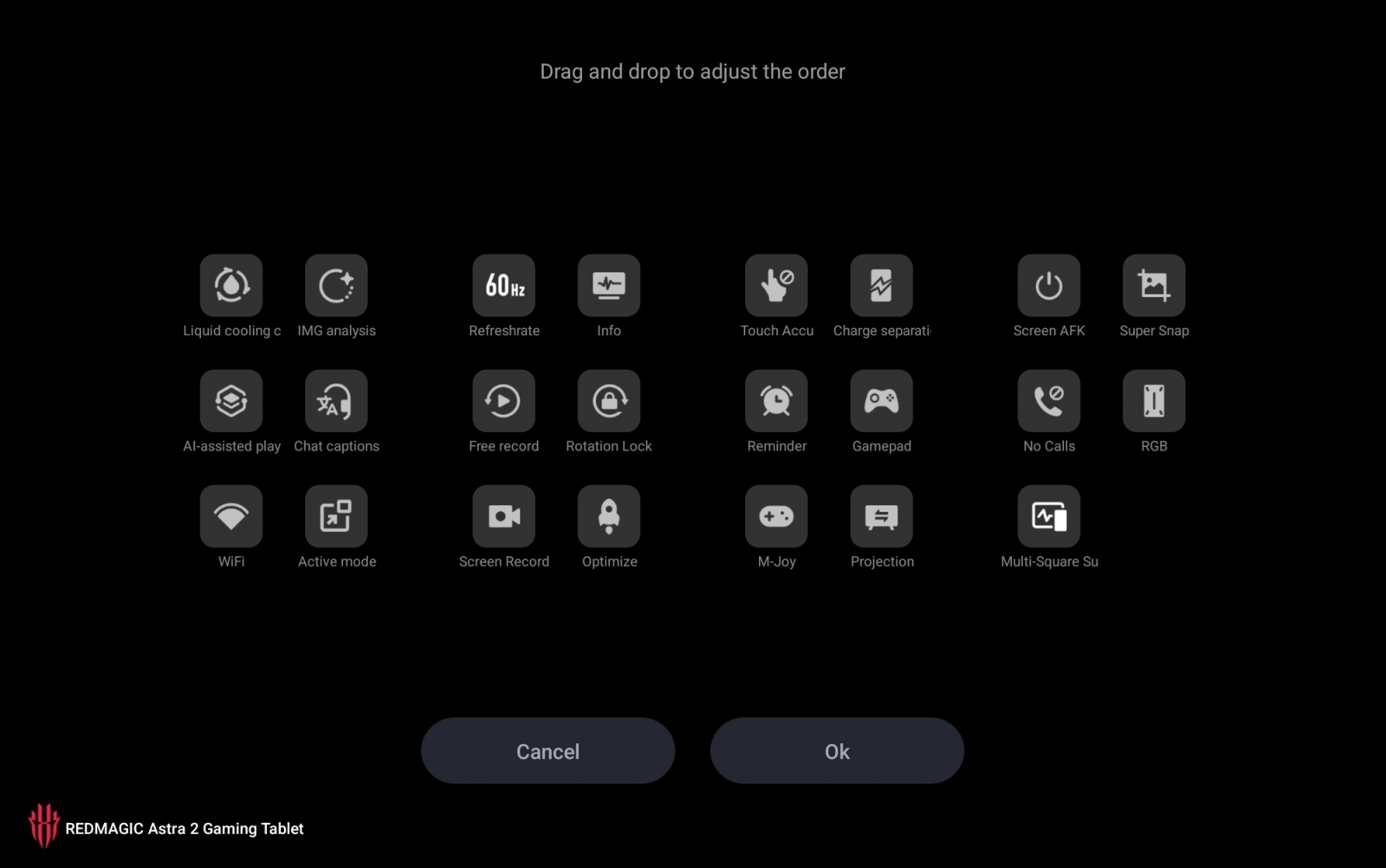
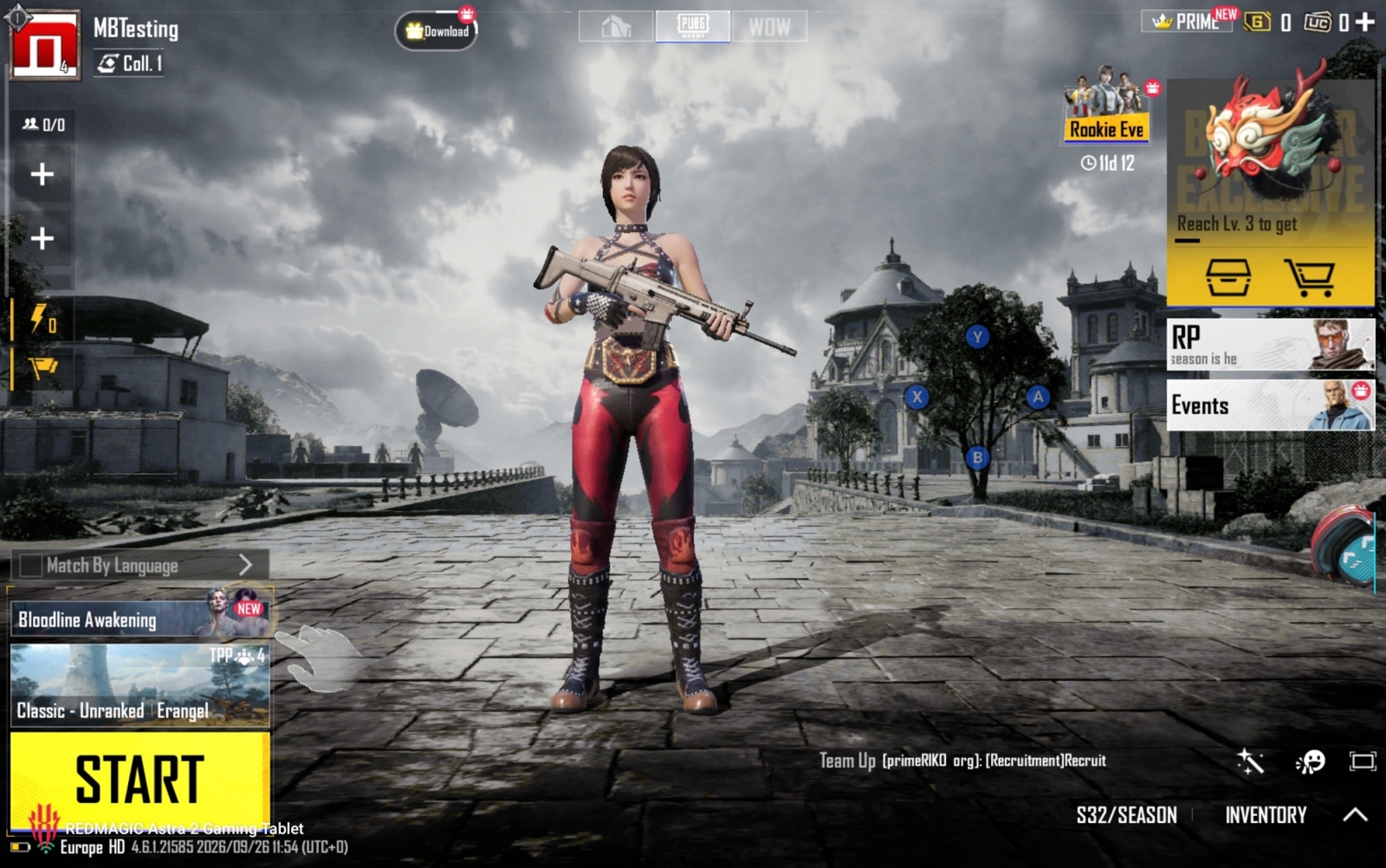
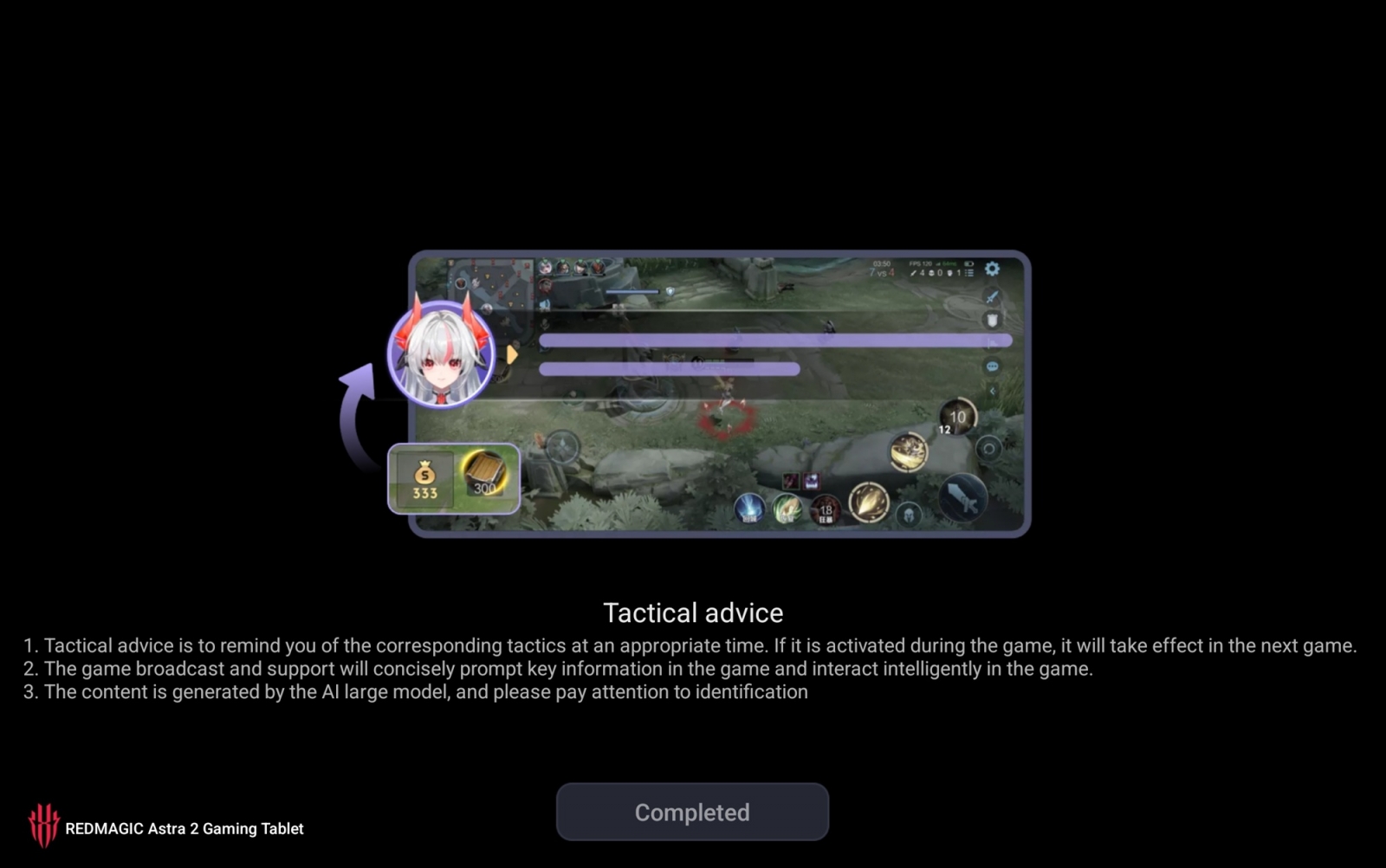

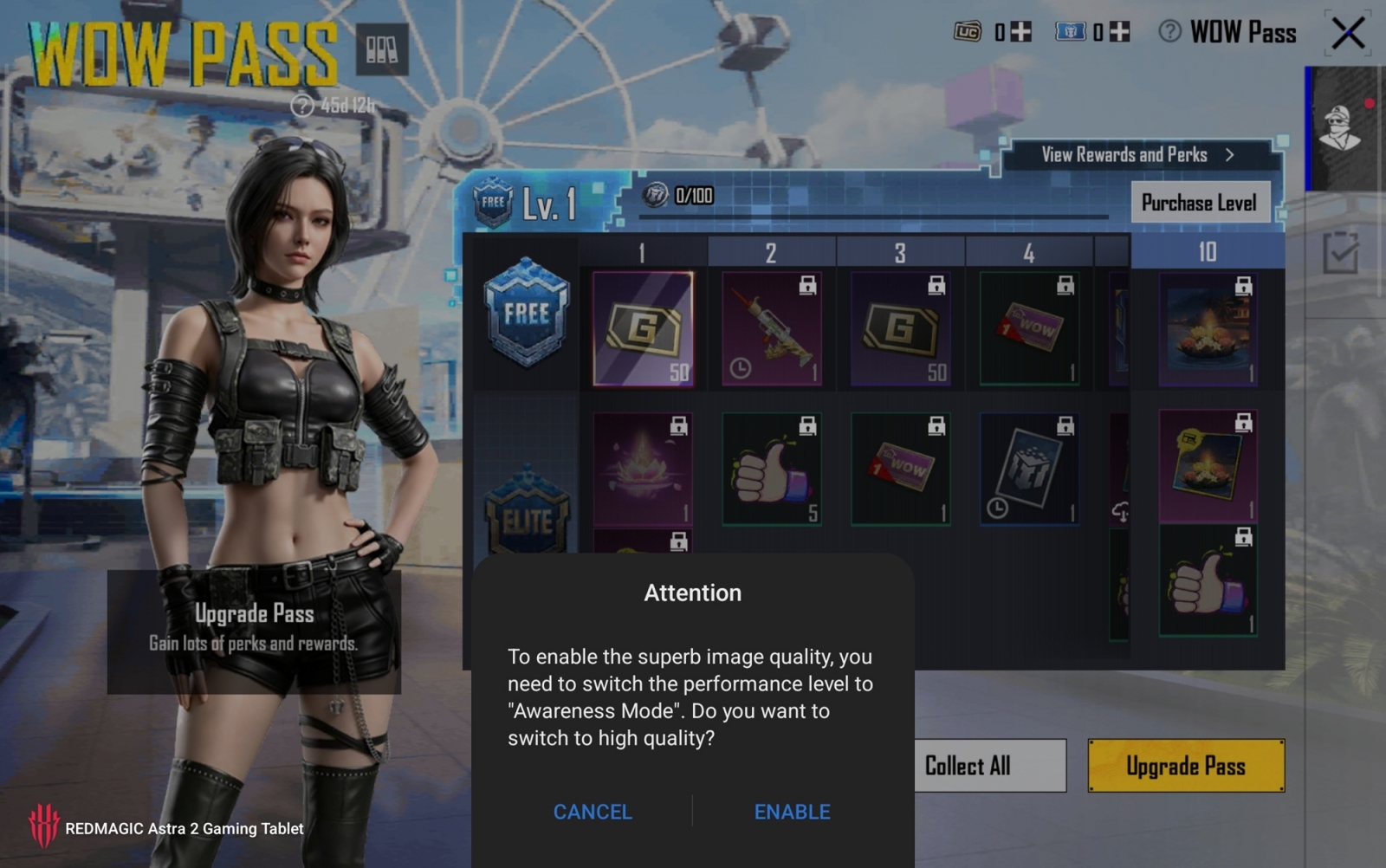
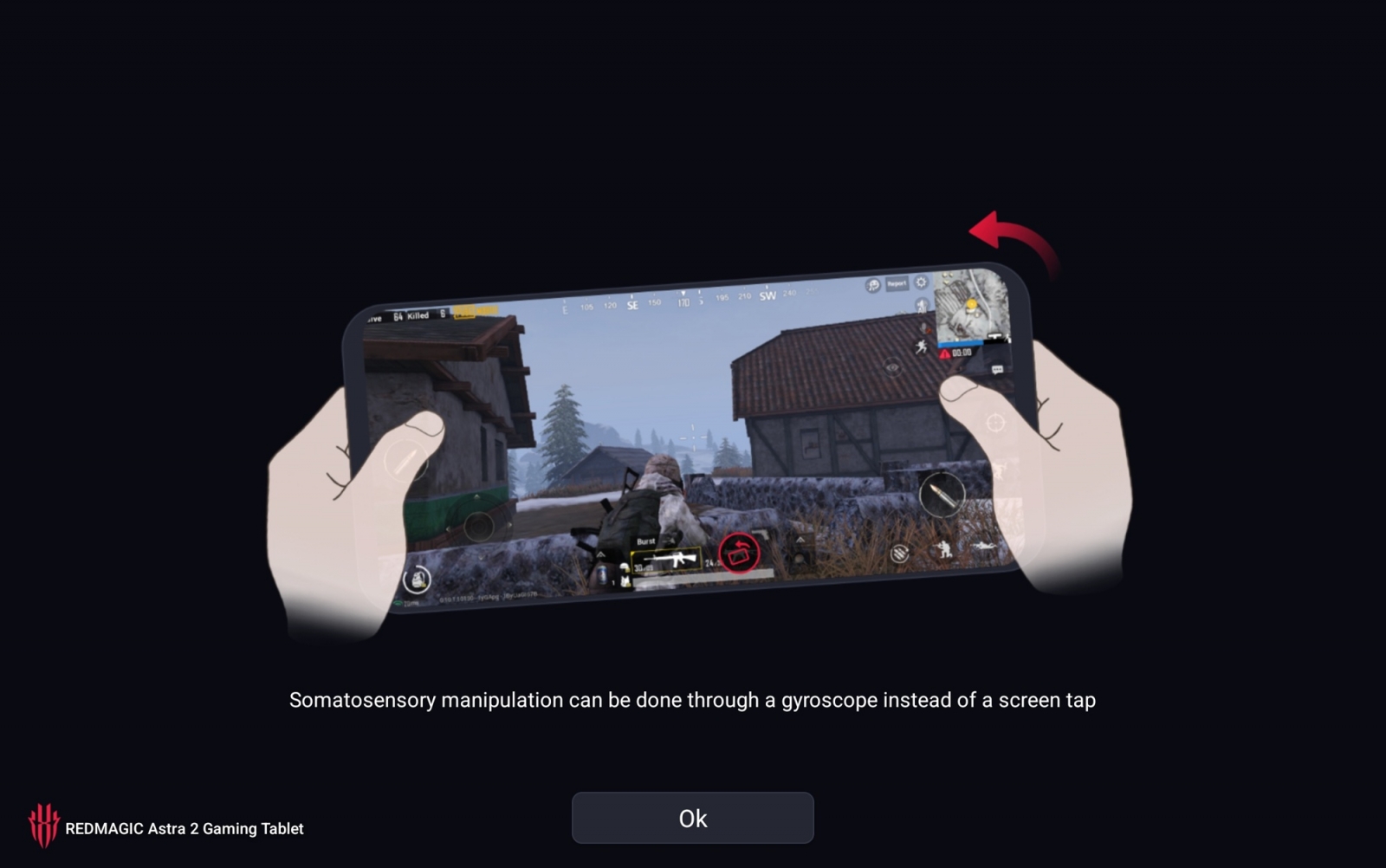
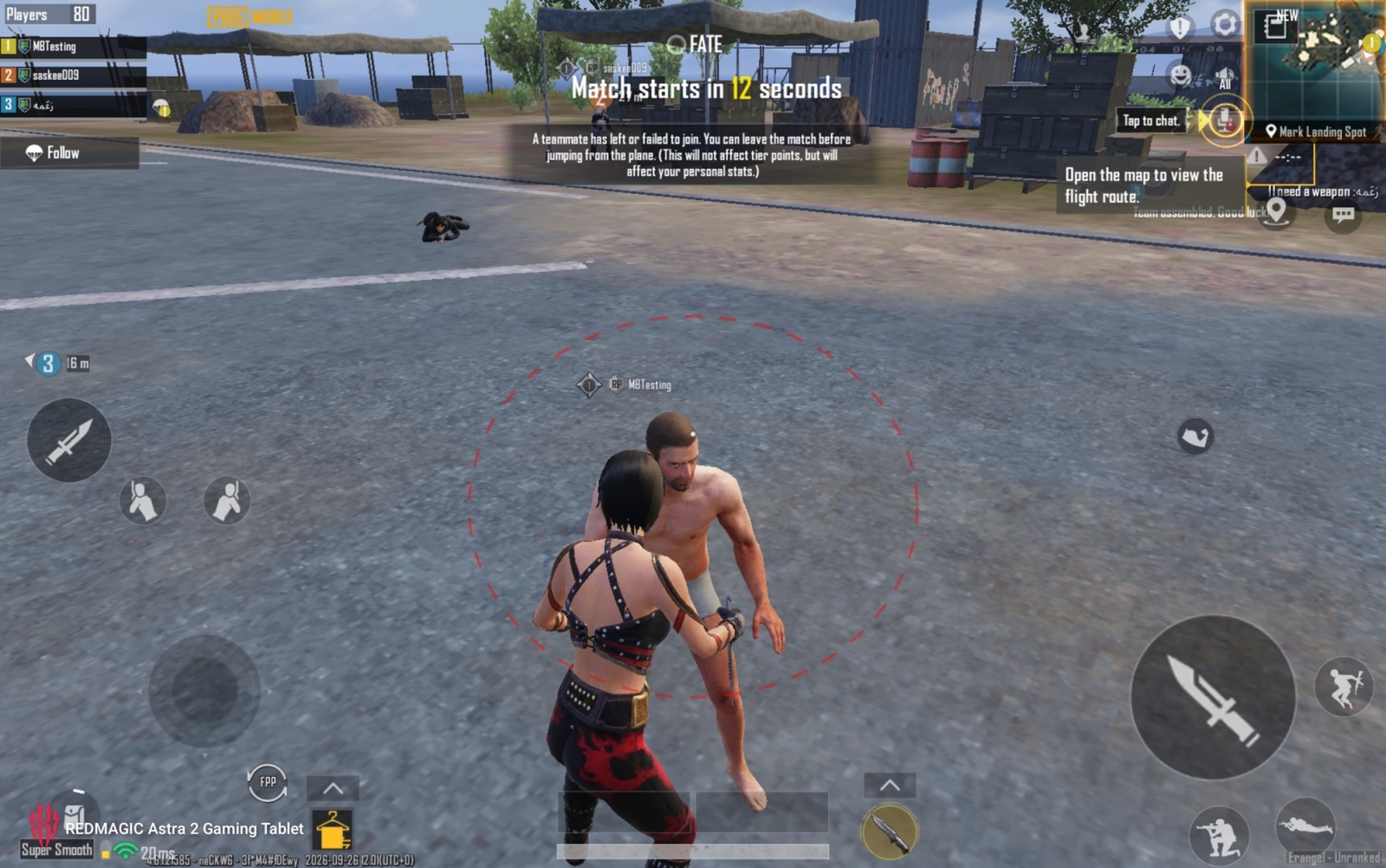
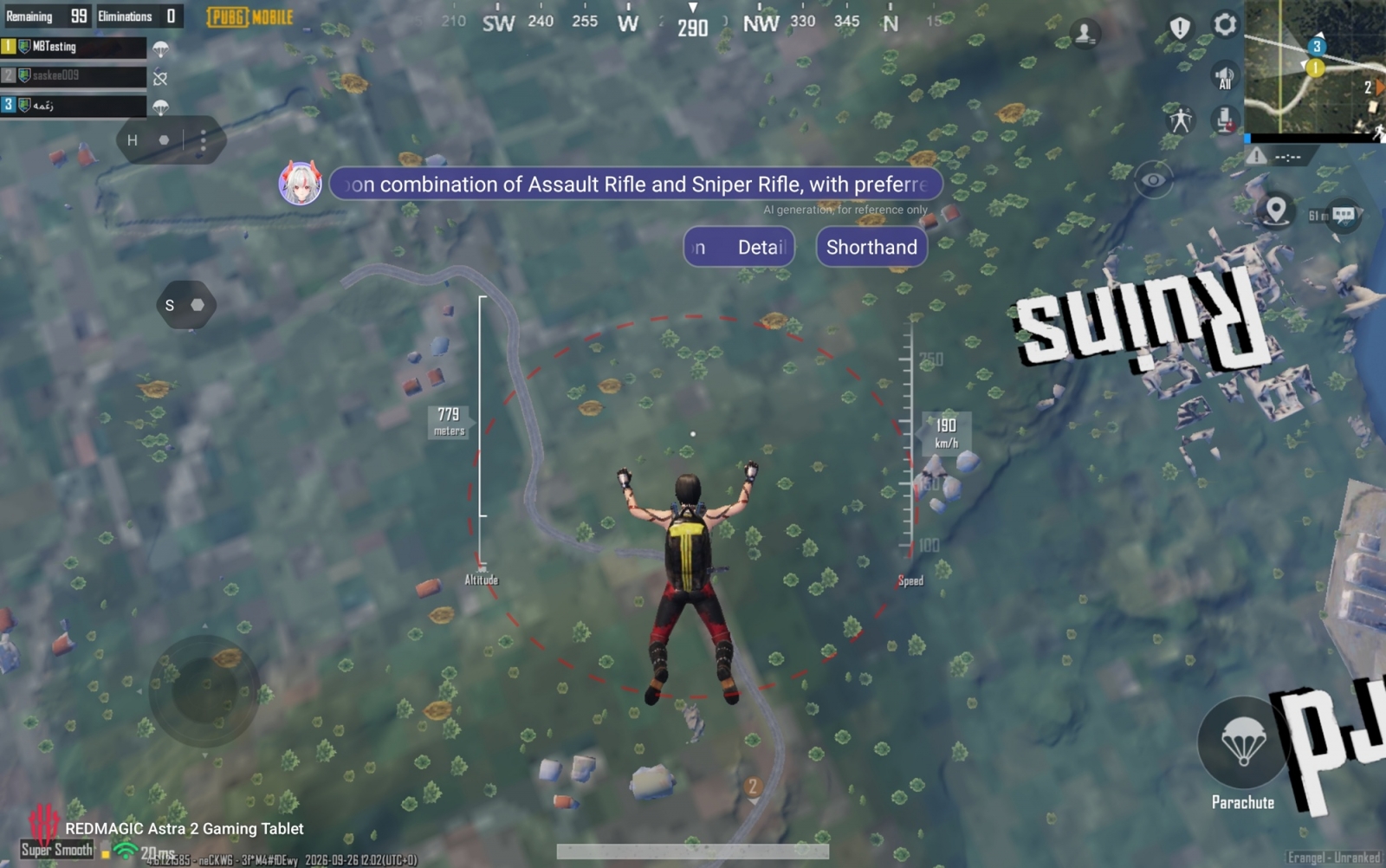
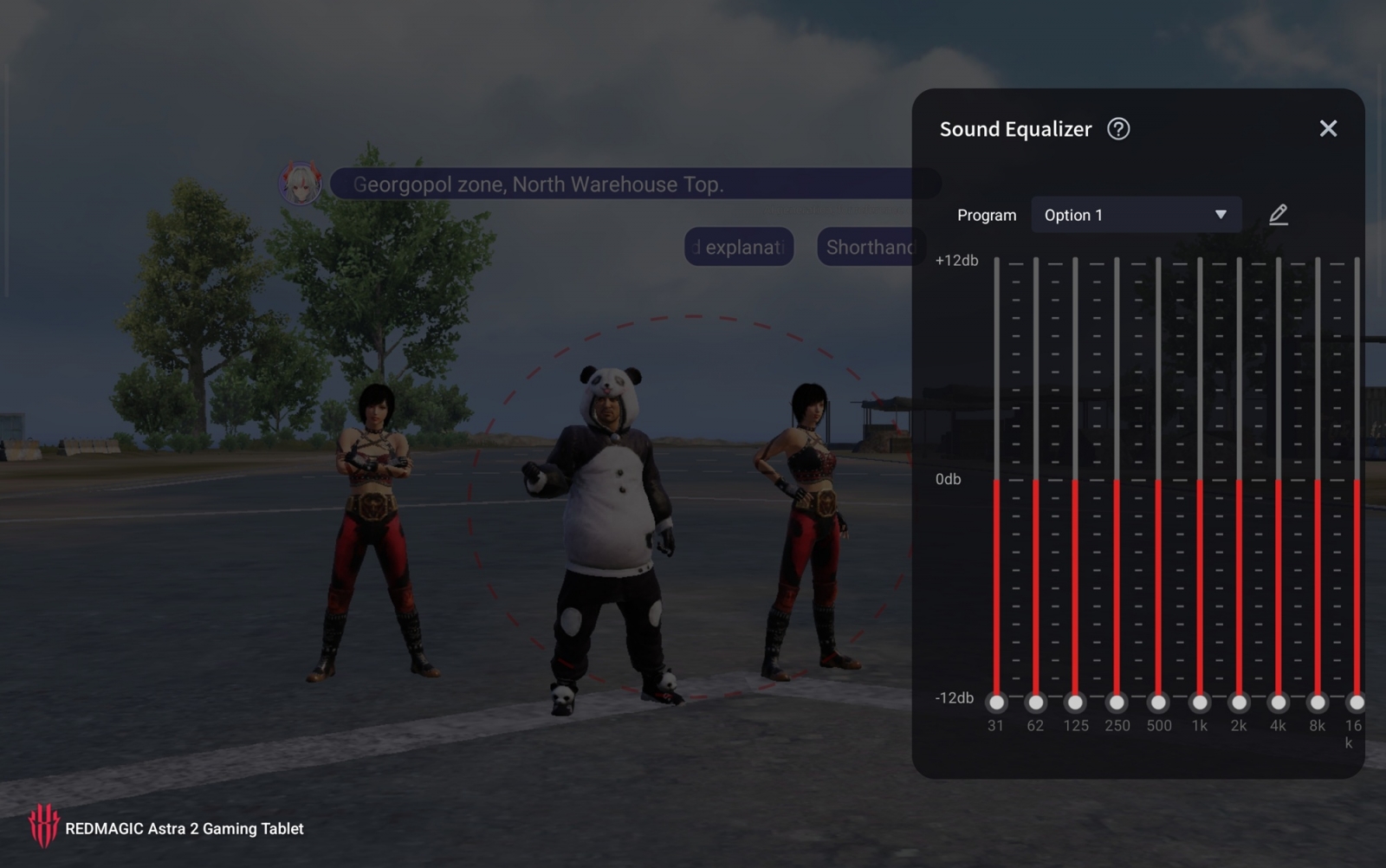


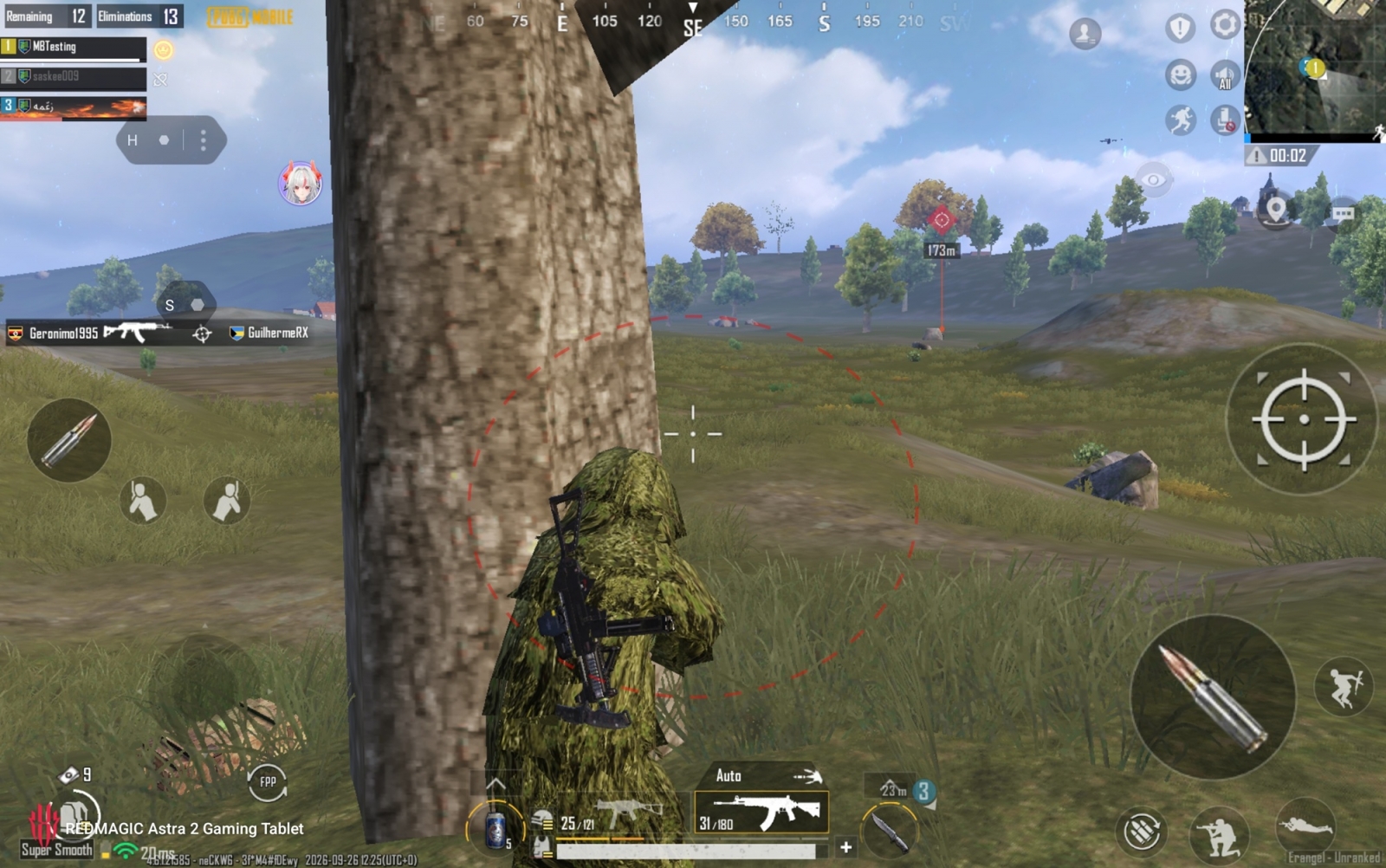
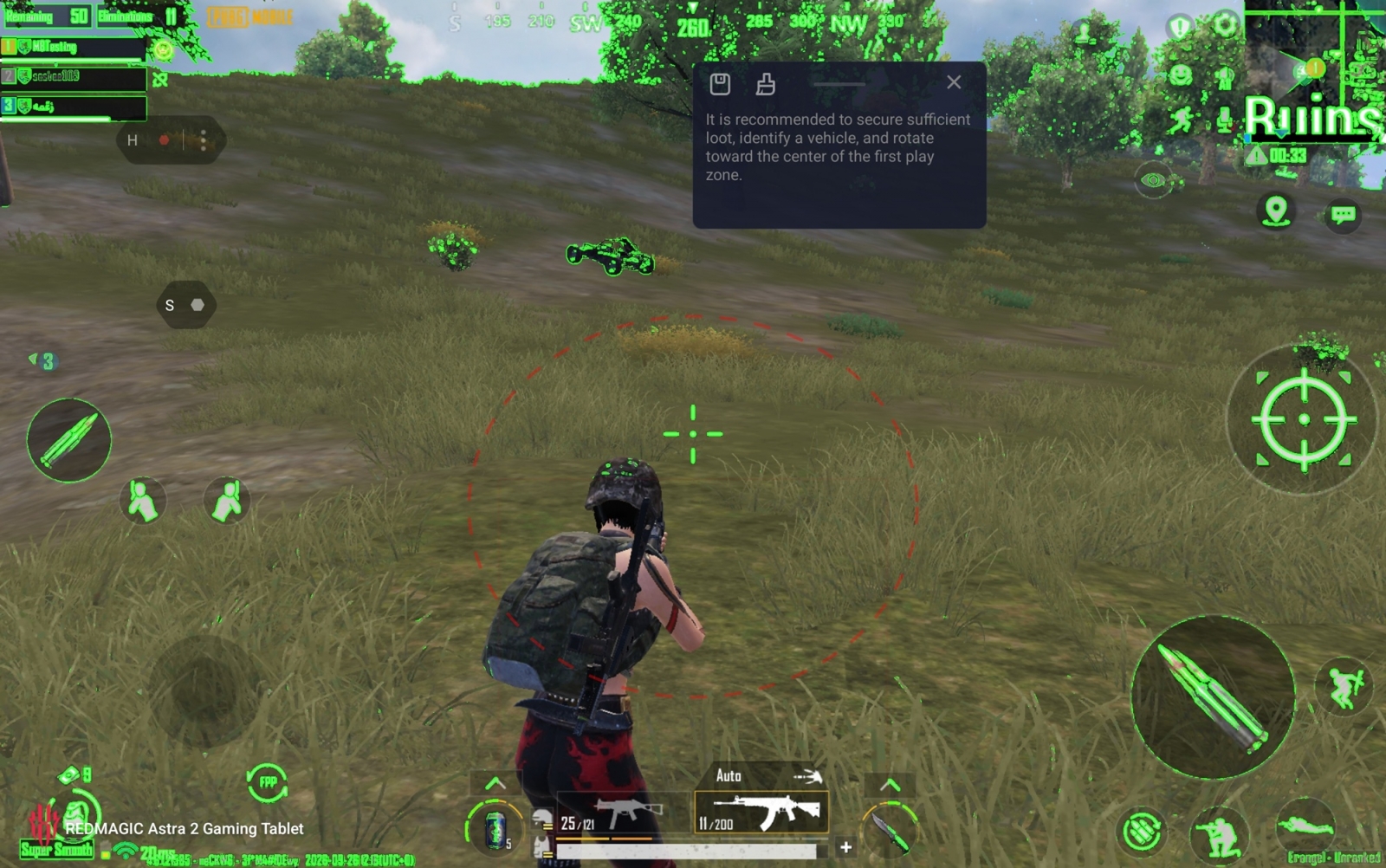
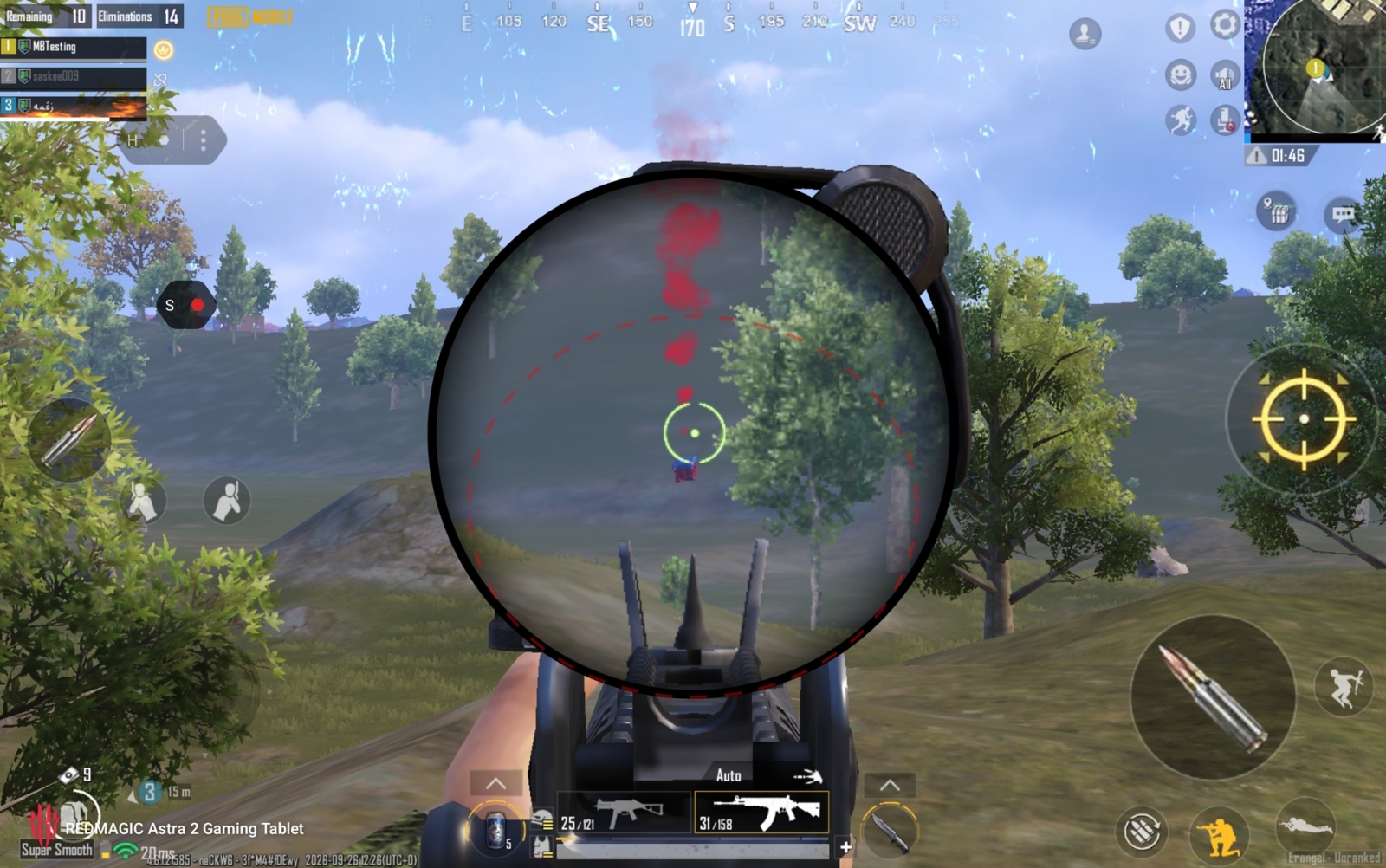
- Customized Crosshair overlays a persistent aiming reticle over a game.
- Hunter Filter enhances the visibility of enemies in different environments.
- Screen Extraction enlarges a selected portion of the display and keeps it visible separately.
- Somatosensory Control maps tablet movements and gestures to commands.
- Auxiliary Line adds visual alignment guides for precision.
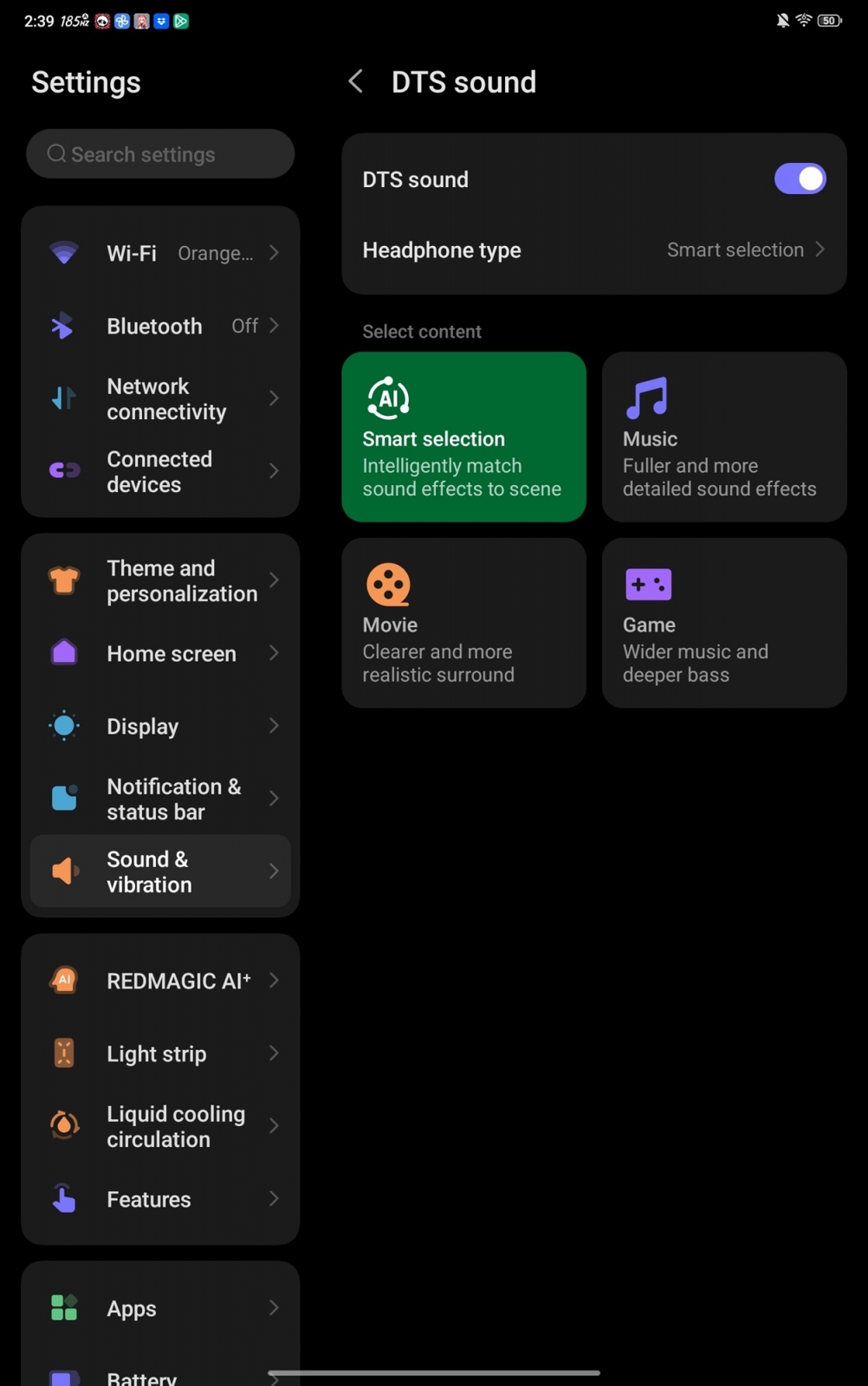
- Audio tools include an equalizer and amplification for cues such as footsteps.
- 4D Vibration provides haptic effects.
- A virtual joystick offers adjustable sensitivity.
- Game Space can track counters and in-game events.
- Gameplay capture and recording can be tied to specific events.
- Display aspect ratios can be changed to 4:3, 16:9 or full screen, while orientation can be forced to landscape or portrait.
- Gravity X supports keyboard, mouse and controller connections.
- Quick controls cover performance monitoring, brightness, sound and performance modes.
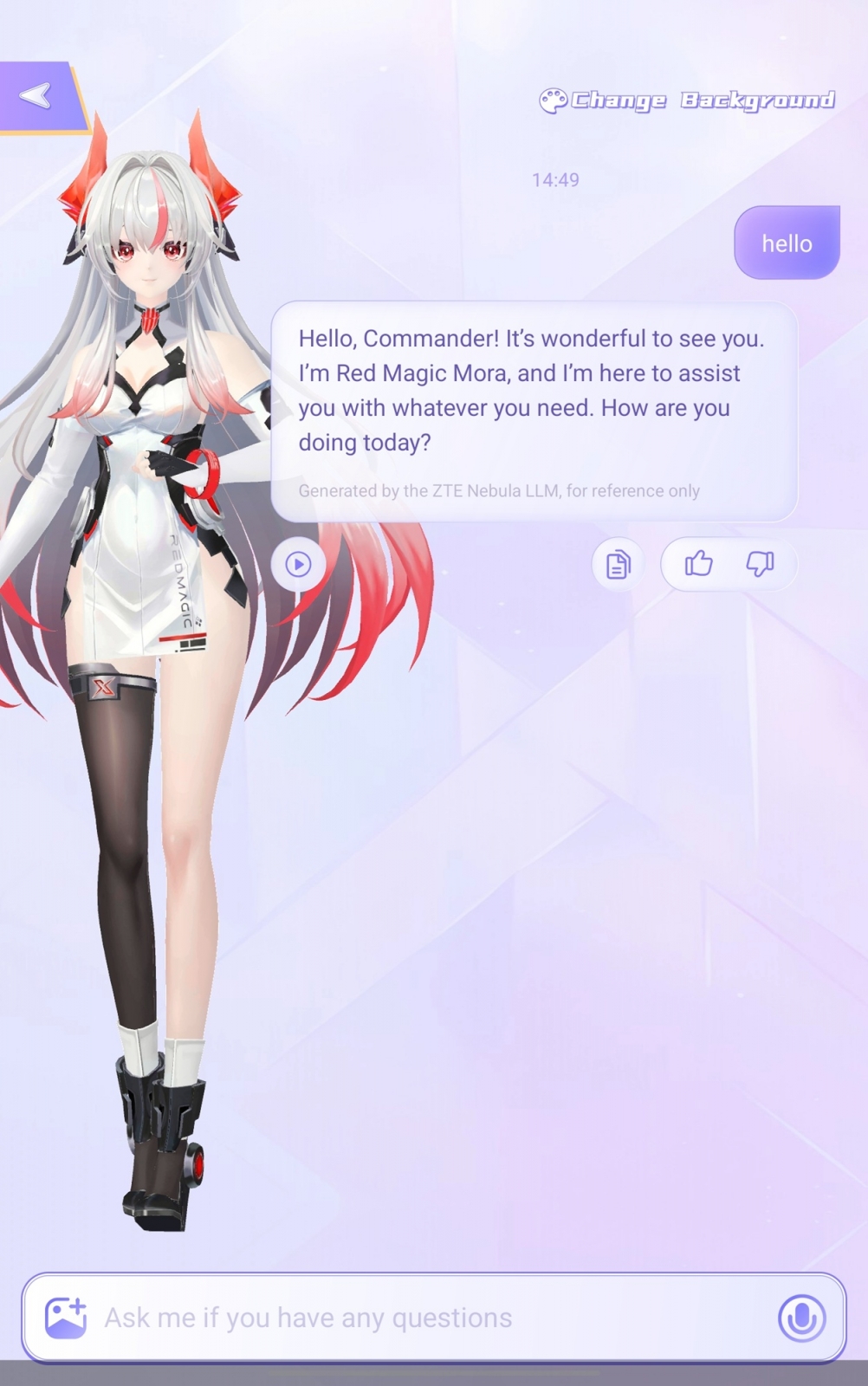
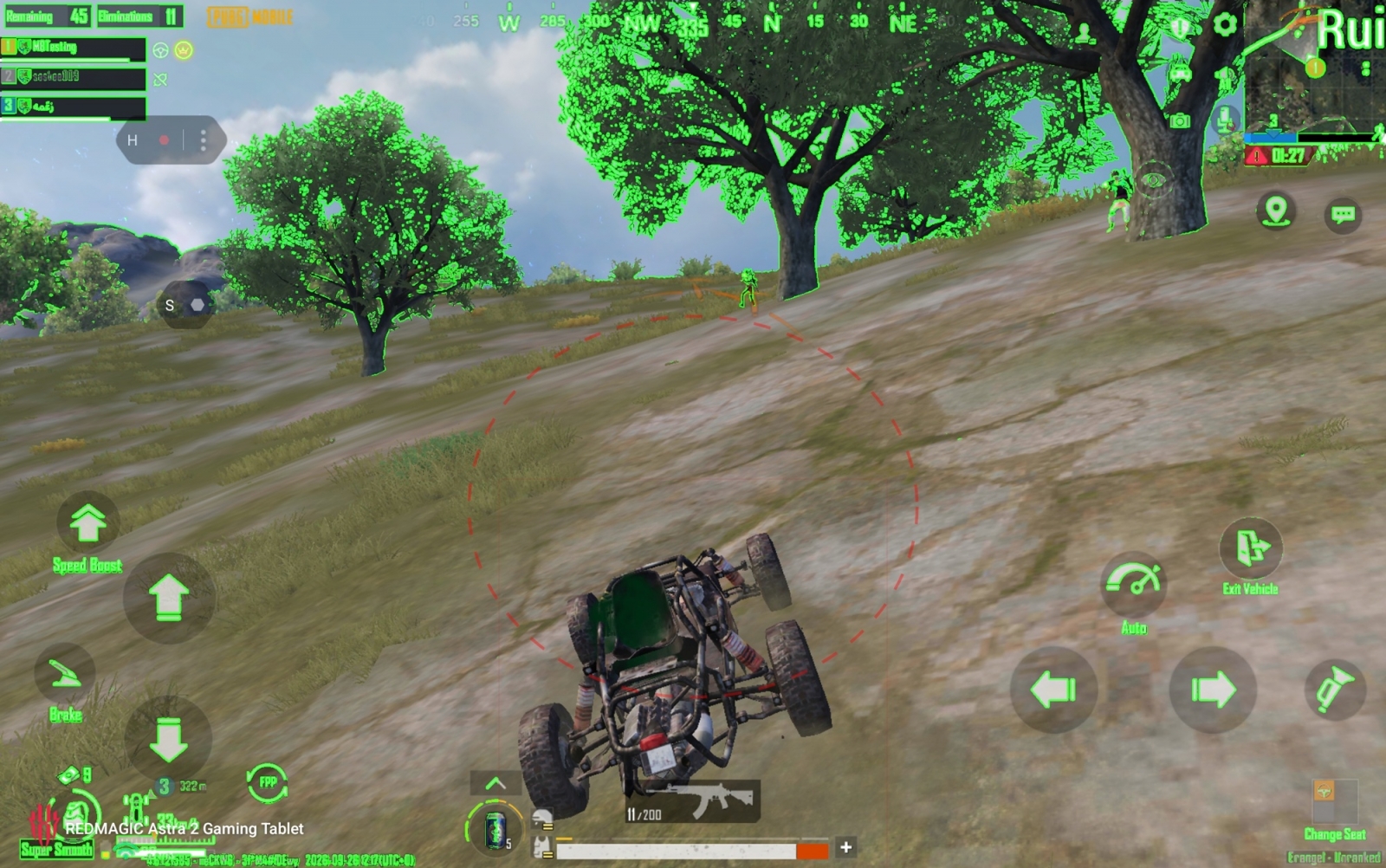
The Astra 2 also includes game-specific assistance: Tactical Coach for Delta Force can offer real-time advice, while Performance Review is available for MLBB. REDMAGIC’s Mora Mouthpiece can take over in-game conversations using the Mora voice. In PUBG testing, the tablet’s virtual scope feature could magnify opponents beyond the scope available on the equipped weapon, while Night Vision and motion-visibility filters were also available.
Display refresh rates and frame interpolation
The 9.06-inch OLED display supports refresh rates up to 185Hz. REDMAGIC lists a 300Hz average touch-sampling rate, with an instantaneous rate of up to 2,000Hz. Actual frame rates still depend on game-level support rather than the panel’s maximum specification.
| Game | Observed refresh rate or frame-rate limit | Additional note |
|---|---|---|
| Brawl Stars | 185Hz | Able to use the display’s 185Hz mode. |
| Delta Force | 185Hz | Able to use the display’s 185Hz mode. |
| PUBG | 120Hz | Did not reach 185Hz in testing. |
| Genshin Impact | 60 FPS | Its native frame-rate limit remained 60 FPS; maximum graphics settings ran without visible lag or troubling frame-rate drops in testing. |
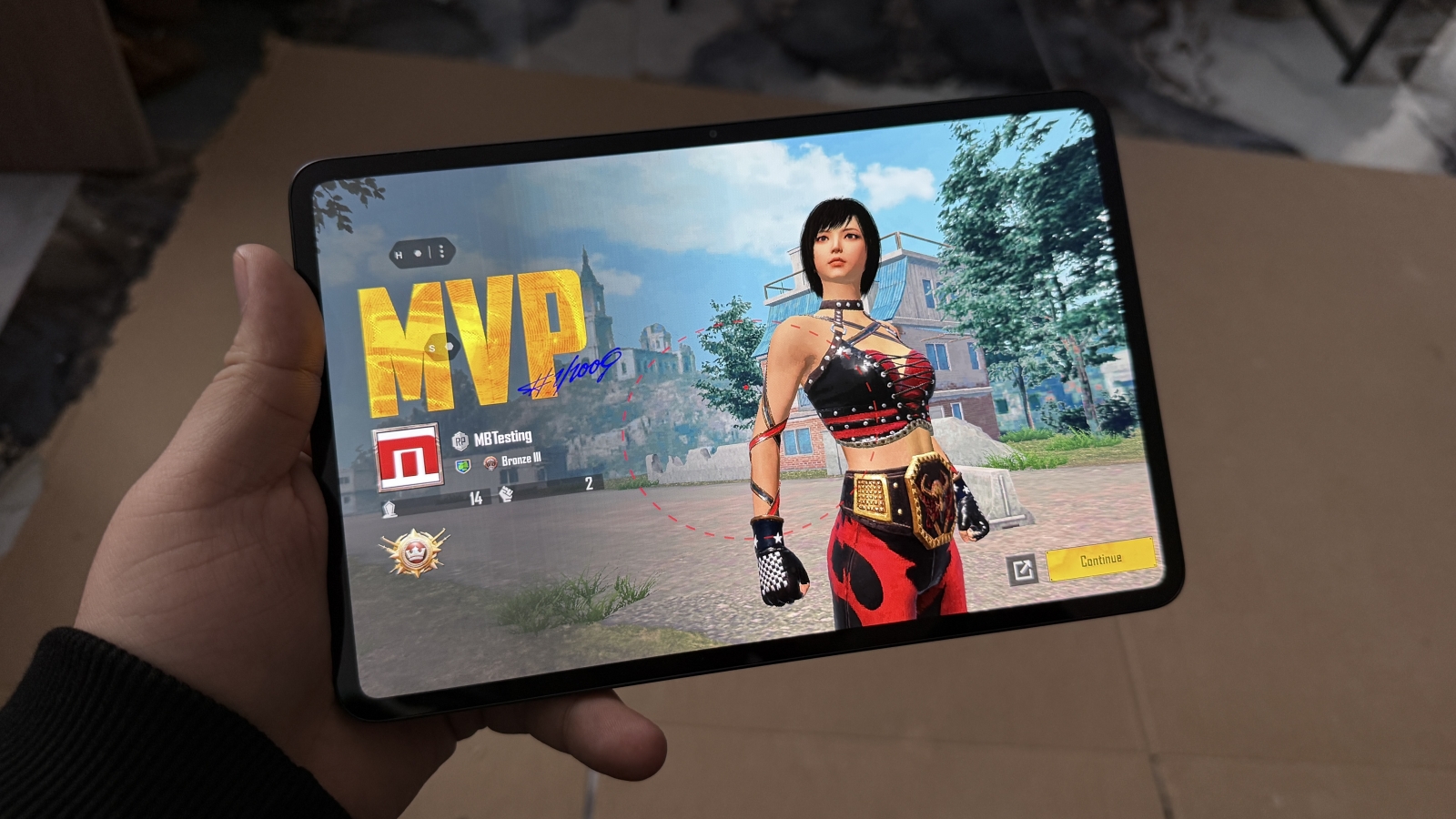
REDMAGIC also offers Frame Rate Boost, a frame-interpolation feature that generates intermediate frames to make motion appear smoother. The High Frame Rate option in the side menu can push selected titles beyond 120Hz even when they do not natively offer such a mode; this should not be confused with native game rendering at those frame rates.
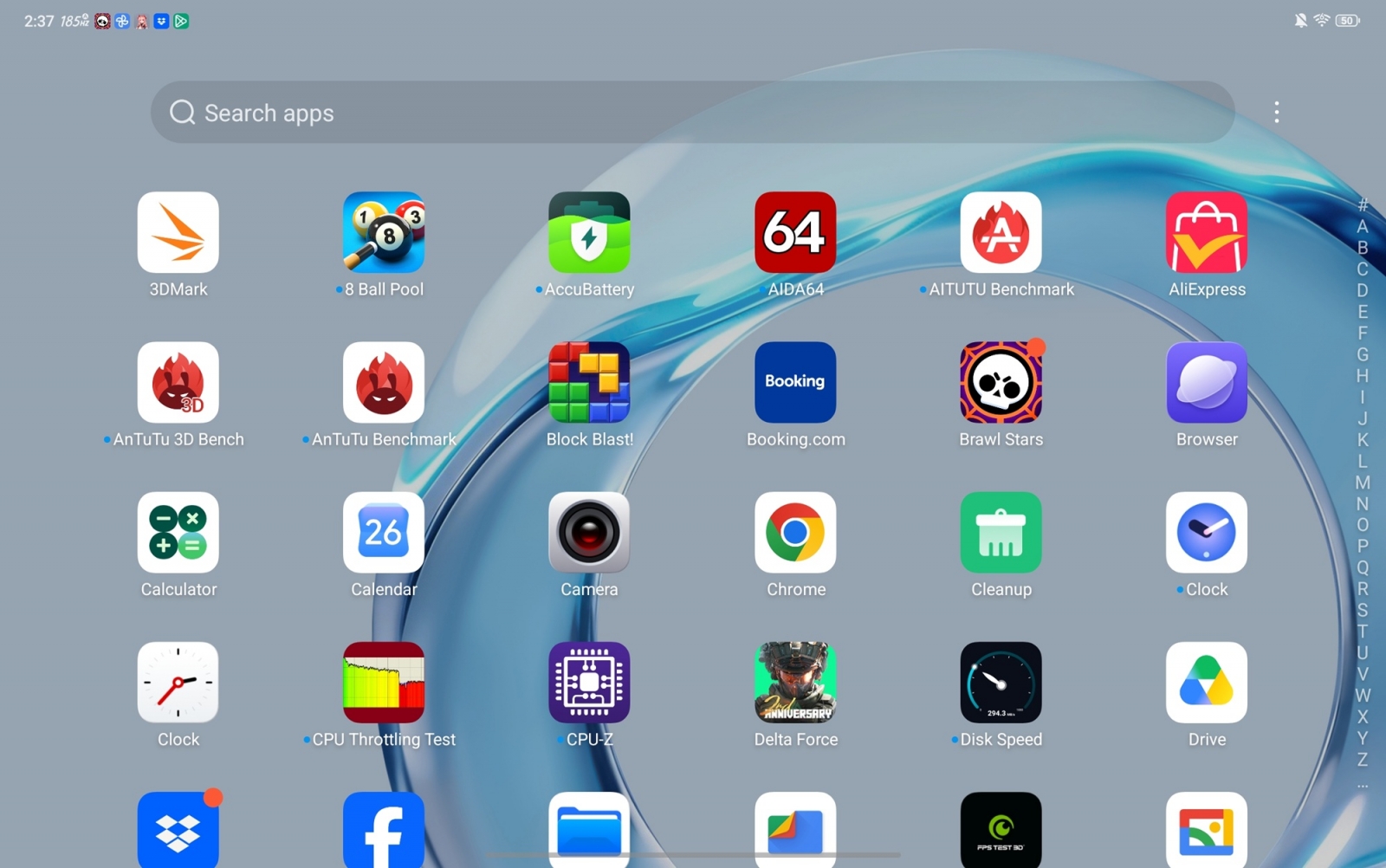
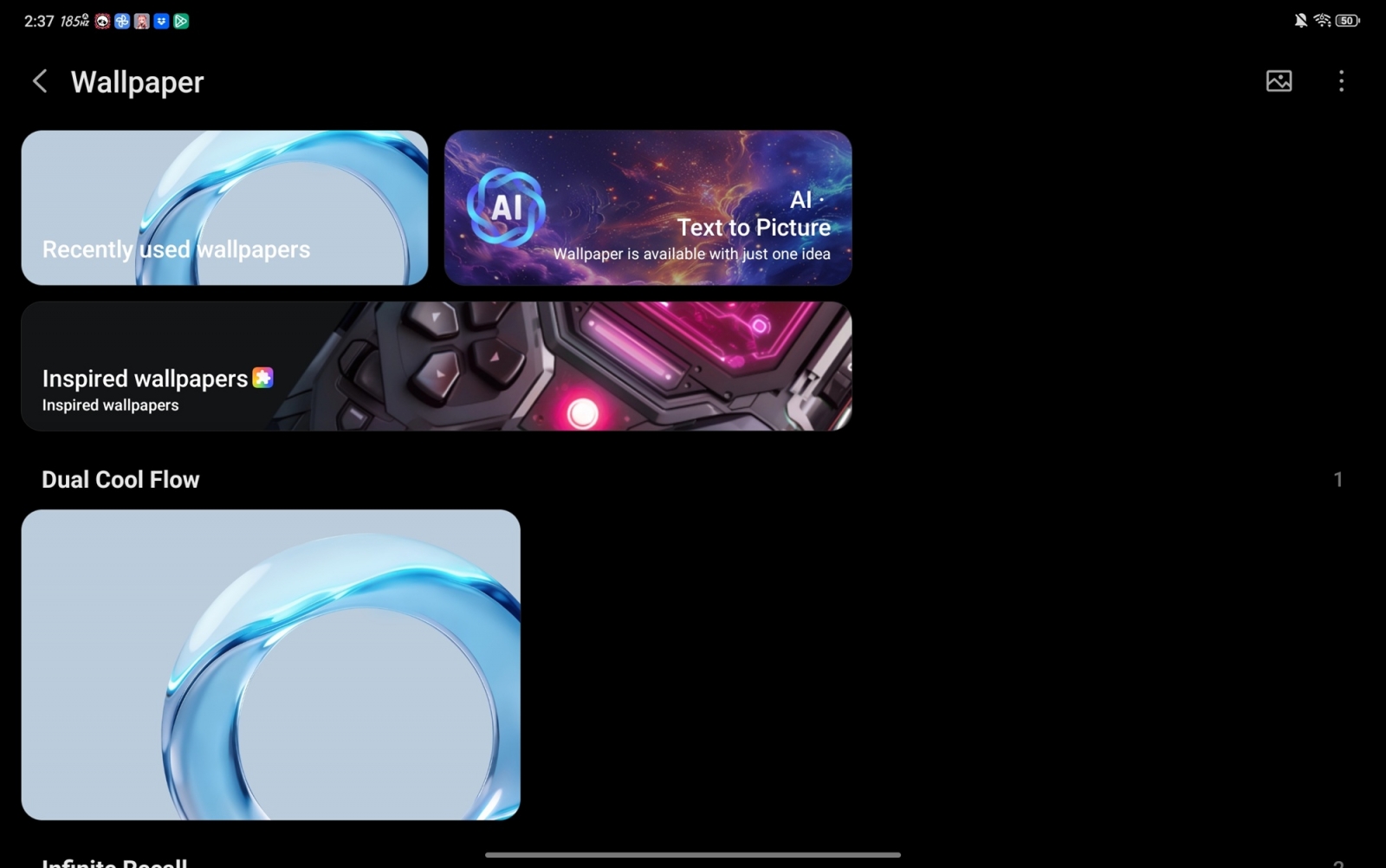
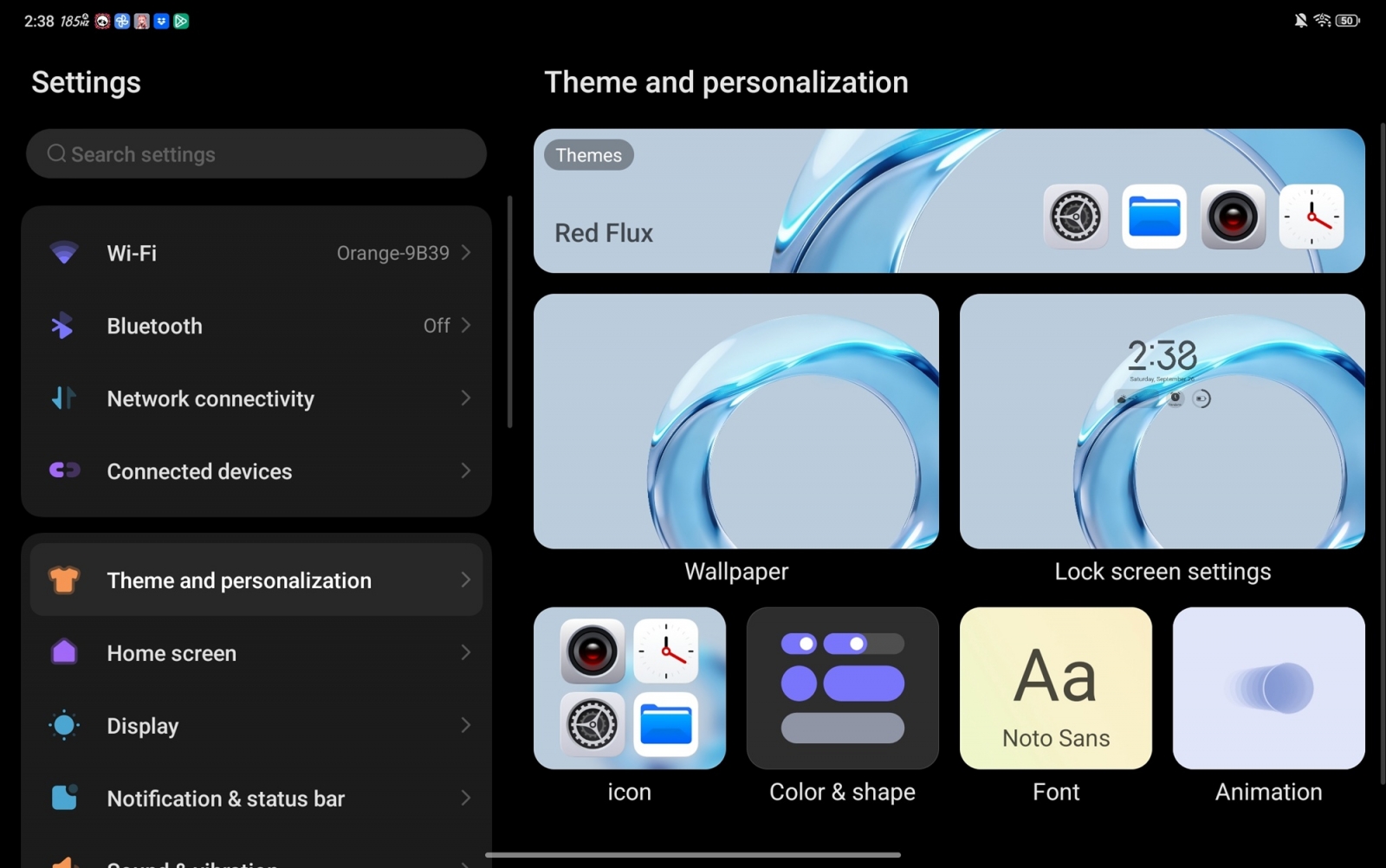
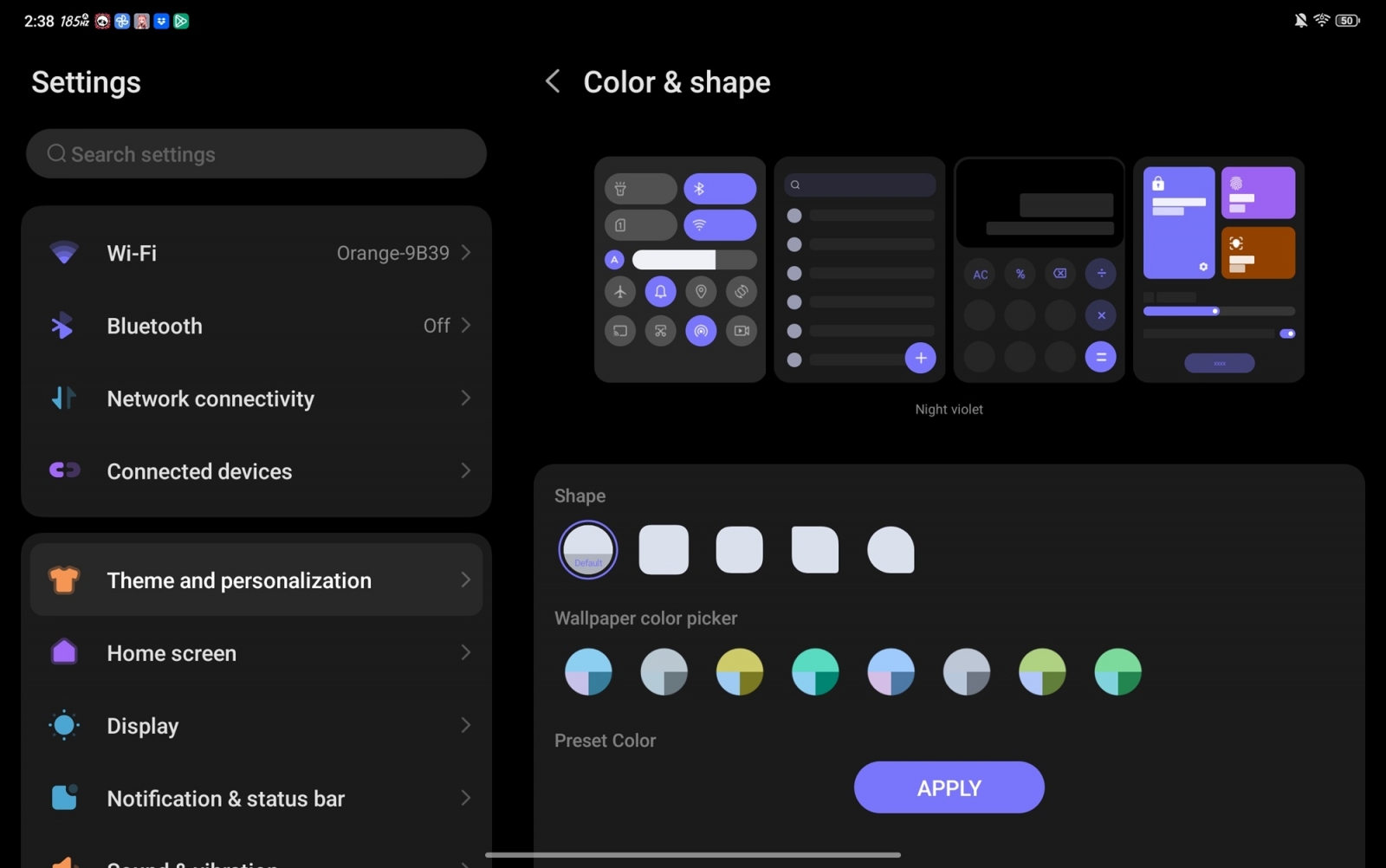
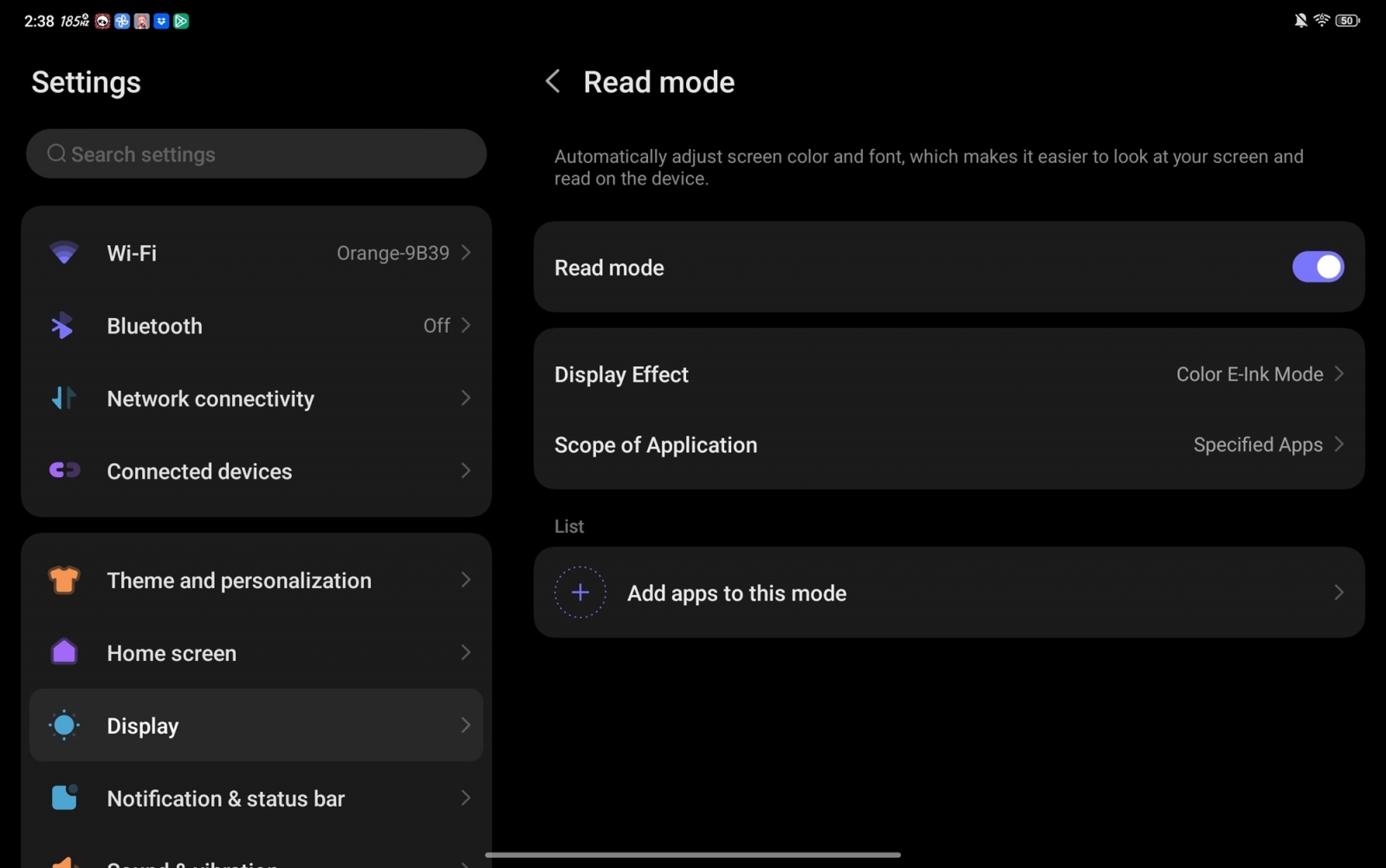
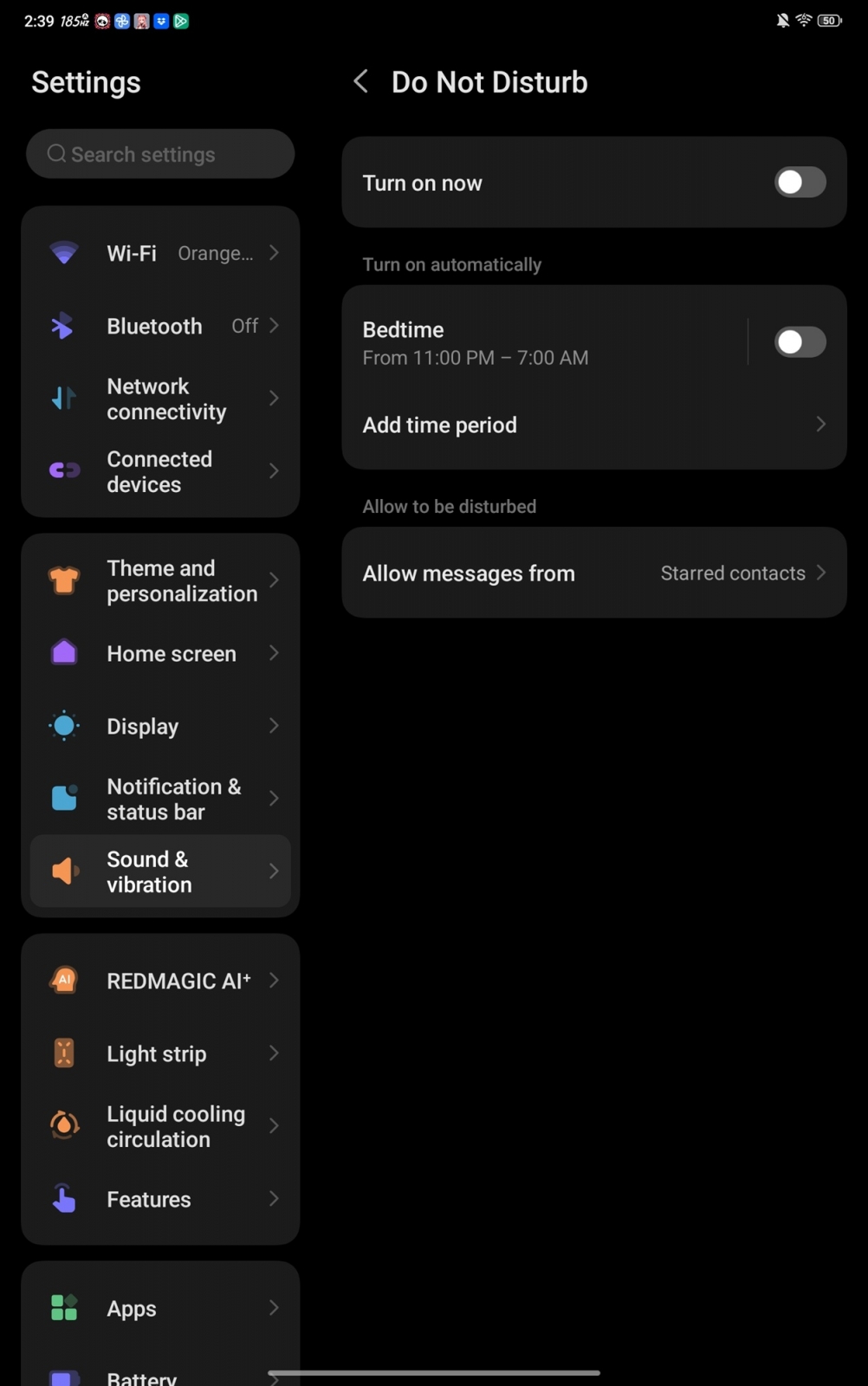
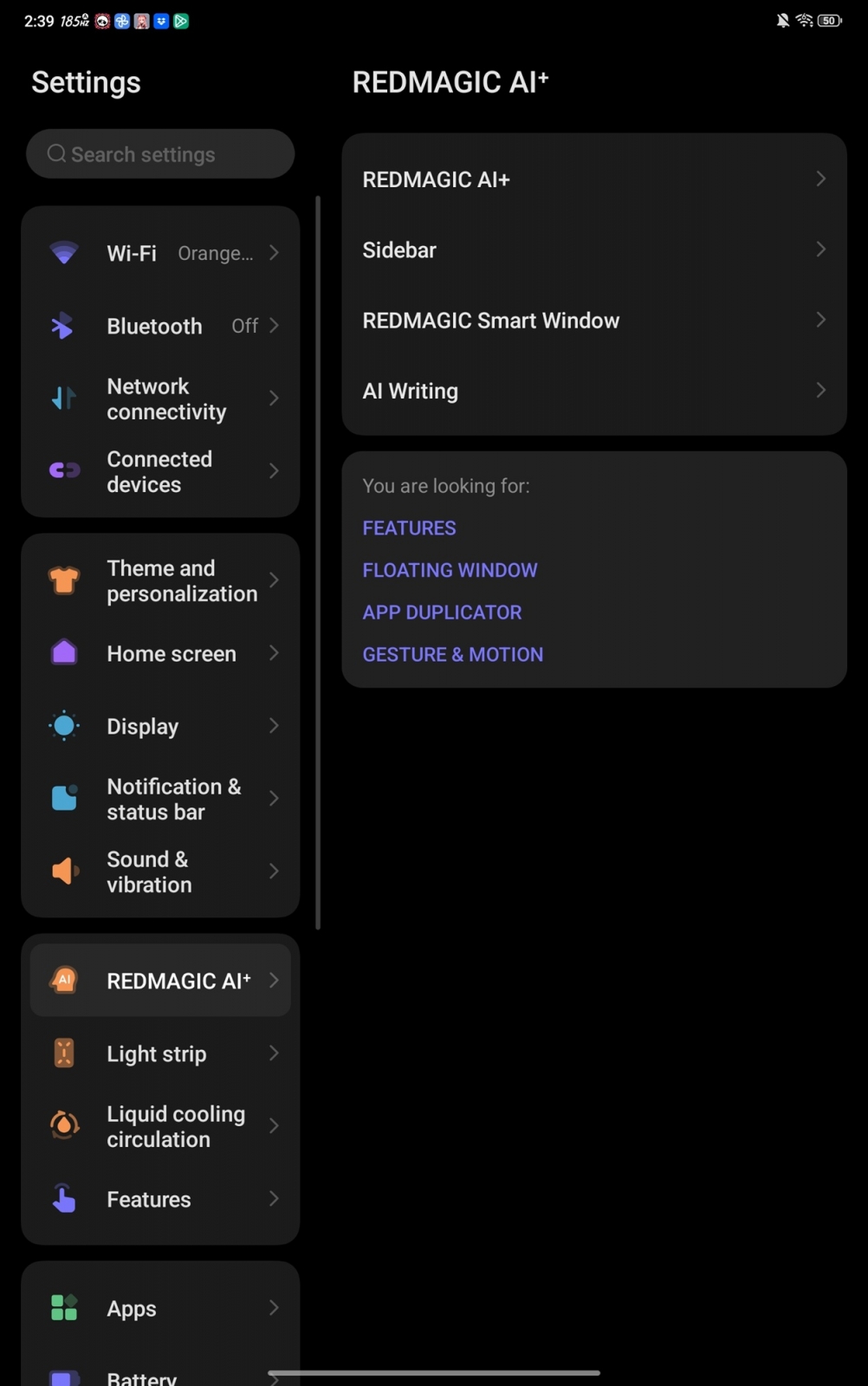
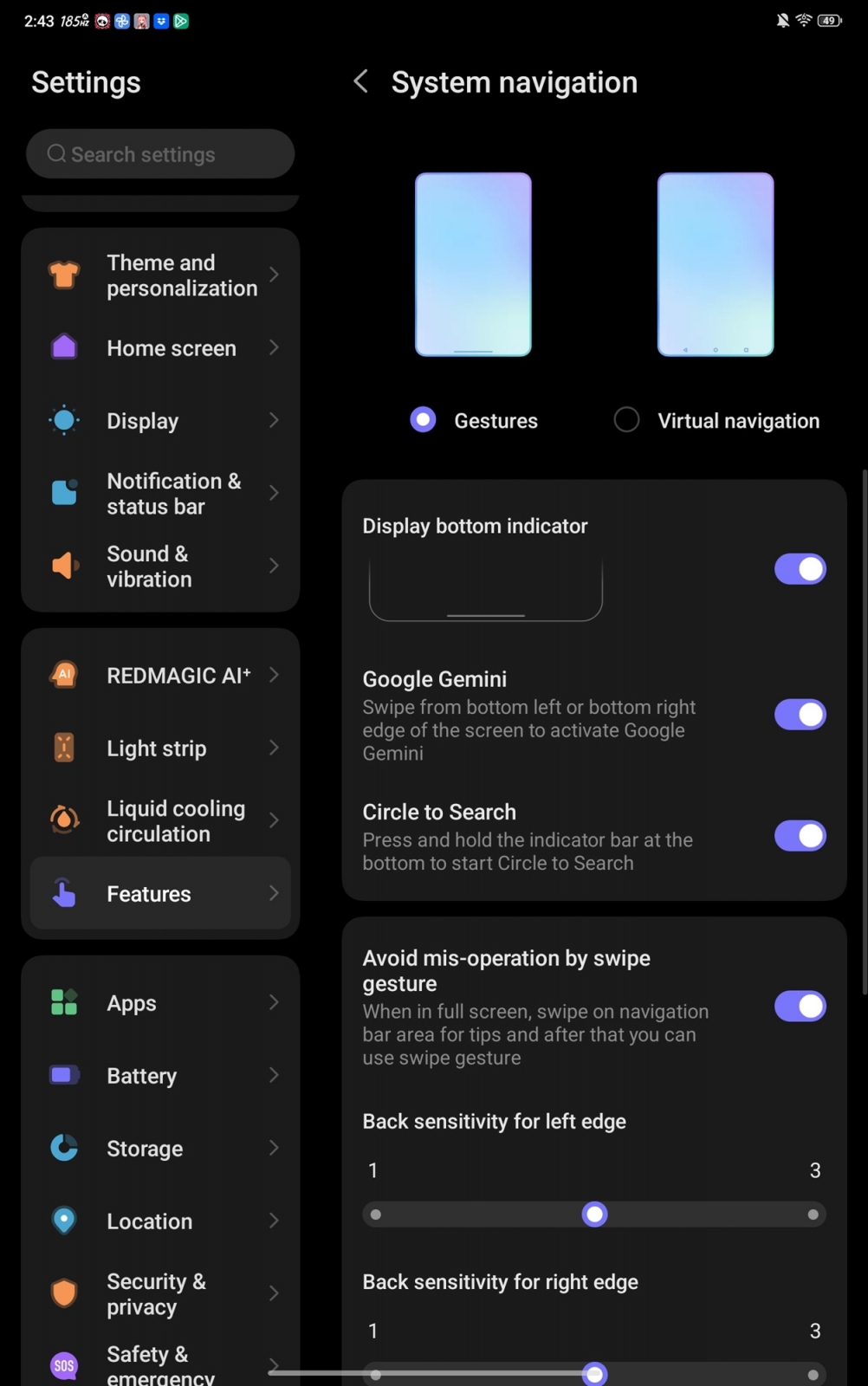
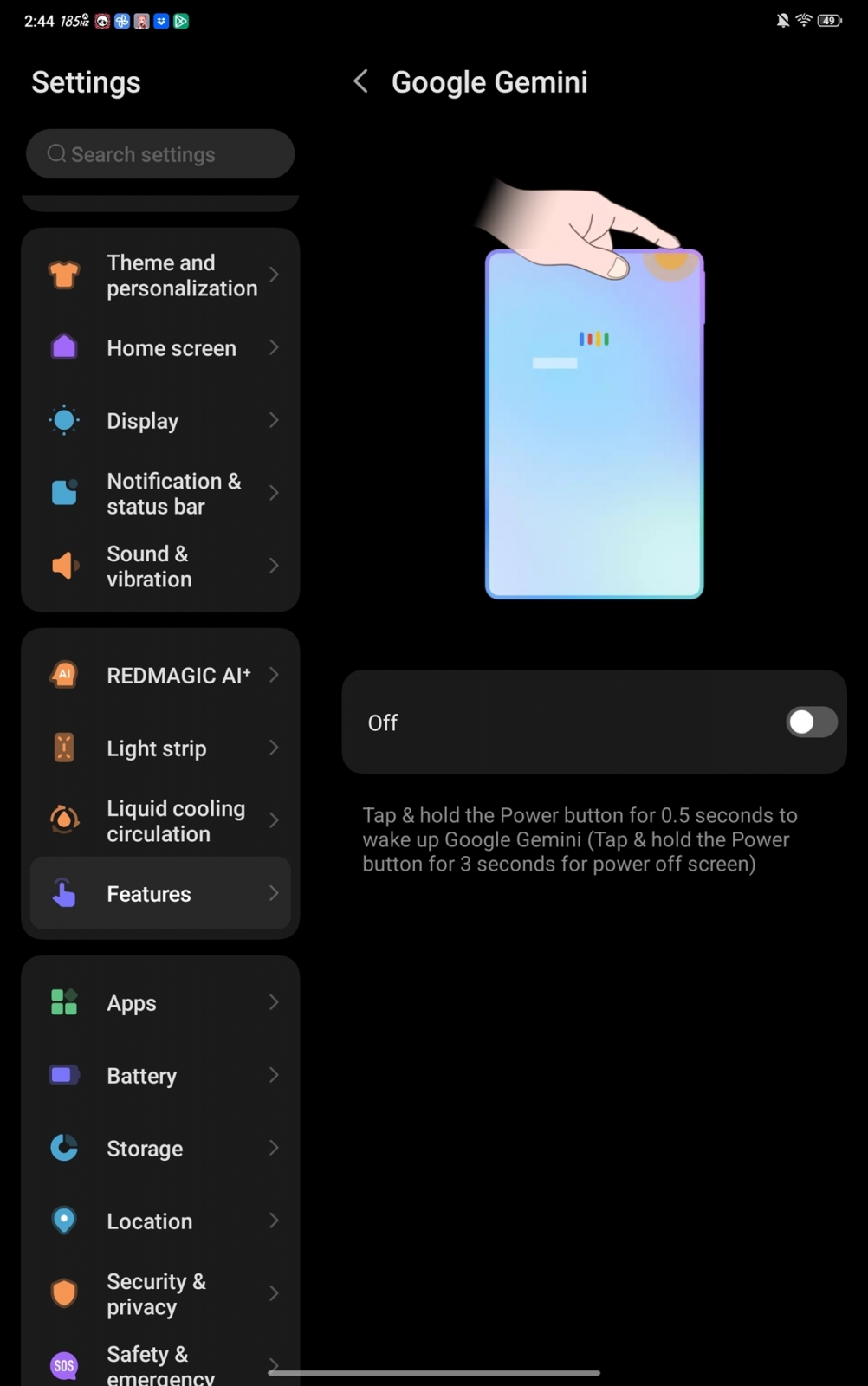
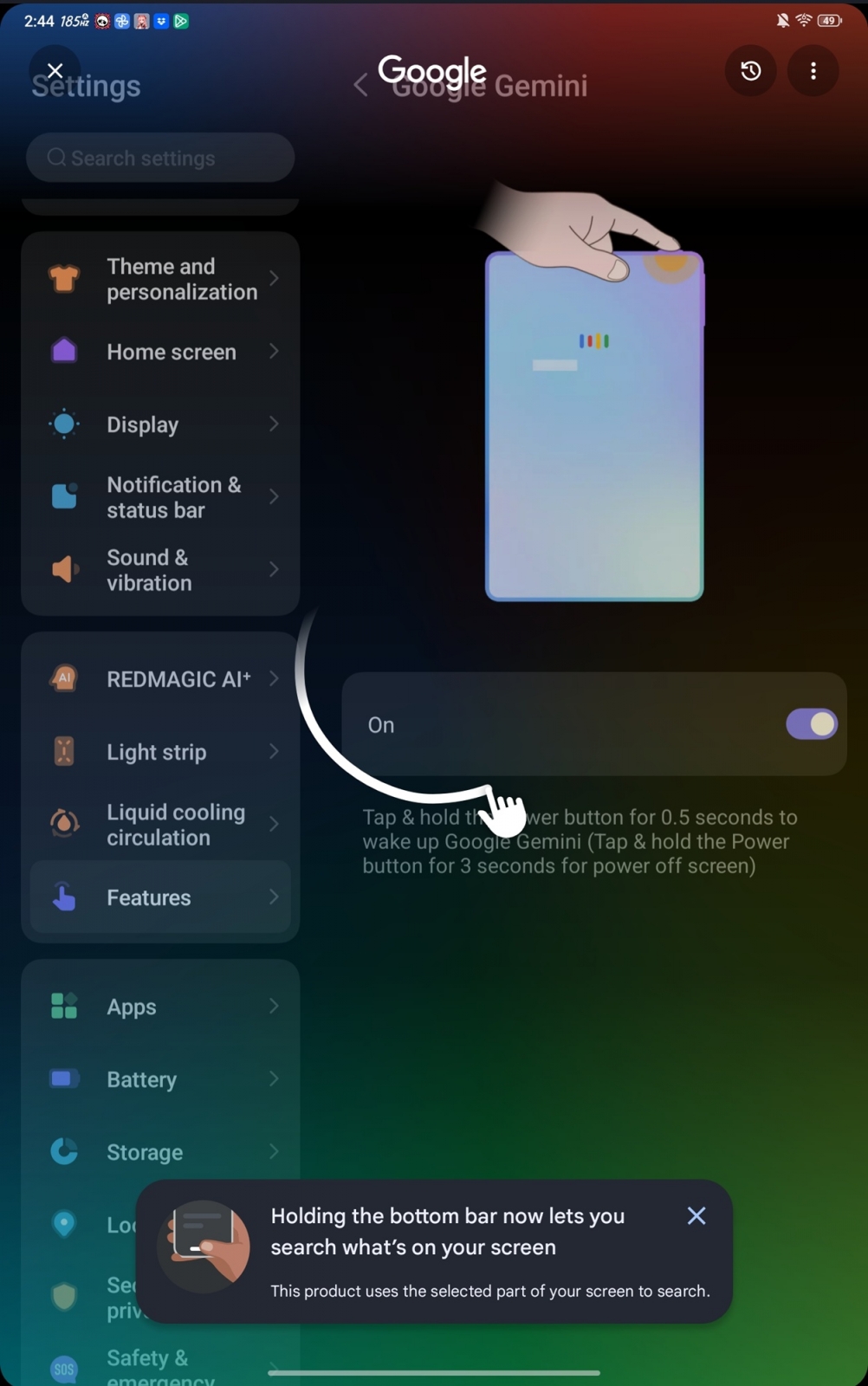
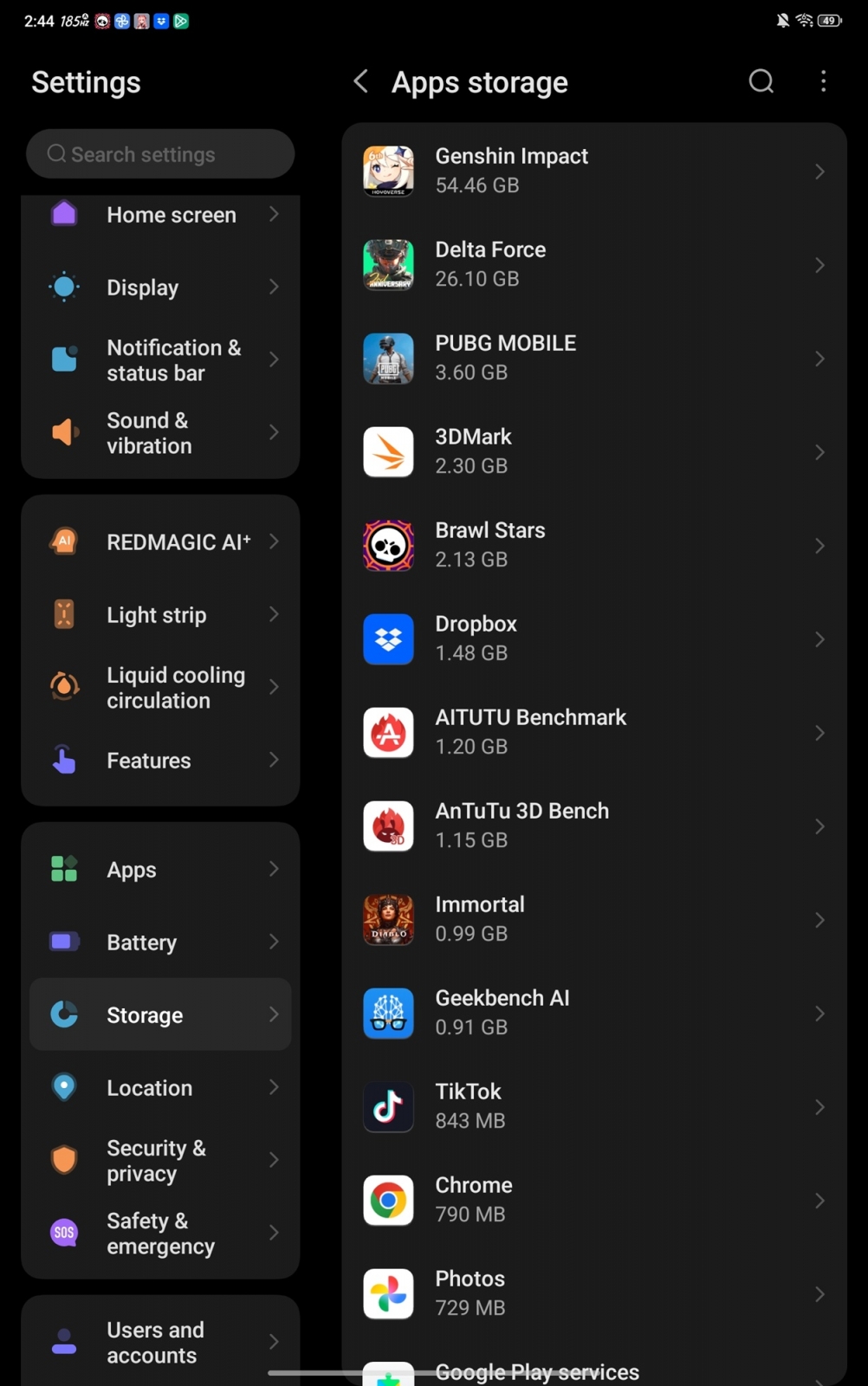
Outside Game Space, the Astra 2 runs Android 16 under REDMAGIC OS 11.5. The interface stays relatively close to stock Android and includes Google Gemini integration alongside AI features for input and system functions. The rear RGB light strip can be customized to remain on continuously or activate only in selected scenarios and games.







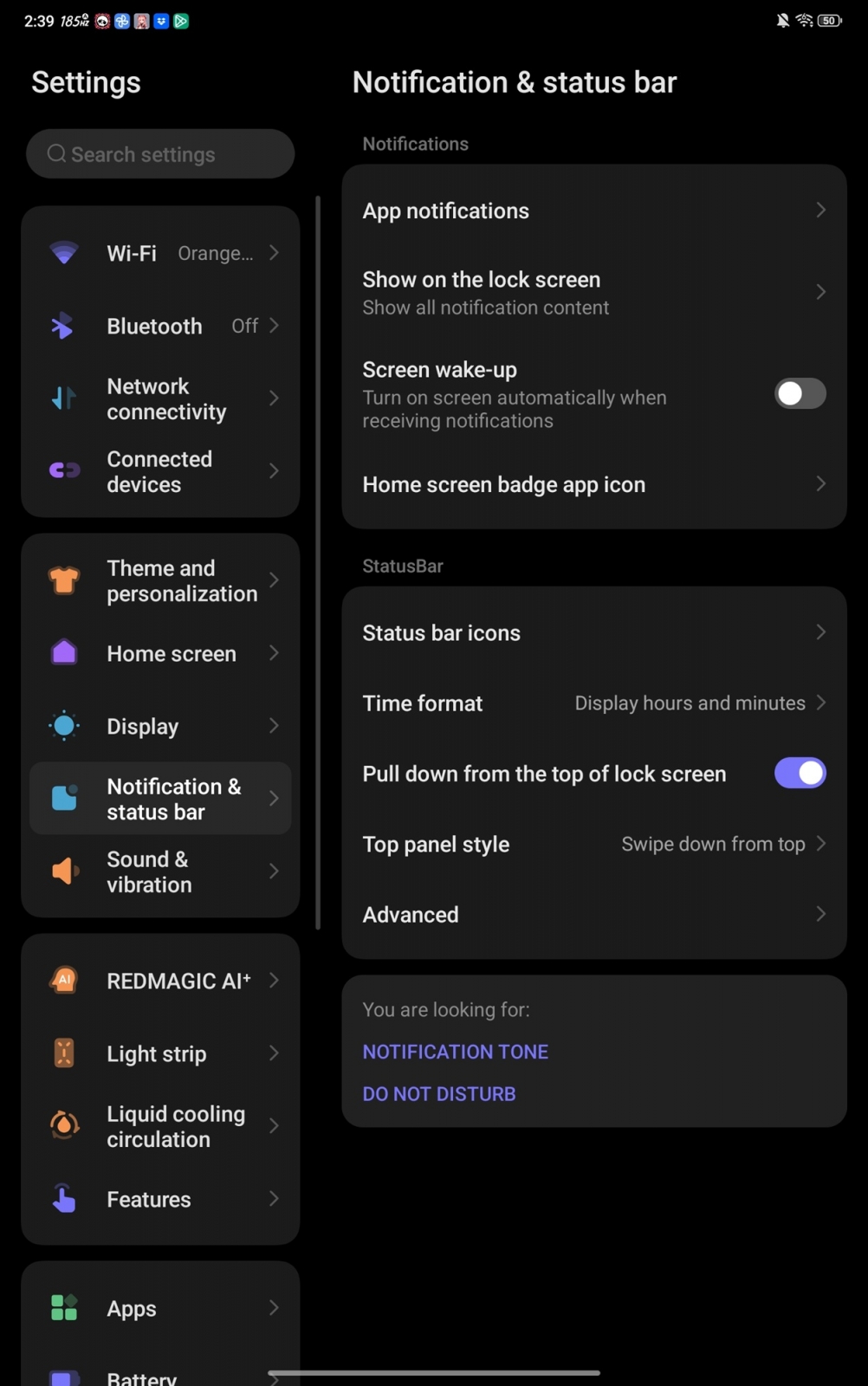





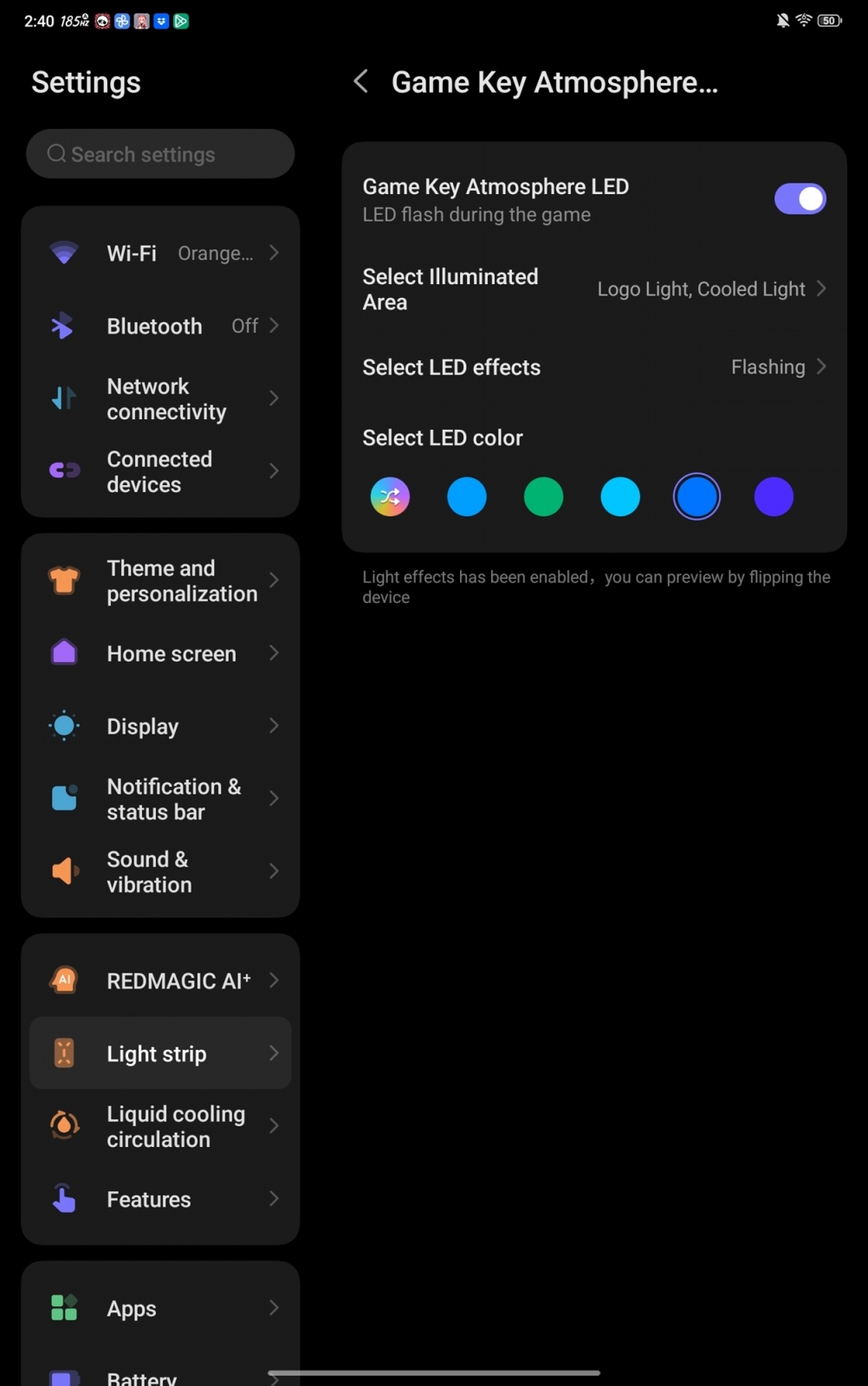
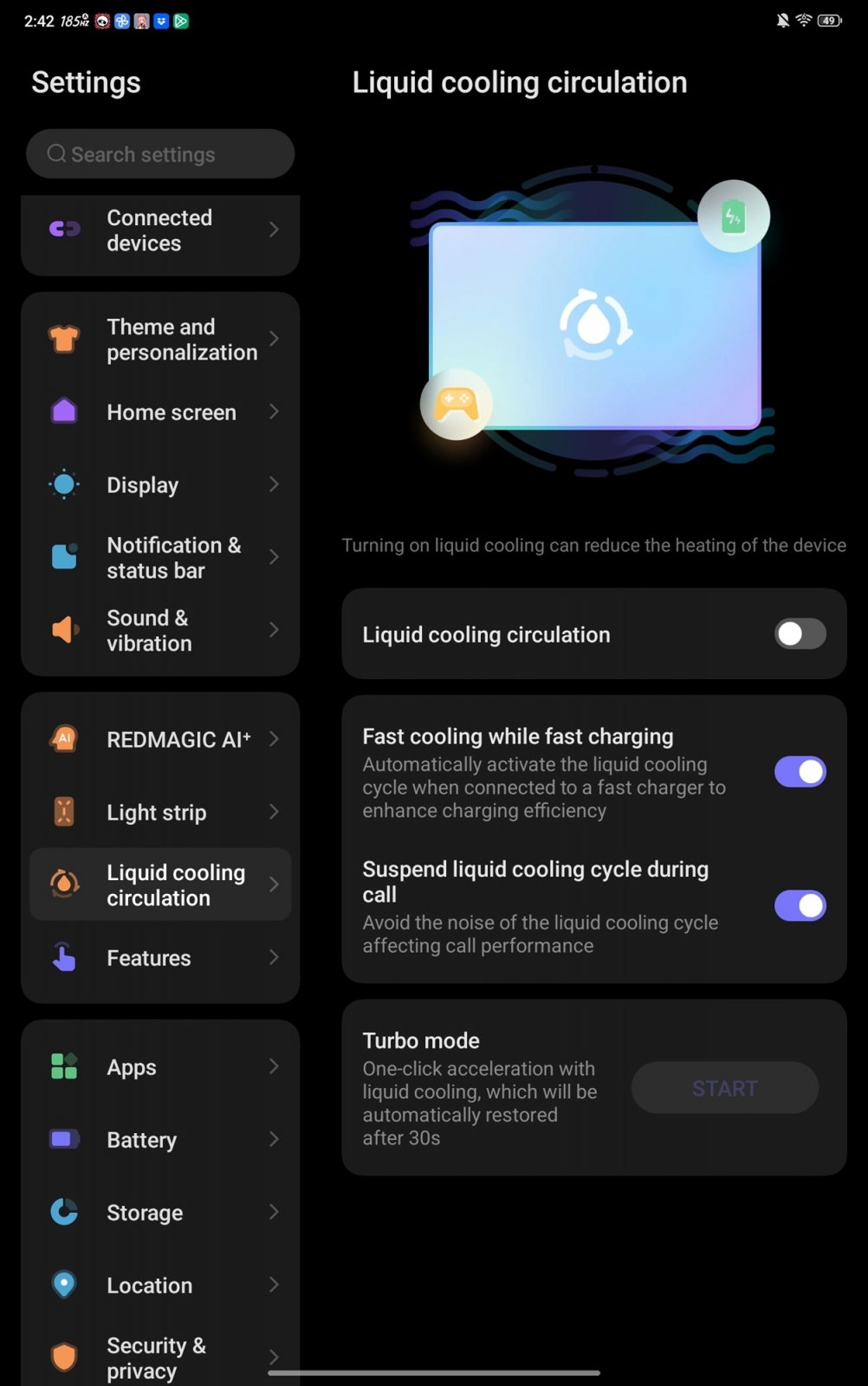

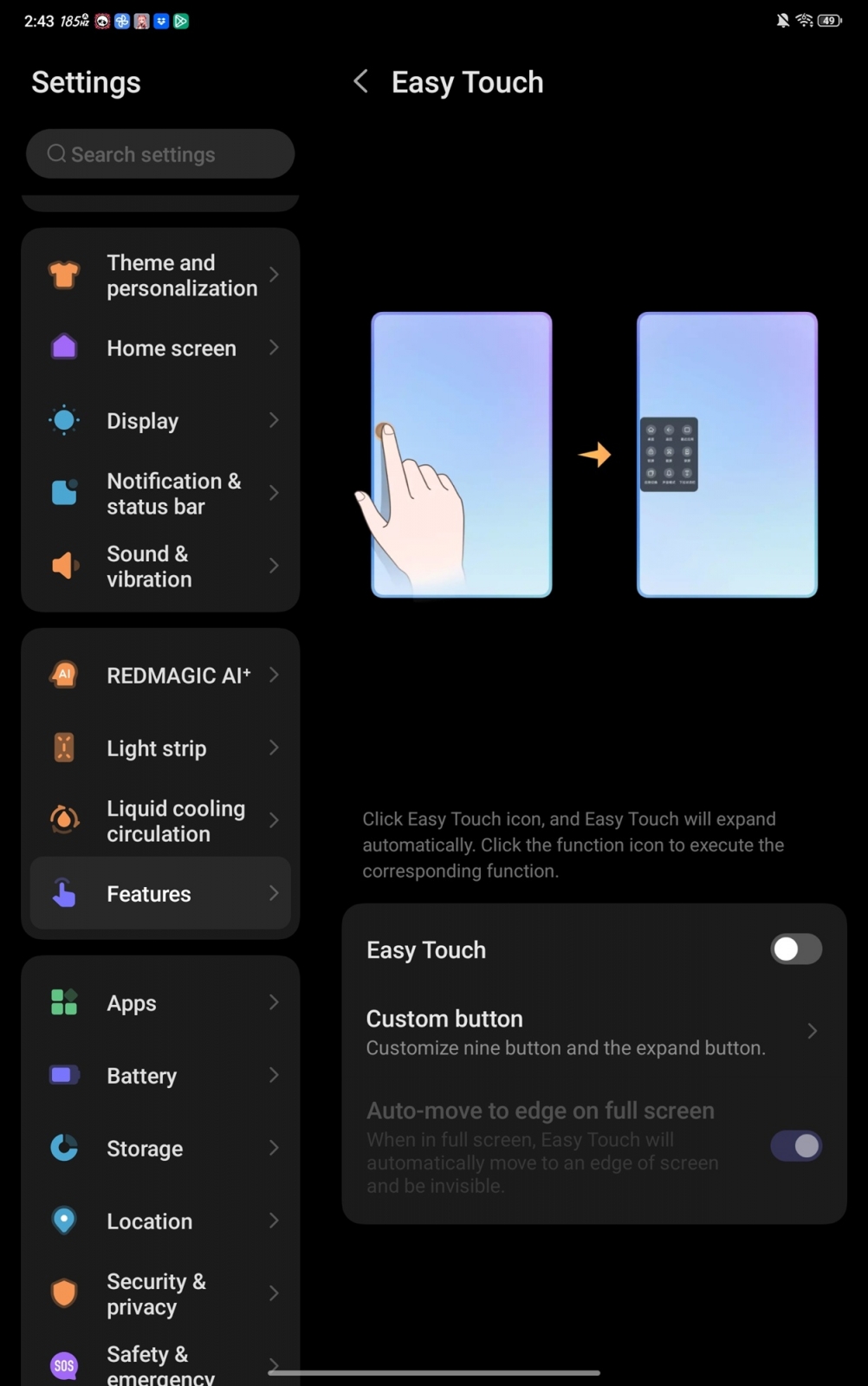
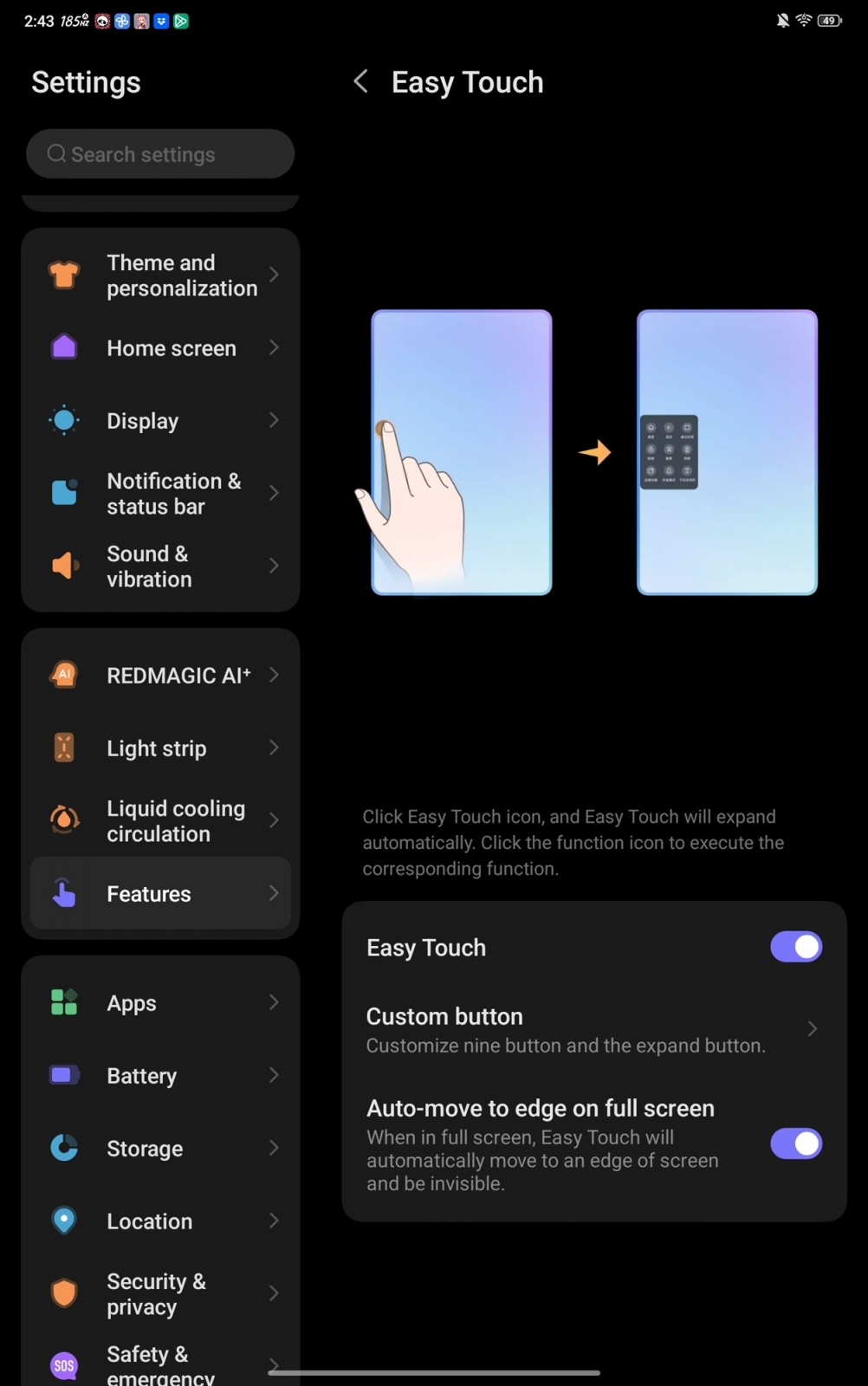
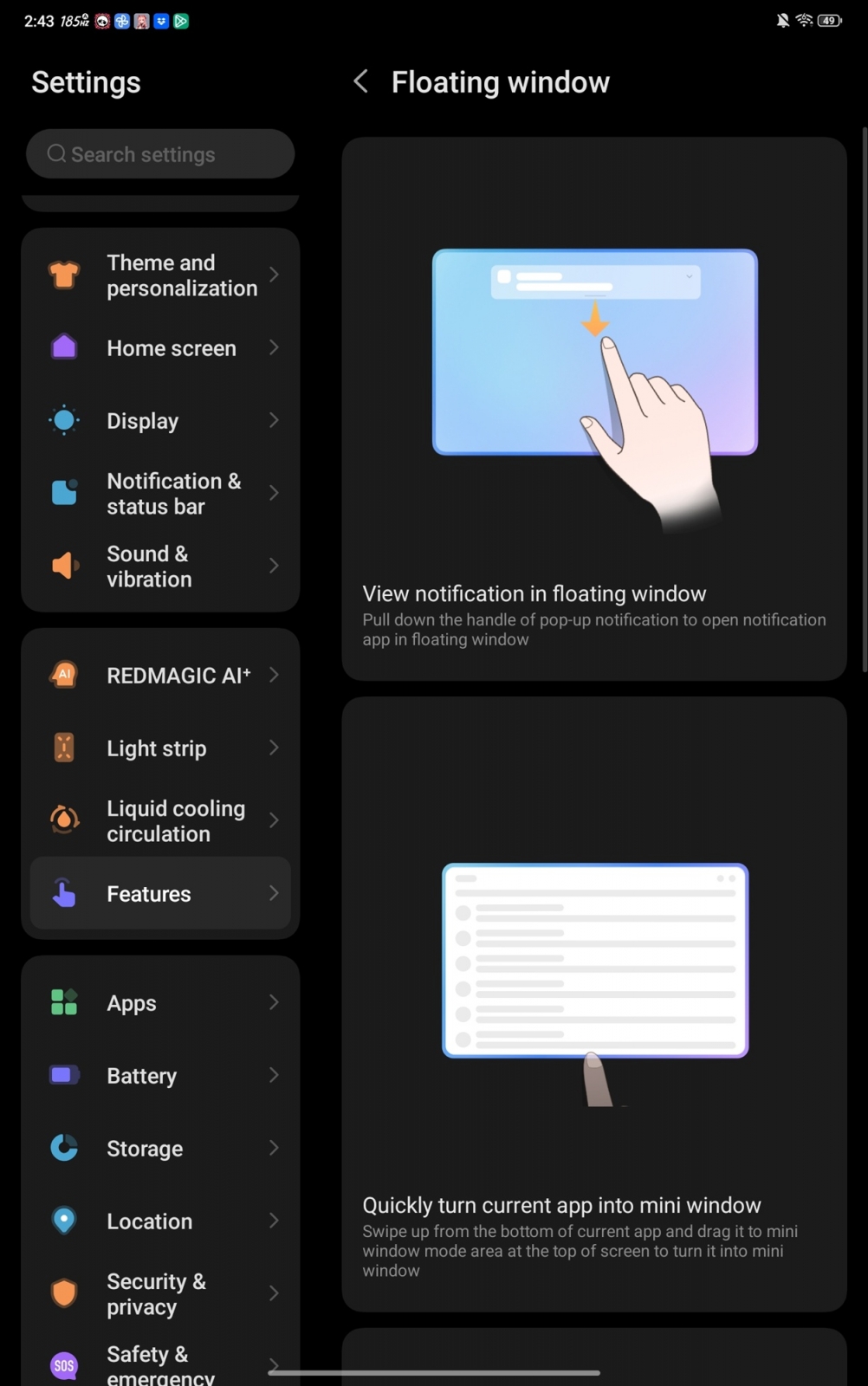


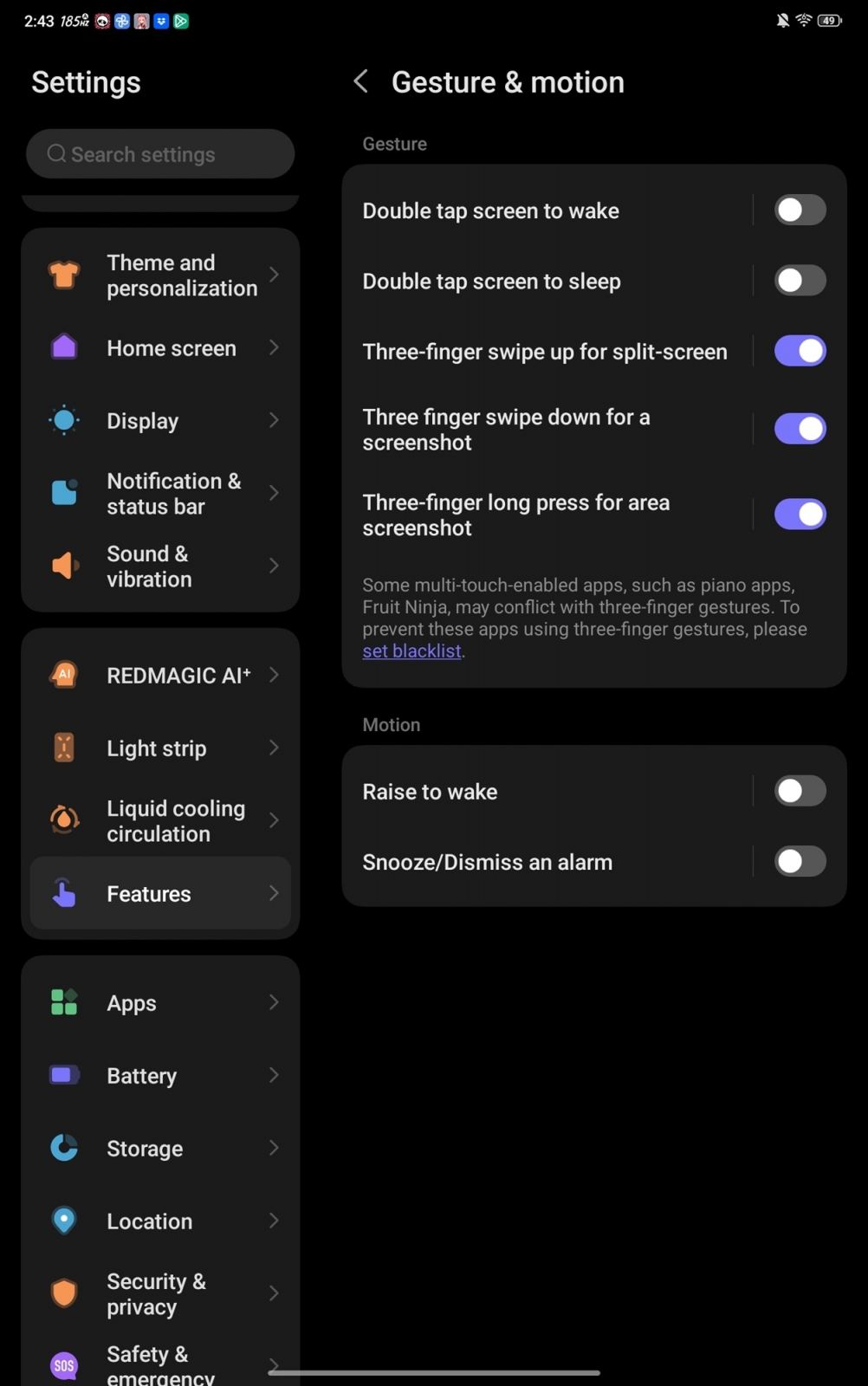




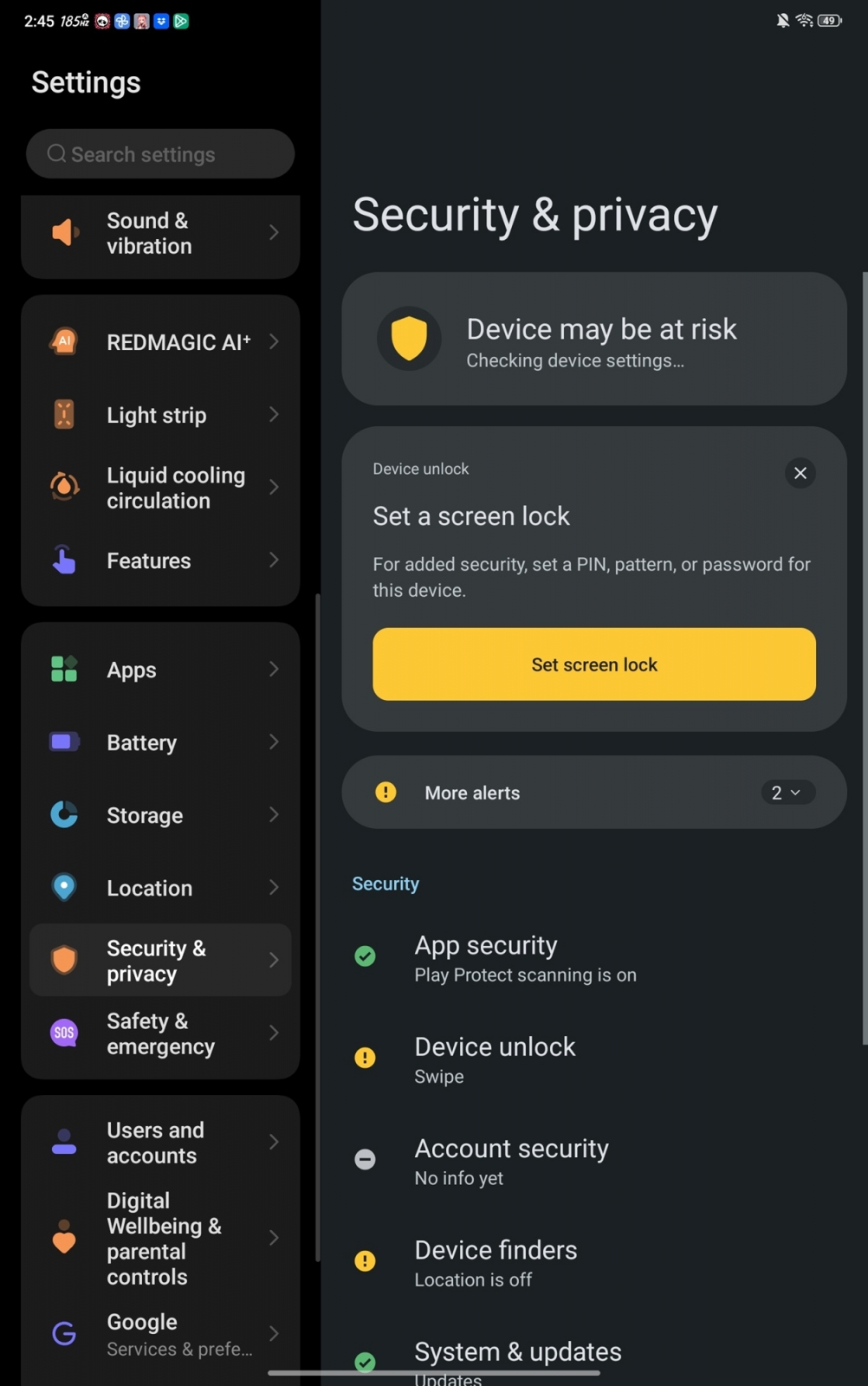

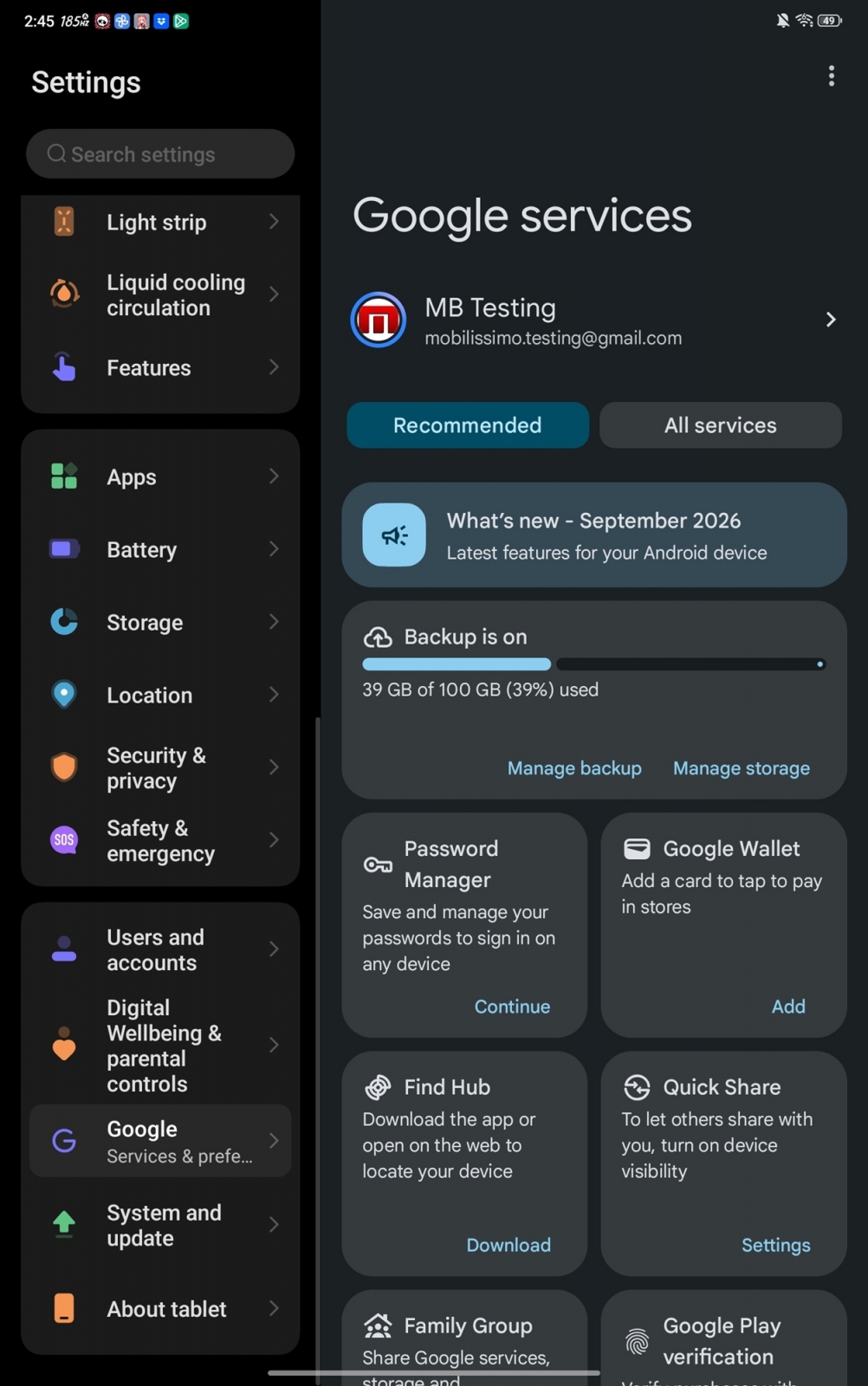

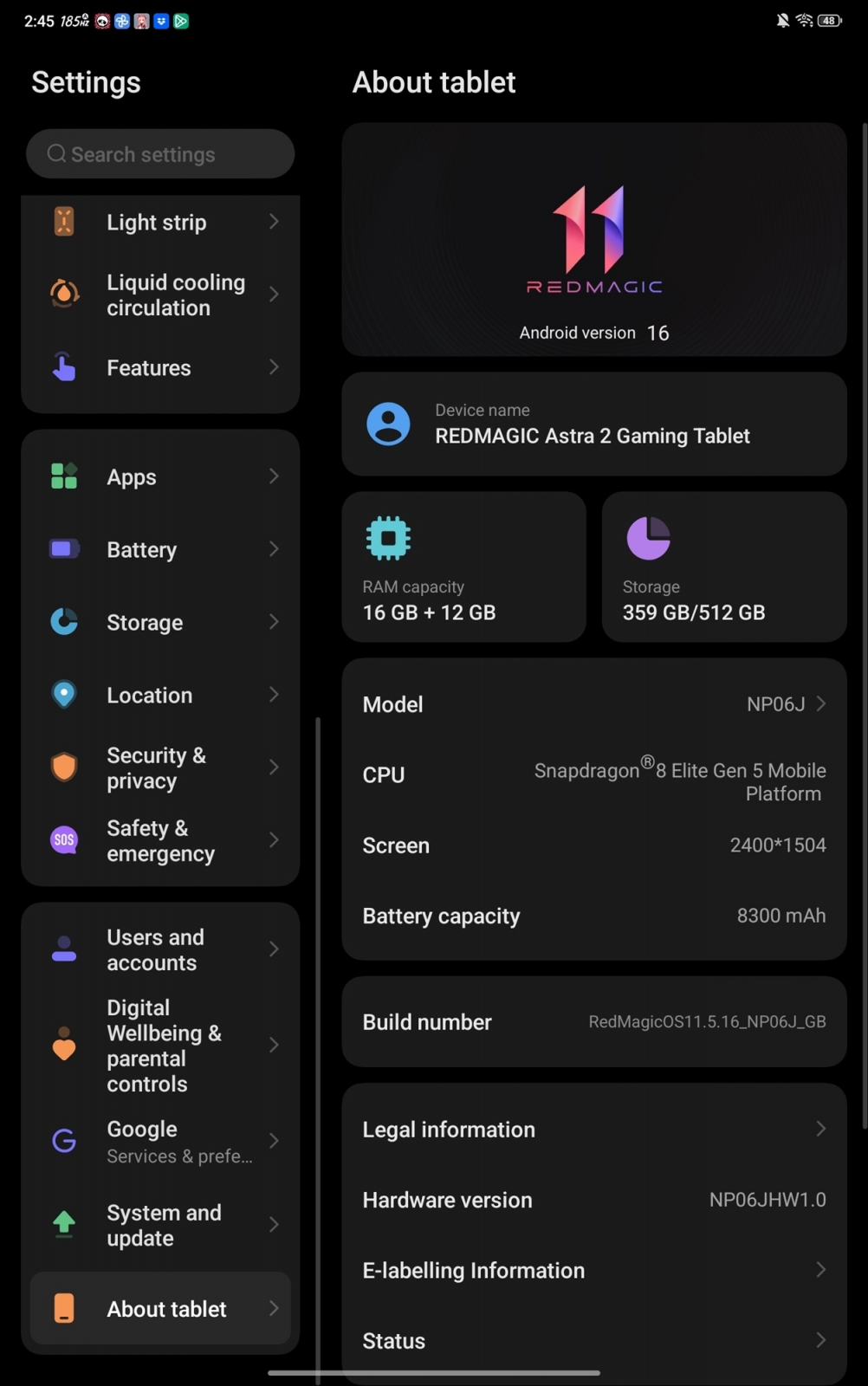
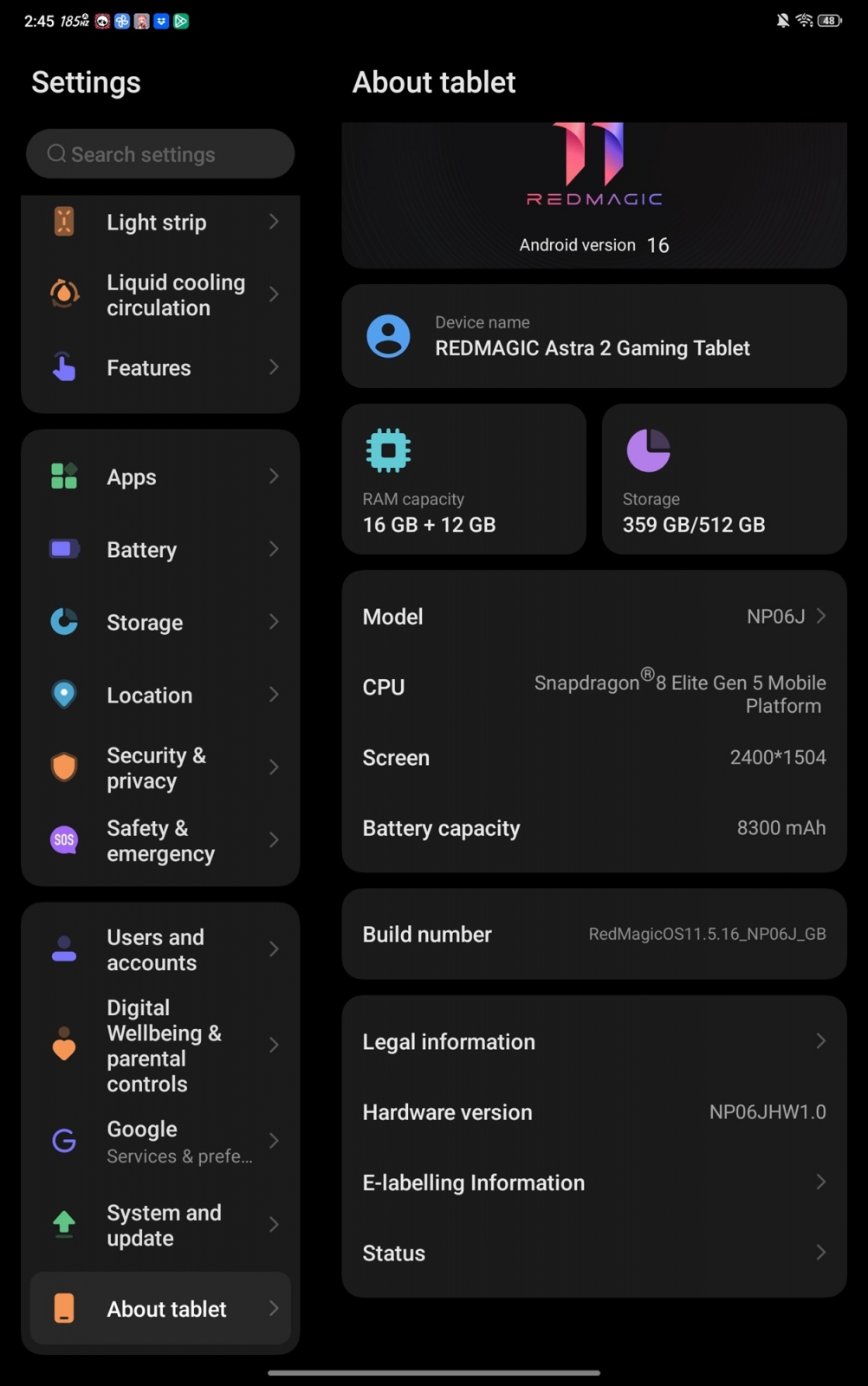
Cooling controls are available both inside the gaming hub and in the standard interface. REDMAGIC’s AquaCore Cooling System 2.0 combines liquid cooling with a large vapor chamber. The divide between a restrained Android interface and a highly configurable gaming environment is central to the Astra 2, while the use of overlays and visibility aids leaves an open question over how acceptable its most aggressive tools will be in competitive play.
Affiliate link: Check availability on Amazon.de