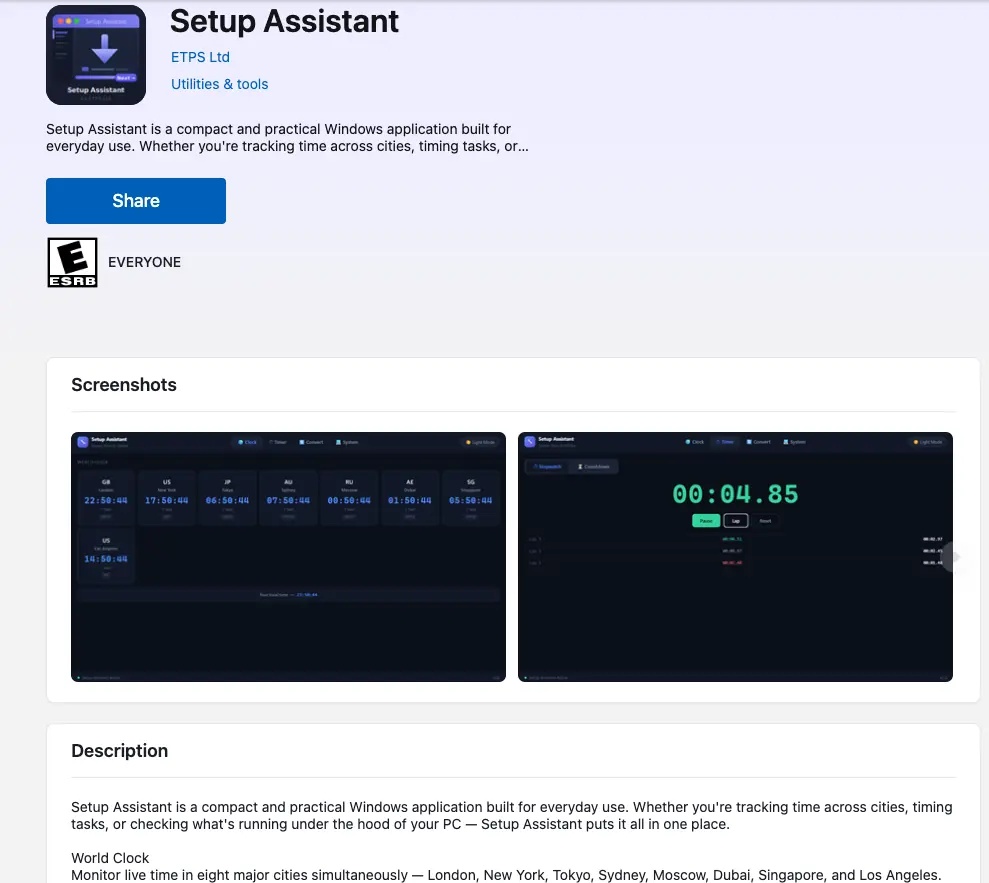
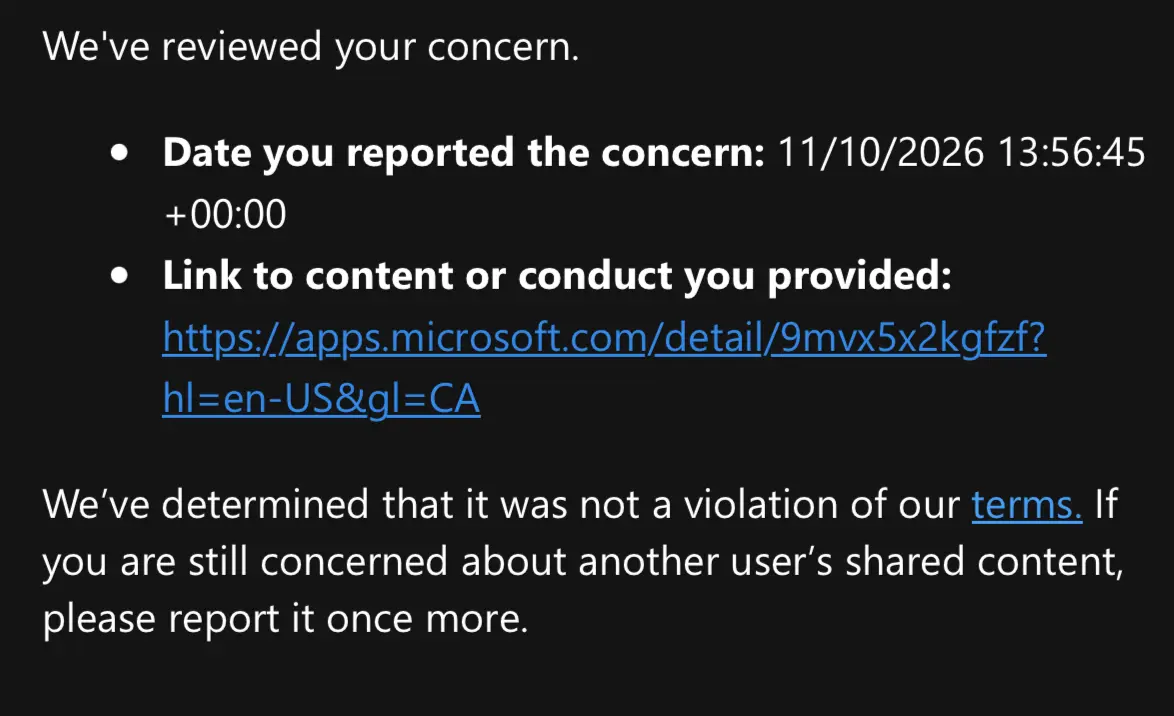
A Microsoft Store app called Setup Assistant was reportedly used to install the Vinci RAT remote-access trojan, giving attackers a route to run commands, move files and deploy further malware on affected PCs. Security firm eSentire said it reported the app to Microsoft, but initially received a response saying the submission did not violate the Store’s terms.
We reviewed your report and determined that it does not constitute a violation of our terms.
Microsoft
According to eSentire’s November 24 report, the infection chain began when a user searching online for Microsoft’s Snipping Tool reached a fraudulent website. The site supplied a Microsoft-signed installer that redirected the user to Setup Assistant in the official Store.
The listing presented Setup Assistant as a PC setup and optimization utility. eSentire said its actual function included remote command execution and the installation of Vinci RAT, which could collect system information, transfer files and launch additional malicious programs, including after a reboot.
The app had reportedly been listed in the Microsoft Store since June 1, 2026. ITPro reported that it was still available when it checked on November 25. Its developer name was shown as ETPS Ltd., but a UK electrical-equipment company with that name told ITPro that it does not publish Microsoft Store apps.
The reported decision is notable because Microsoft’s own malware criteria explicitly include backdoors and software that downloads other malicious programs. Microsoft’s security guidance also identifies the Microsoft Store as an example of a trusted source, though this case underscores the need to verify a developer’s identity as well as the download channel.
What to do if Setup Assistant is installed
Users who find Setup Assistant attributed to ETPS Ltd. on a PC should treat the device as potentially compromised. eSentire’s recommended response is:
- Disconnect the PC from the internet.
- Uninstall Setup Assistant.
- Run a Microsoft Defender Offline scan, since uninstalling the app alone may not remove the trojan.
Windows 11 already includes Snipping Tool, which can be opened with Windows + Shift + S. The dossier does not confirm whether Microsoft later removed Setup Assistant from the Store or whether affected users received any notification.