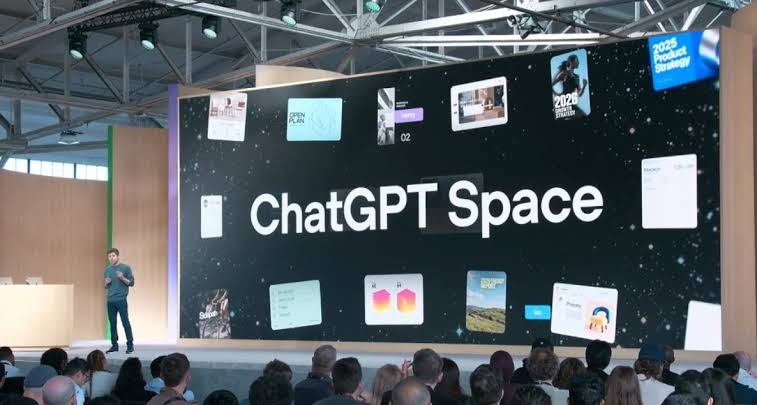
OpenAI has introduced ChatGPT Space, a shared workspace that brings files, documents, collaborators and AI tools together around a project. The feature replaces the Library section for eligible ChatGPT Pro, Business and Enterprise users, while Projects remains a separate area for organizing a project’s chats, files and instructions.
The centerpiece is Pages, an editable document format that can combine text, images, charts, tables and interactive elements. Users can write directly, ask ChatGPT to revise a section, and work in the same Page with collaborators who can add comments using their own ChatGPT accounts.
Spaces can also collect presentations, spreadsheets and files from connected services including Google Drive and Slack. That shifts the product beyond a file library toward a shared context that both people and AI can use throughout a project.
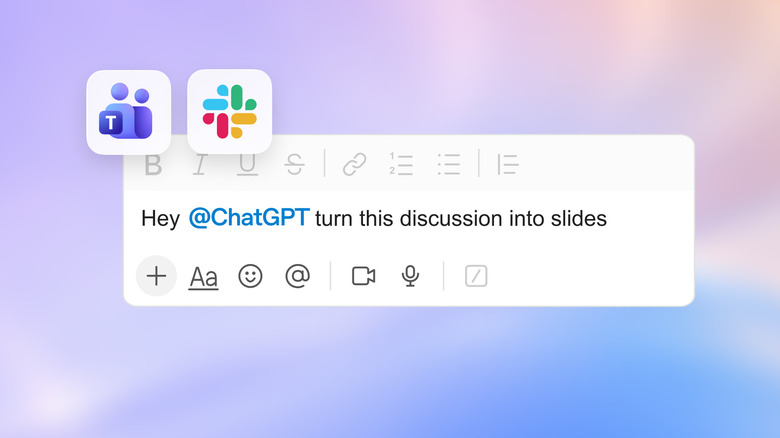
OpenAI is positioning Pages as living documents, but its dedicated Keep updated feature is not available at launch. Users can instead set up automations that revisit and update a Page on a schedule under rules they define. One potential use is a project dashboard that gathers tasks from email, Slack and calendars, then refreshes a priority list.
Agents and meeting notes
A Page can call on several OpenAI tools within the same project:
- ChatGPT, for drafting and revising content.
- Codex, OpenAI’s coding tool.
- Dots, persistent agents that can receive an objective, access to selected apps and rules governing their permitted actions, then continue work between conversations and return results to a Space.
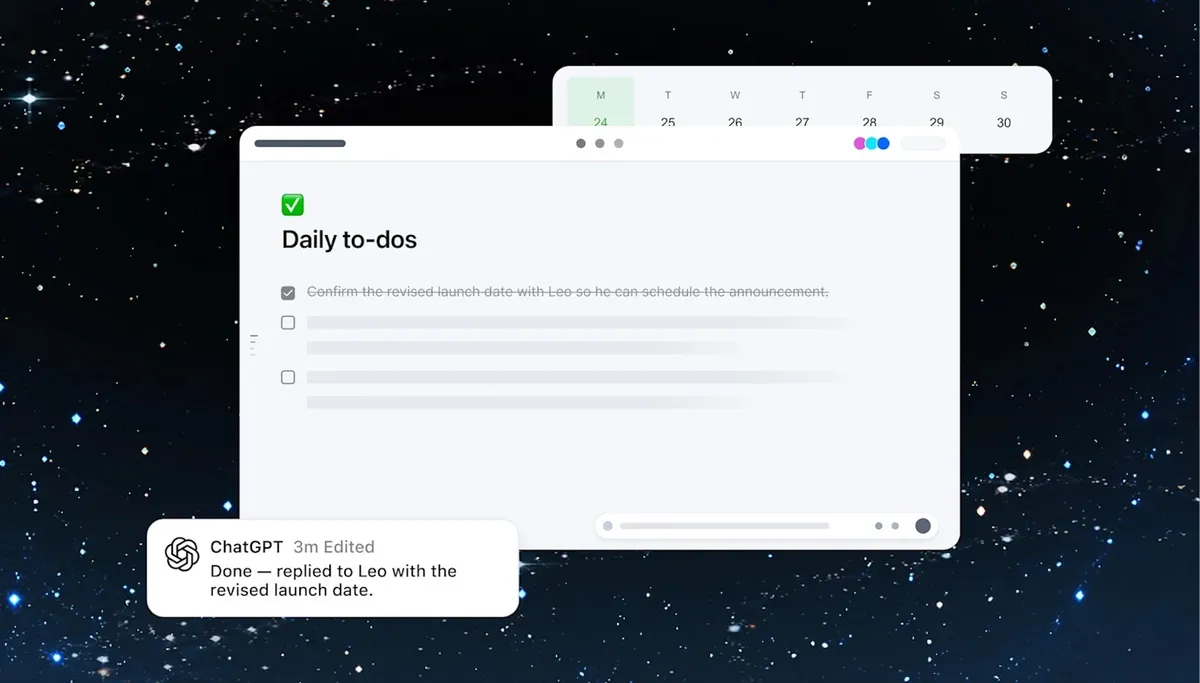
Dots are not available at launch to Pro users in the European Economic Area, Switzerland or the UK. Separately, OpenAI’s Meetings plugin is in beta for Pro and Business users on macOS. It can take meeting notes, create a summary and extract tasks for transfer into a Page; OpenAI says the meeting audio is deleted after the notes are generated.
ChatGPT Space is available on the web and desktop for eligible accounts. Mobile users can find, read and share Pages, but cannot edit them at launch. Collaborative presentations and spreadsheets are planned for a later release, leaving OpenAI’s broader workspace push dependent on features that are still to arrive.