Dahua SmartPSS Lite and Reolink Client are available in versions that support Apple silicon Macs, giving users of the two surveillance-camera platforms a route away from Intel-only software before Apple scales back Rosetta compatibility.
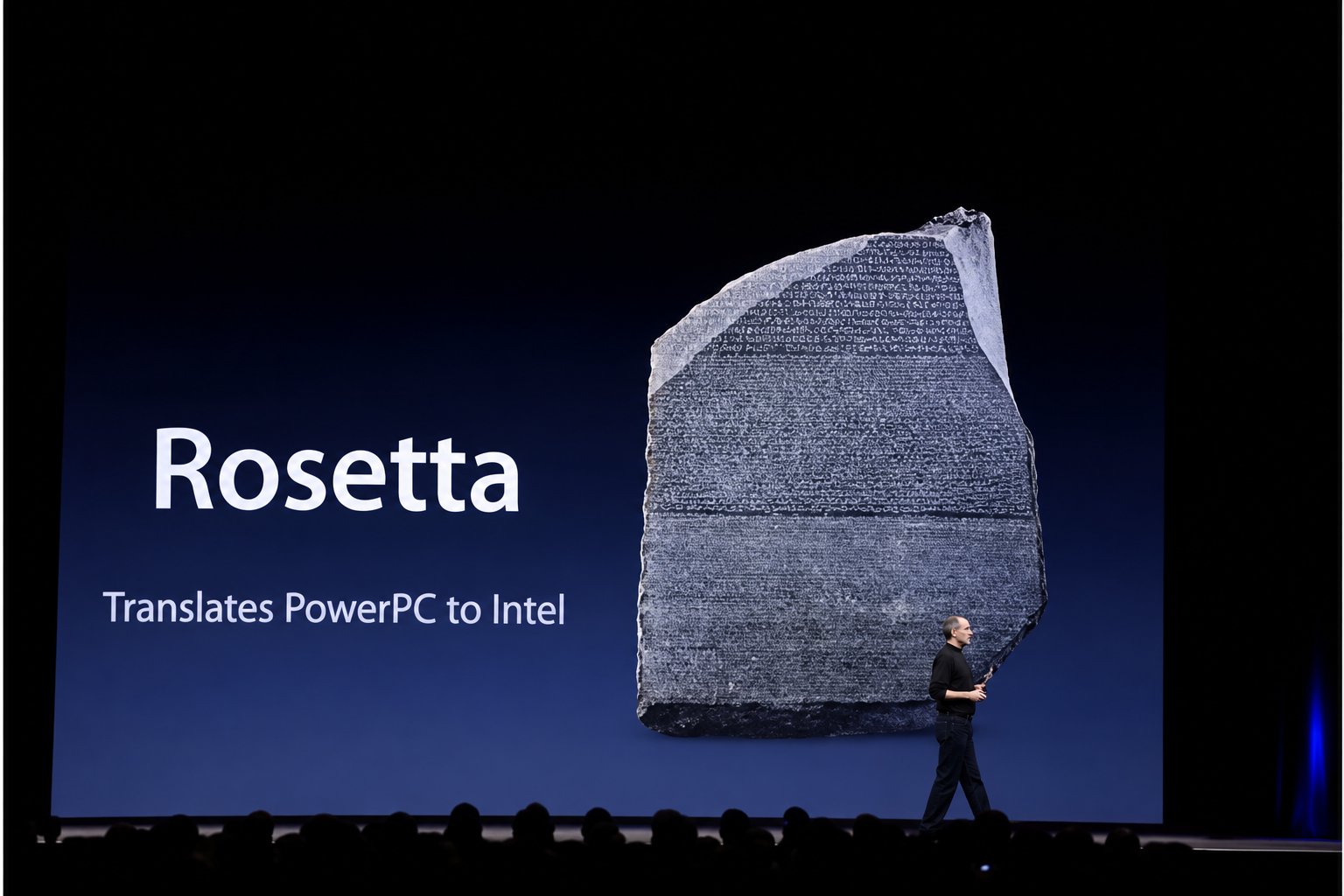
Apple introduced Rosetta during its 2020 transition from Intel Macs to its own processors, allowing x86_64 applications to run on Apple silicon. The translation layer remains available in macOS Tahoe 26 and is expected to continue as a general compatibility solution in macOS 27. Starting with macOS 28, Apple says Rosetta support will be limited to certain older, unmaintained games.
That timetable does not mean Intel applications stop working on current Macs, but it makes checking essential software worthwhile. The issue can extend beyond the main application: a Universal app may still need Rosetta when it relies on Intel plug-ins, extensions or other add-ons.
For Dahua users, the official SmartPSS Lite page now includes a separate “macOS M Series Download” option for Macs based on Apple’s M-series chips. Dahua also states that the older SmartPSS application is no longer supported on M-series Macs and directs users to SmartPSS Lite instead.
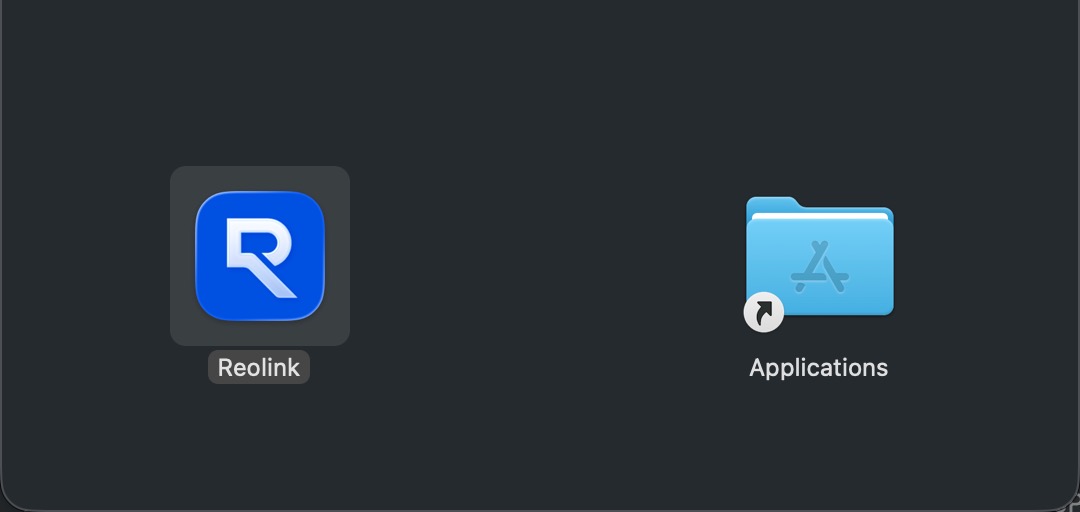
Reolink has made a similar transition. Its Mac client supports both M-series Apple silicon Macs and Intel-based Macs, according to the company’s software documentation. The latest installer is available through Reolink’s official software center.

How to check an app’s architecture on macOS
In Finder, select an application and choose Get Info, or press Command-I. The Kind field identifies its architecture. “Application (Intel)” means it relies on Rosetta on an Apple silicon Mac. “Application (Universal)” includes Intel and Apple silicon code, while “Application (Apple silicon)” runs natively on Apple’s processors.
Users replacing an existing camera-management client should keep account credentials and saved configuration details available. Replacing an older app may preserve settings in some cases, but that behavior is not guaranteed across all software or installations.
Rosetta’s remaining support window gives Mac users time to identify outdated dependencies rather than wait for a major OS release to expose them. Camera clients, specialized utilities and professional plug-ins are among the software categories most likely to require a separate architecture check before macOS 28 arrives.