Google has added file preview and editing to Gemini, letting users revise documents, PDFs, presentations, spreadsheets and code directly within a chat. The update removes the need to download a generated file before making changes, and Google says it is available to all Gemini accounts in the app’s supported languages.
Platform support is uneven: PDFs can be edited through Gemini on both the web and mobile, while editing for the other supported file types is limited to the browser.
- PDFs — editable on the web and mobile.
- Google Docs files — editable on the web.
- Google Sheets files — editable on the web.
- Presentations — editable on the web.
- Markdown files — editable on the web.
- TXT files — editable on the web.
- Code files — editable on the web.
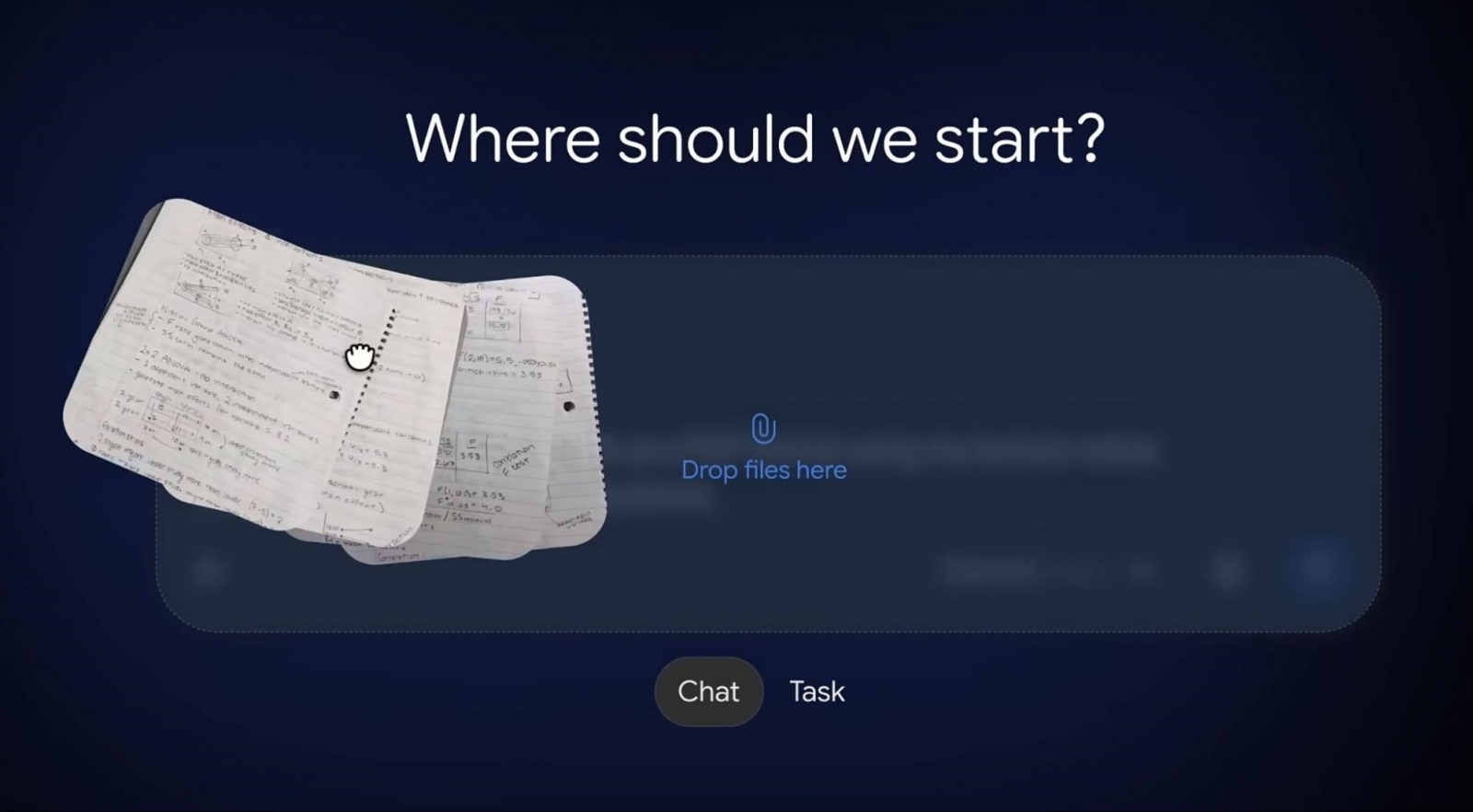
Files can be expanded to full screen for manual edits, while selected text can be sent to Gemini for explanations or AI-assisted revisions. Google demonstrated the workflow by uploading handwritten class notes, turning them into a study PDF, correcting the text in place and requesting changes to selected sections, including visual elements. Follow-up questions about the file can remain in the same conversation.
For presentations, Gemini can be used to review slide layouts or revise the tone and structure before the file is opened in Google Slides or downloaded as a PPTX or PDF. Edited documents can also be uploaded to Google Drive. Google announced the feature on October 29; the key limitation remains that mobile editing currently extends only to PDFs.