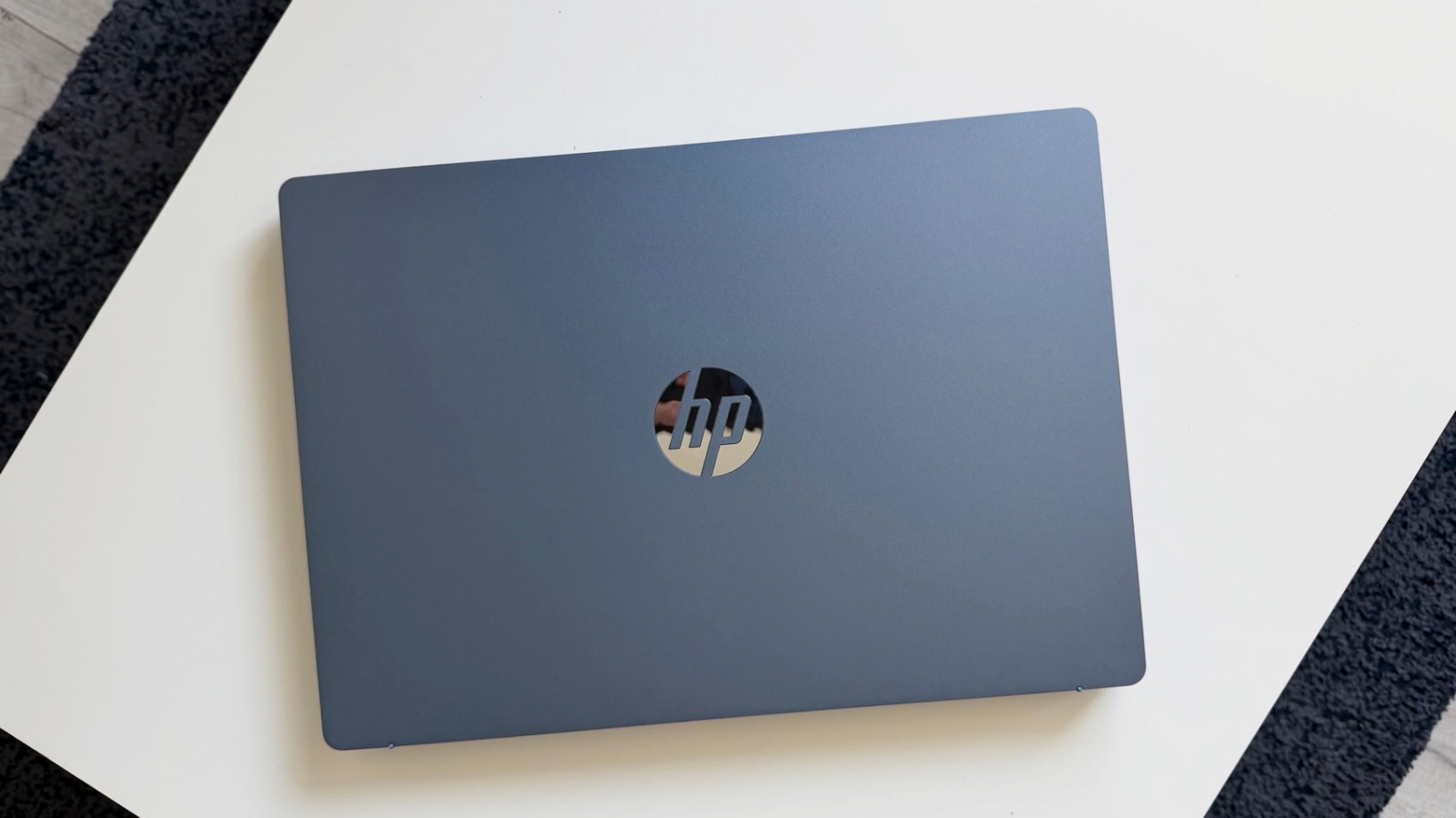
The HP OmniBook 3 aims to bring a large 16-inch workspace to a relatively portable Windows laptop, measuring 14.7mm thick and weighing 1.64kg. Its combination of an AMD Ryzen 5 40 APU, 16GB of LPDDR5 memory and a 512GB PCIe NVMe SSD proved capable of handling browser-heavy office workloads, image editing, cloud-file transfers and multiple apps at once during testing.
The laptop uses a 16-inch IPS LED panel with a 1,920 x 1,200-pixel resolution, a 16:10 aspect ratio and an anti-reflective finish. HP lists 300 nits of brightness, 62.5% sRGB coverage and an 88% screen-to-body ratio. The extra vertical room was particularly useful for side-by-side windows and multitasking, while the matte surface reduced reflections in brightly lit environments.




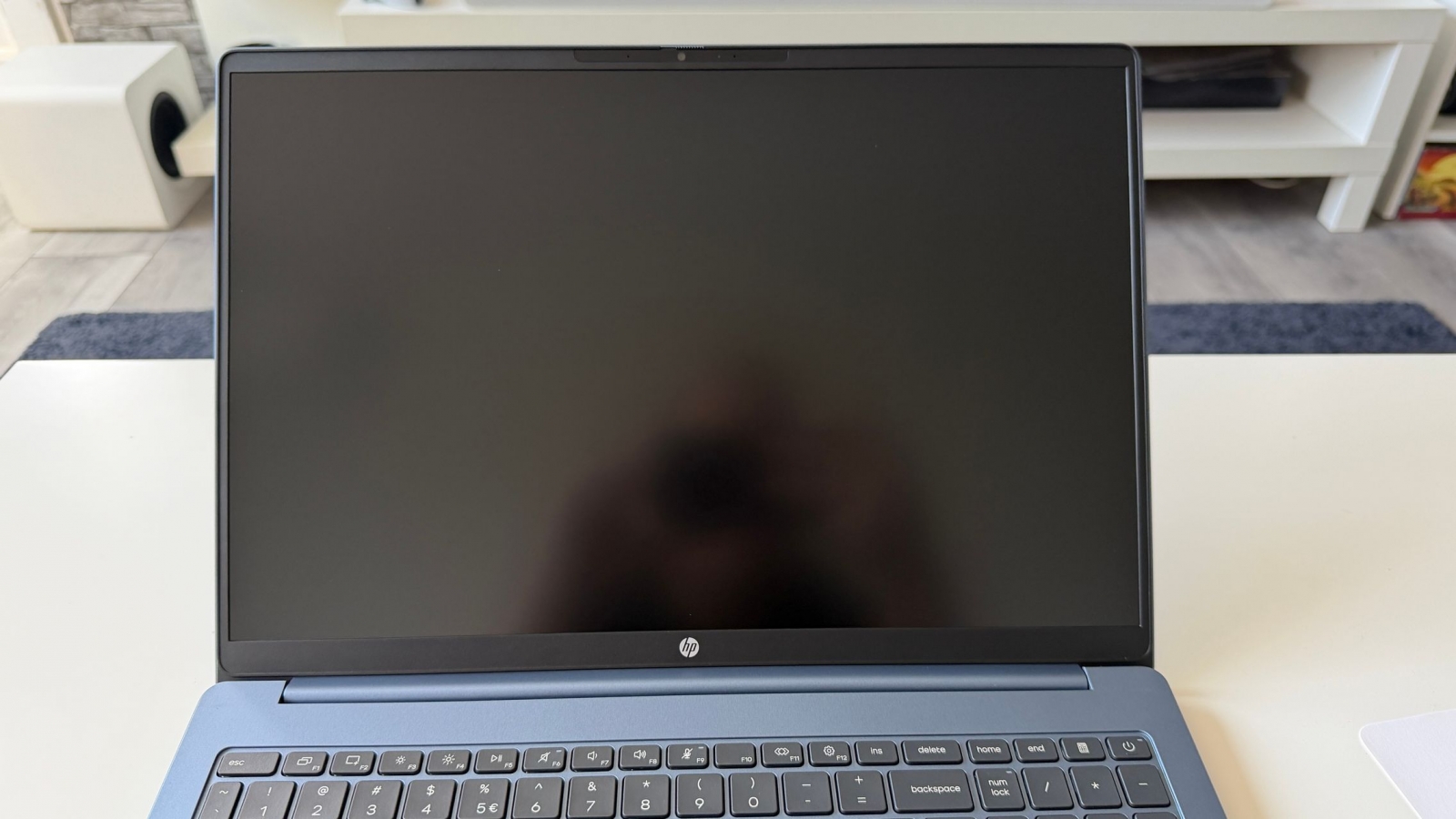



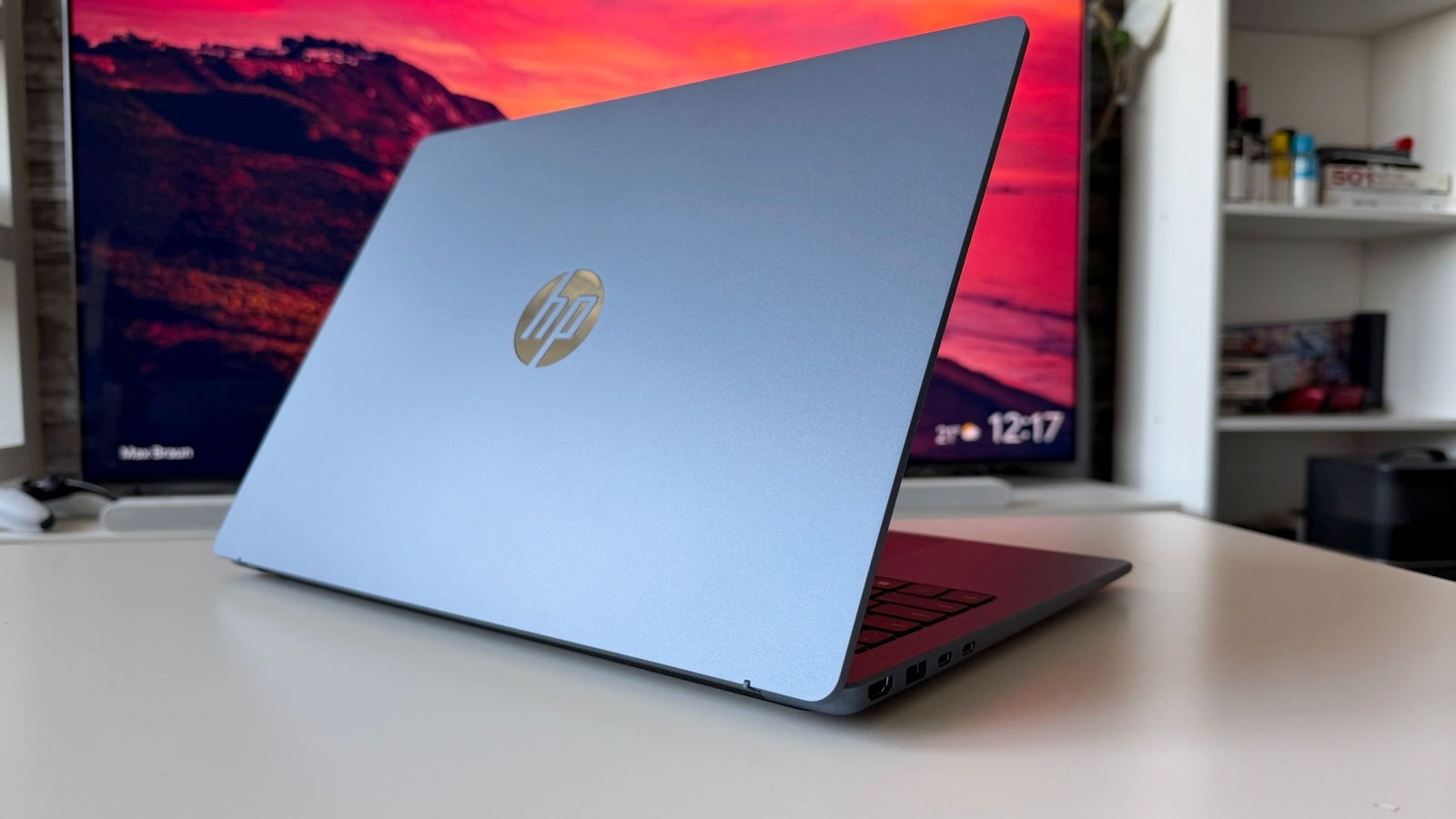

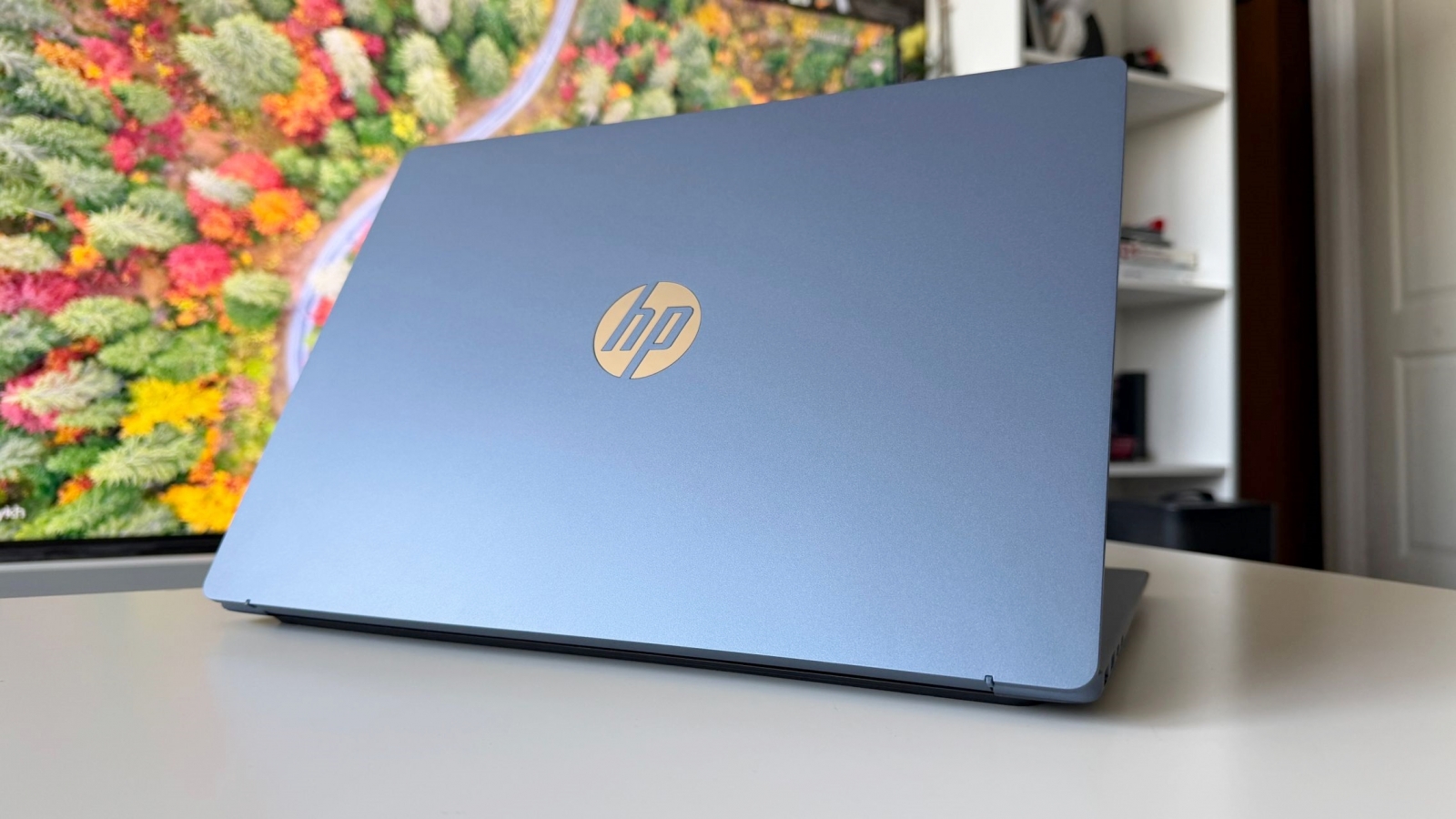


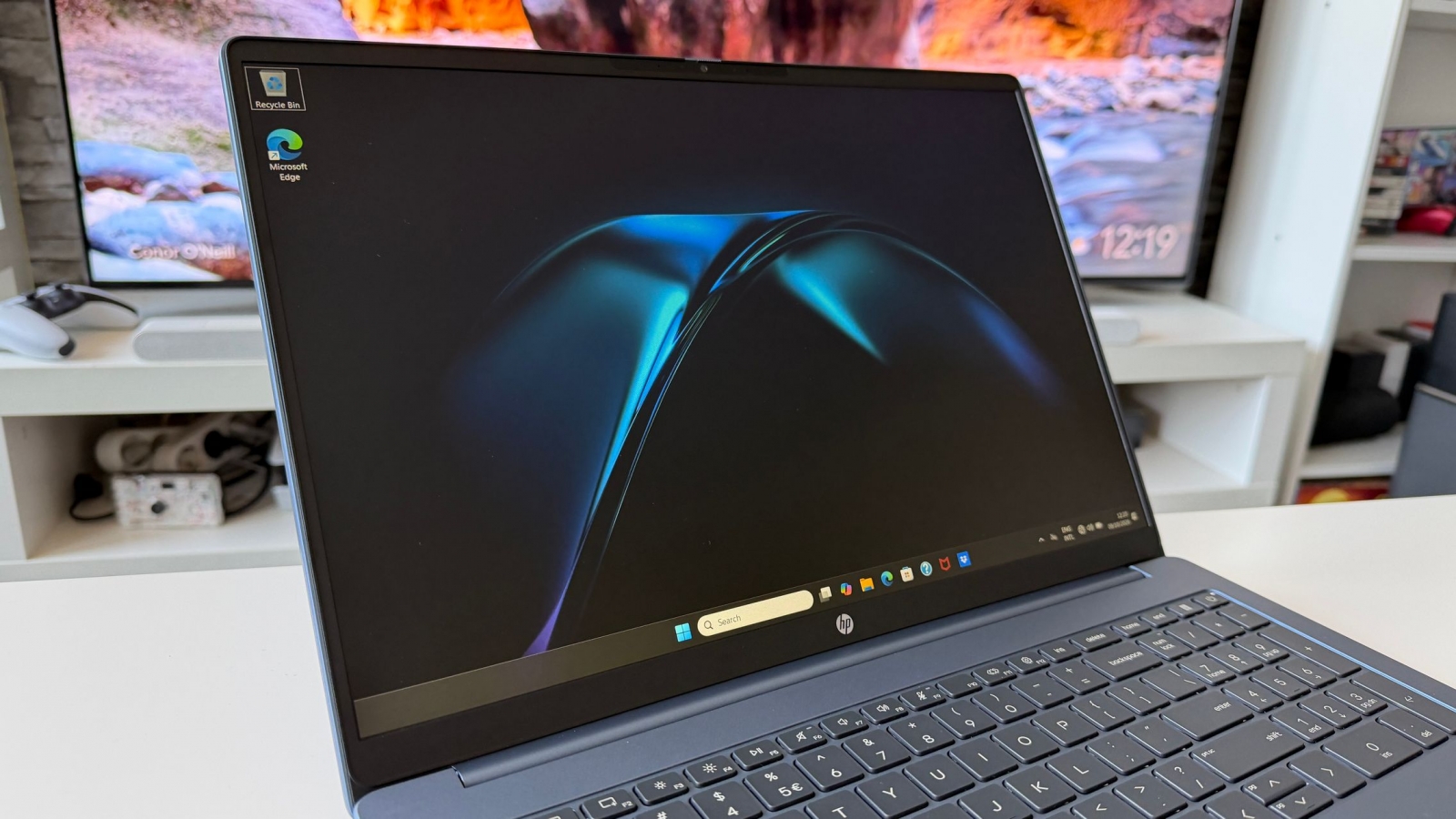

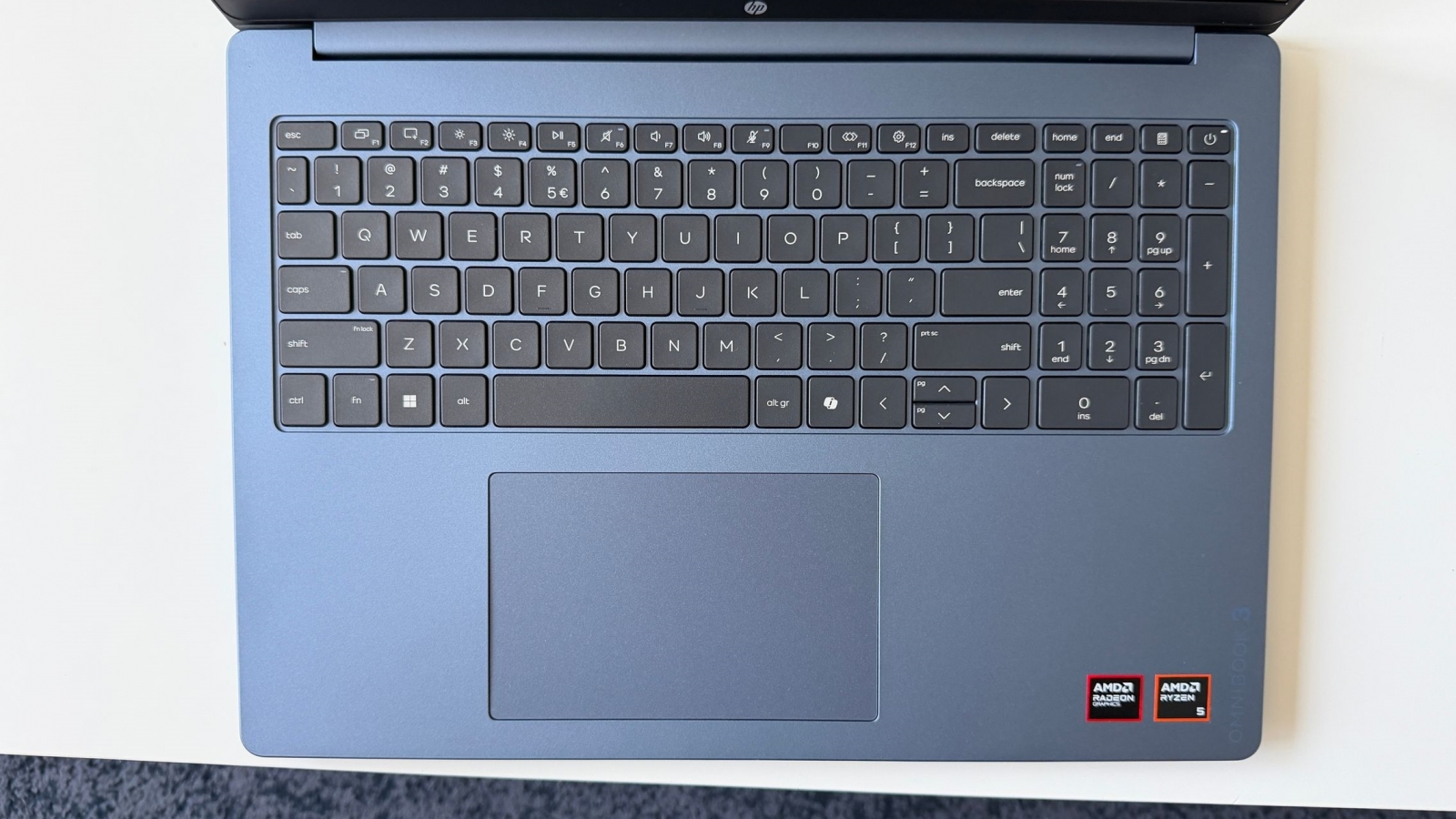


Its metallic blue finish was resistant to visible fingerprints in everyday use, and the OmniBook 3 is also offered in gold, silver/gray and dark gray options. A webcam sits discreetly above the display, with a physical privacy shutter included for users who want to block the camera between calls.

Hardware and connectivity

The tested configuration runs Windows 11 Home and relies on integrated AMD Radeon 610M graphics. It remained responsive with numerous browser tabs, office applications, lightweight photo-editing tools and background media playback open simultaneously. Fan noise was seldom noticeable during these routine tasks, and the palm-rest area did not become uncomfortably warm over extended sessions.
- Processor: AMD Ryzen 5 40 APU, quad-core
- Graphics: AMD Radeon 610M
- Memory: 16GB LPDDR5 SDRAM at 5,500 MT/s
- Storage: 512GB PCIe NVMe SSD
- Operating system: Windows 11 Home
- Display: 16-inch IPS LED, 1,920 x 1,200 pixels, 300 nits, anti-reflective finish
- Battery: 41Wh, three-cell

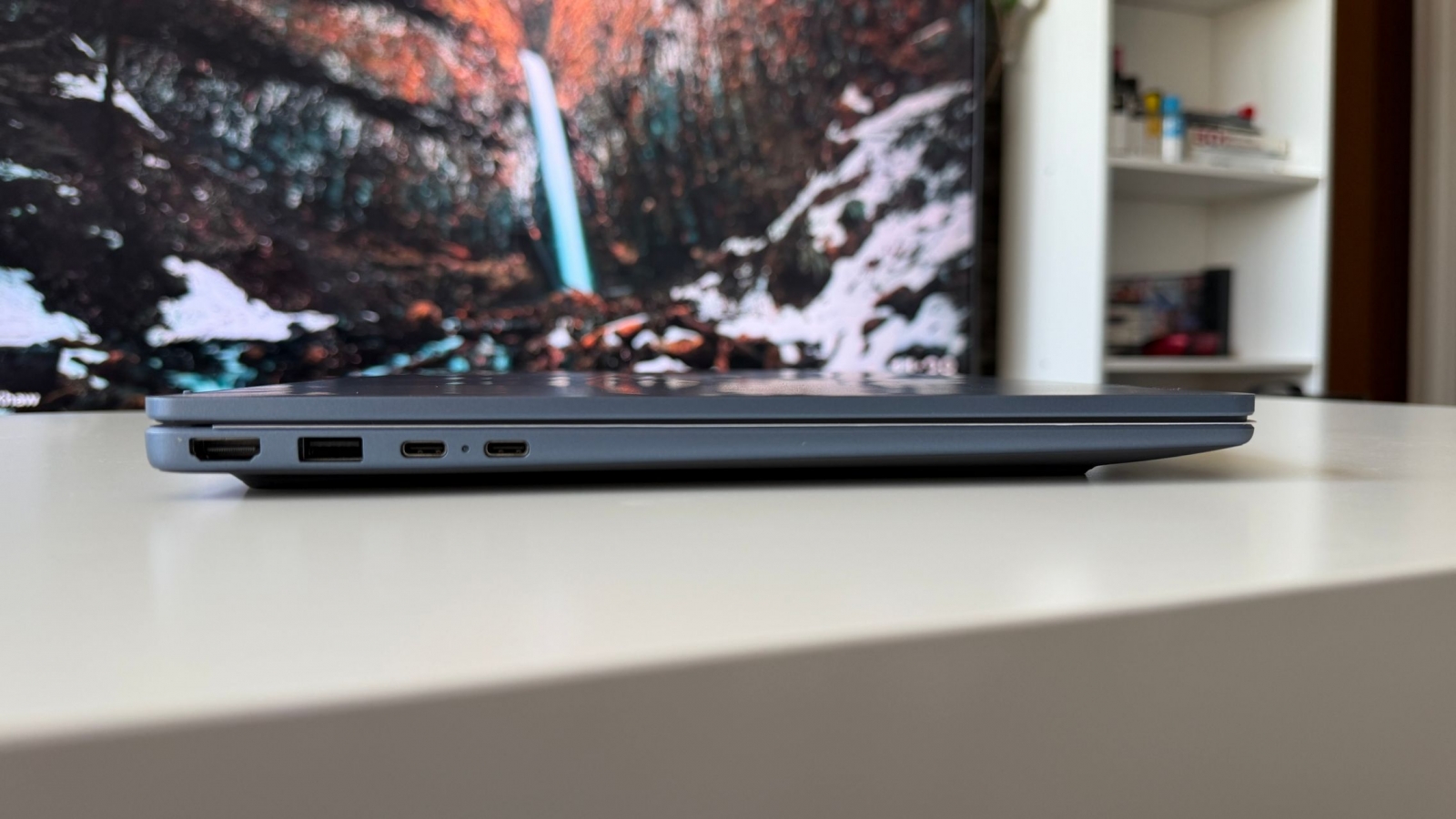
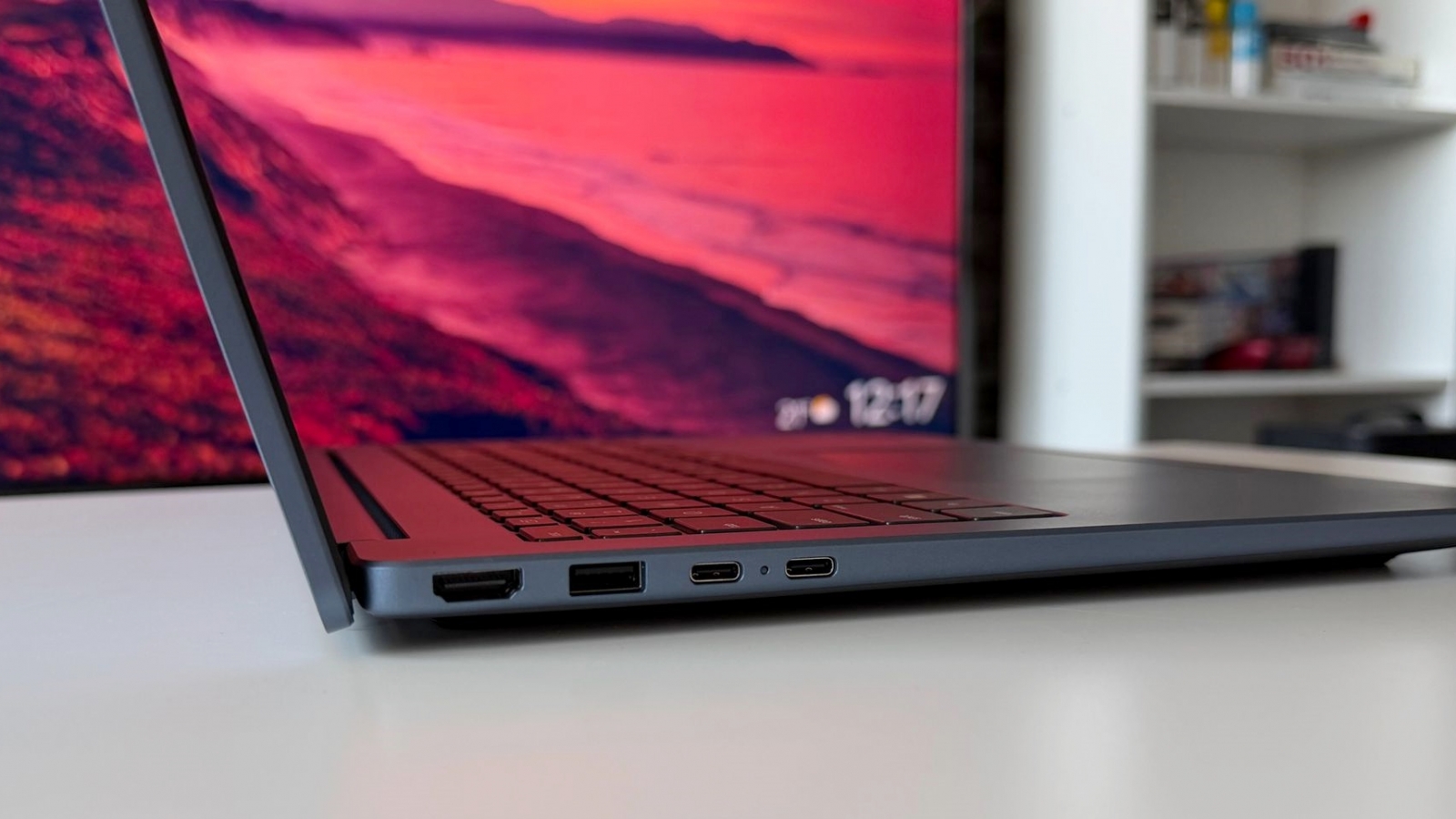
Wireless connectivity is handled by a MediaTek MT7920 2×2 Wi-Fi 6 card, alongside Bluetooth 5.4. In a gigabit-class Wi-Fi environment, download speeds approached 800Mbps and uploads reached about 550Mbps in testing. The laptop also includes USB-A and USB-C connections; the USB-C ports support 10Gbps data transfers and DisplayPort output for an external monitor.

The full-size keyboard delivered quiet keystrokes and precise feedback during long writing sessions, while the large touchpad was practical away from a desk. The 41Wh battery lasted through a working day in the reviewer’s usage pattern, which included a reduced display-brightness setting; battery life will naturally vary with brightness, network activity and workload.

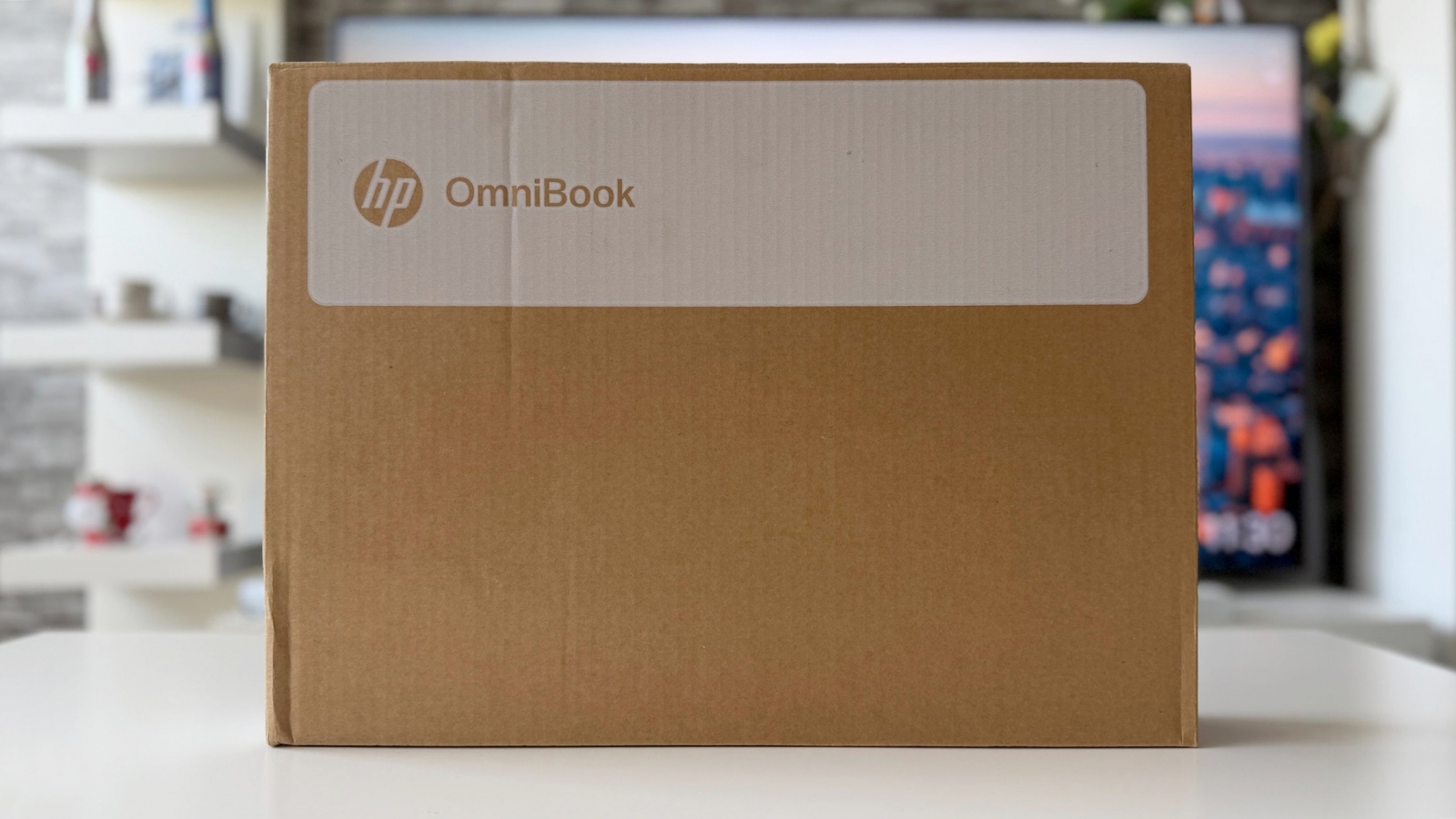
HP ships the OmniBook 3 with documentation but without a power adapter or charging cable in the package described here. The company recommends a 45W AC adapter, with charging handled through USB-C. That omission is an important consideration because bundled accessories and configurations can differ by market.
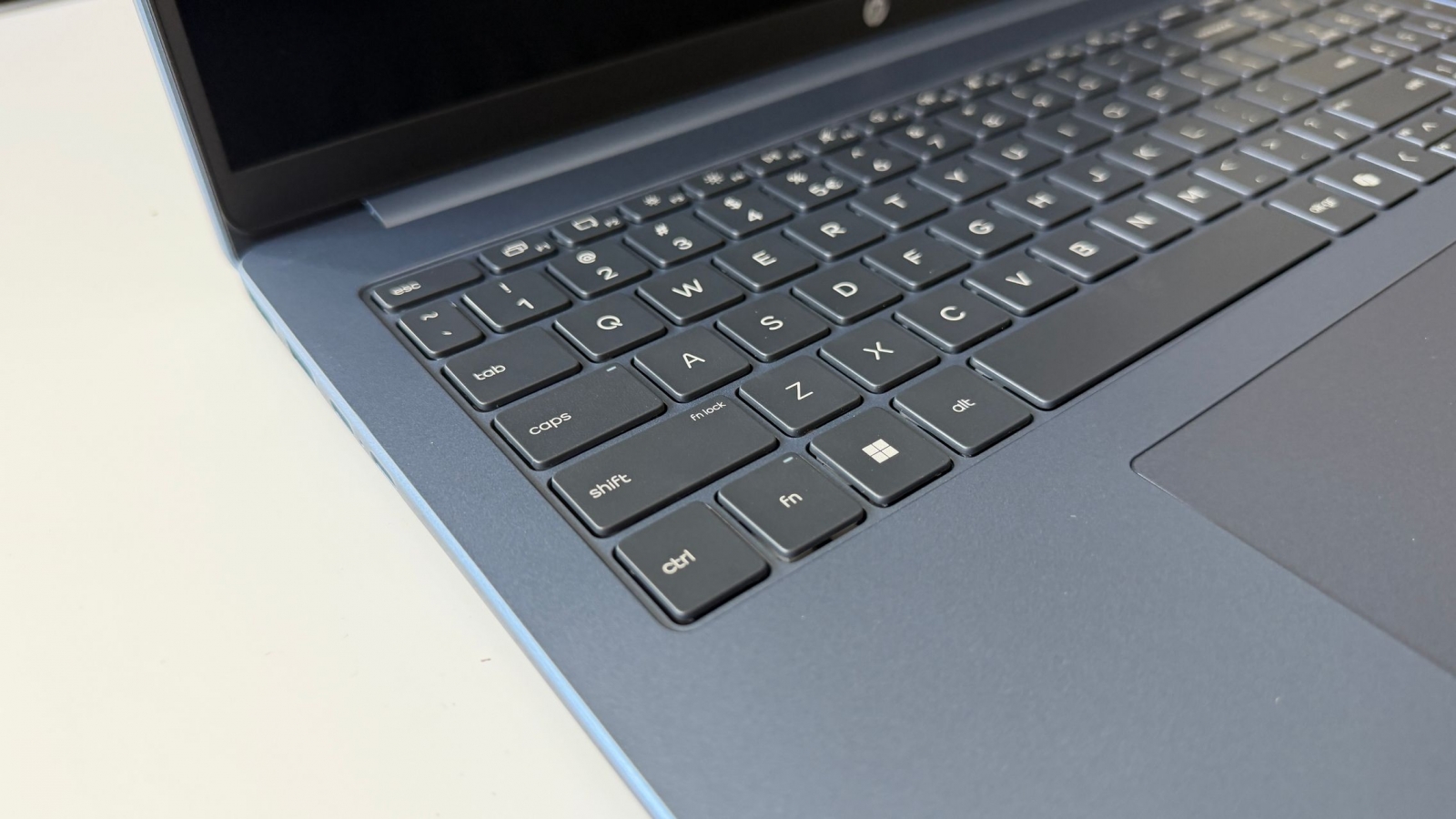
The OmniBook 3’s strongest proposition is its attempt to combine a roomy 16-inch, 16:10 display with sub-1.7kg portability for general productivity rather than demanding graphics work. International pricing, regional configurations and availability were not confirmed in the reviewed material.